Skip to content
Log InBook a demo
Book a demo
Free template · paper and digital

Material Request Form

A request for materials from the field, listing items, quantities and the reason, then routed for approval and signature.

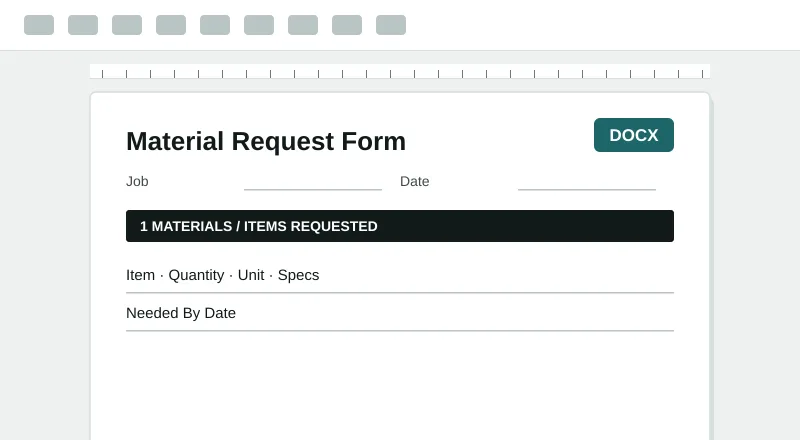
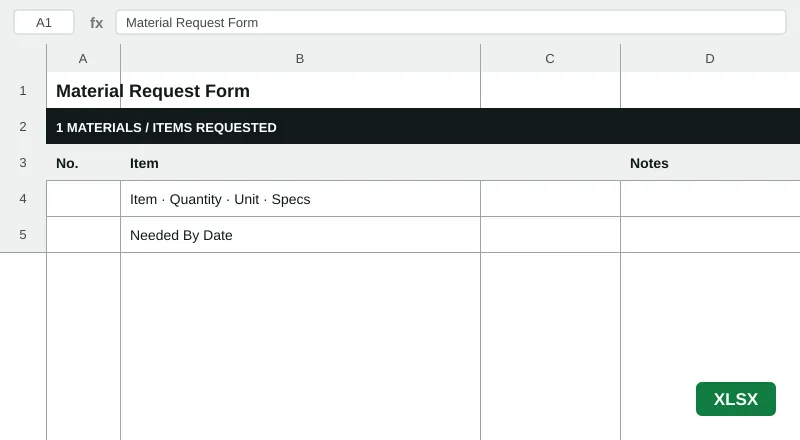
WordExcel
  • No email
  • No sign-up
  • Edit it, add your logo
See every check

The template

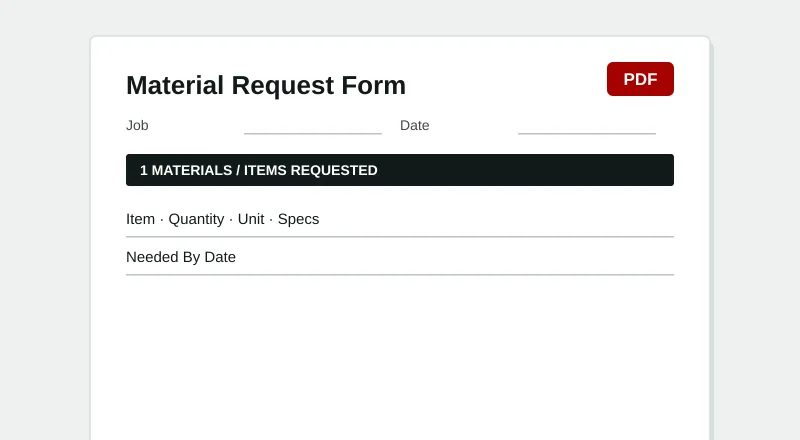
The full Material Request Form

Print it for the clipboard, or put it on your crew’s phones. Same form either way.

Your logo

Material Request Form

Keep projects moving with this Material Request Form. Use it to document supply needs, request approval for materials, and ensure the accurate and timely delivery of resources to your job site without confusion or costly delays.

Job
Date

Requester and Project Details · repeat as needed

Project Name / Job Number
Delivery Location
Requester Name
Department / Trade
Contact Information
Request Date
Required Delivery Date
Priority LevelNormalHighEmergency

1 · Materials / Items Requested

Details · repeat as needed

Items Requested

ItemQuantityUnitSpecs
Needed By Date

2 · Additional Details

Reason for Request
Budget Code / Cost Center
Preferred Vendor
Special Instructions

3 · Approval and Signature

Approver Name
Approval Status
Approval Date
Approver Signature
4 · Attachments

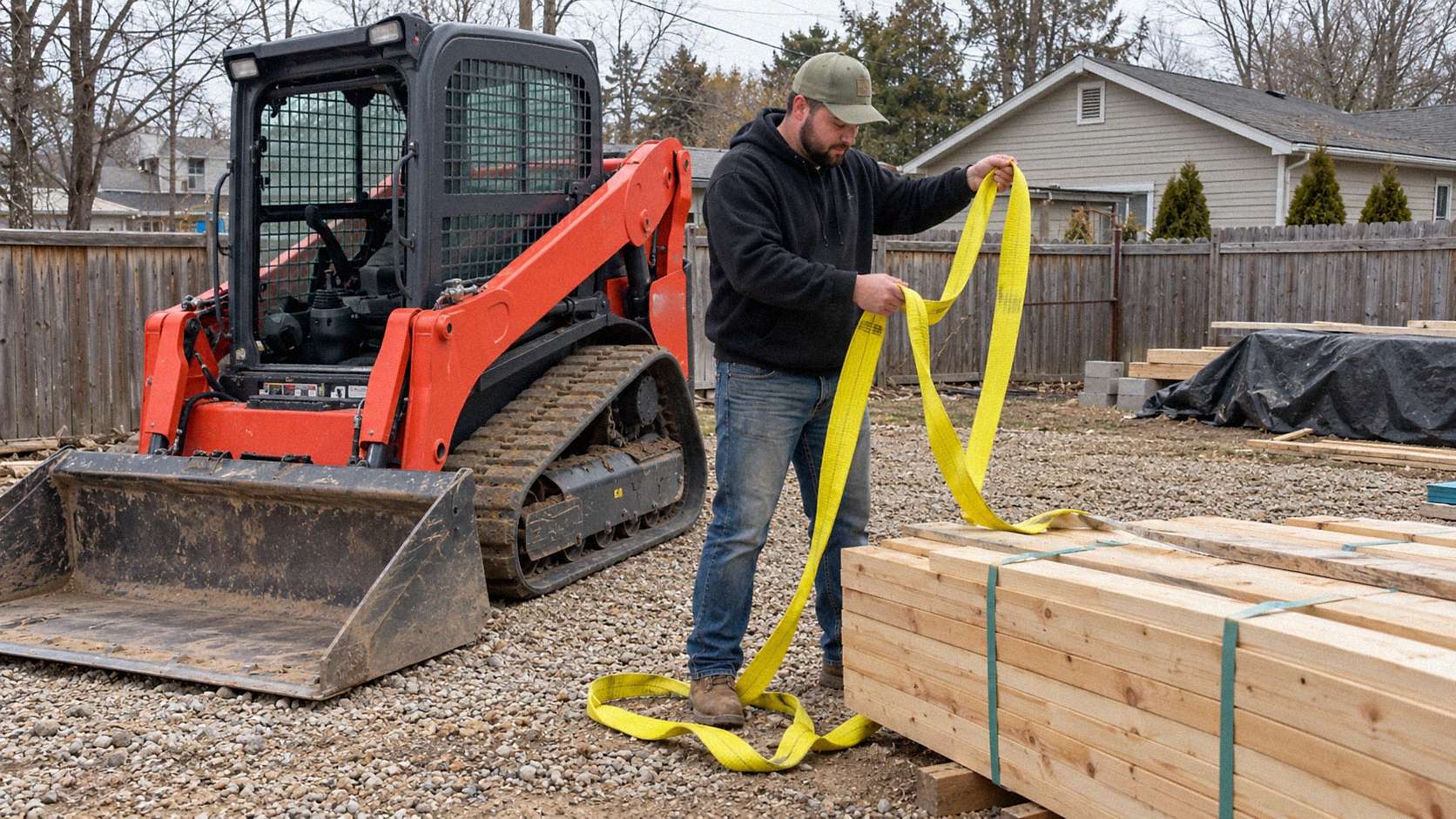
· photo refs

Free download

Material Request Form template: PDF, Word and Excel

Print the form as it is, or download a template you can edit. Every format is free, with no email and no sign-up.

How to use it

How to use the Material Request Form

  1. 01

    Log it when it arrives

    Check every delivery against the order when it lands on site, before the driver leaves.

  2. 02

    Count what goes in

    Record quantities received and installed against the job, by area or cost code.

  3. 03

    Note shortages and damage

    Write down anything short, damaged or wrong, with a photo, so it can be claimed.

  4. 04

    Keep it with the job

    File it with the job, so material costs and billing match what’s actually on site.

Why we built this

Materials are where margins leak

Short deliveries, damaged stock and material that walks off site all come off your margin. A log at delivery is how you get it back.

  • Built for the field. Every check is written the way crews talk, with room for notes, photos and a signature.
  • Free, with no catch. No email, no account. Print it and hand it out.
  • On paper or on the phone. The same form runs on the Workyard app, filed to the job when it’s sent.

3,000+contractors run their crews on Workyard

Meet Workyard

Who we are

Workyard is the construction operations platform for specialty contractors and self-performing general contractors determined to grow without sacrificing job control or margins.

Forms like this one are what our customers’ crews fill in on Workyard every day, on the same app they clock in with.

workers on Workyard every day
100,000+
free templates, none of them gated
182

Forms & Workflows

Get every form back from every crew, every day

  • It shows up on its own. Attach it to a task, a job or clock-out, and it’s on the crew’s phone when it’s due.
  • It can’t be skipped. Make it required and the day can’t close until it’s in.
  • You see it the same day. Filed, flagged or missing, every job on one board, before anyone has to call.

$123,000cut from insurance costs at TR3 Group

More material tracking templates

Free templates for the rest of the job

  • Material Tracking

    Material Delivery Receipt

  • Material Tracking

    Daily Material Usage Log

  • Material Tracking

    Submittal Log

Browse all templates

Questions

Material Request Form FAQs

Who should fill out the Material Request Form?

A Material Request Form is usually completed by team members who need specific materials or supplies to keep their project or department running smoothly. This might include site supervisors, project leads, or anyone responsible for ensuring the right materials are on hand. In some cases, department managers or inventory coordinators may also fill out or approve the form. Once submitted, it acts as a formal request to the purchasing team, streamlining orders and avoiding delays.

Can this form be used for both tools and materials?

Yes. A Material Request Form can be used for both tools and materials if it captures the right details. While traditionally used for raw materials or components, many businesses adapt the form to include tools and equipment requests. Customizing fields for item type, quantity, description, and intended use ensures clear communication and proper approval workflows.

What happens after a request is submitted?

After submission, the request enters review and approval. The inventory or materials team checks stock availability. If available, a materials manager approves and arranges release from storage. If items are unavailable, the form is forwarded to purchasing to start a requisition and place an order. Copies are often kept by the requester, warehouse team, and accompany the materials. Digital systems may include multi-level approvals, ensuring materials are properly authorized, available, and delivered on time.

What details should I include to ensure my material request is processed quickly?

Include clear details such as item name, product code, brand, make, model, quantity, and units. Provide technical specifications like size, grade, or composition to avoid ambiguity. State the purpose, project, or department, and specify required delivery date and location. Attach supporting documents like drawings or specifications if available. Provide contact details for follow-up and use unique request IDs or subject lines like 'Approved Material Request' to help procurement prioritize and process quickly.

Do I need a Workyard account to use it?

No. Print the paper form, save it as a PDF, or download the Word or Excel file, free, with no email and no sign-up. You only need an account to put the digital form on your crew’s phones.

Can I edit the template?

Yes. Download the Word or Excel version to add your logo, add checks from your project spec or remove sections you don’t need. They open in Google Docs and Google Sheets too.

How do I get my crew to fill it in on their phones?

Add the digital form to Workyard and attach it to the job or the task it belongs to. It shows up in the app your crew already clocks in with, and every form comes back signed, with its photos, filed to the job.

Trigger the form at the right moment

A job's Forms tab in Workyard: each form, the clock-in or clock-out that triggers it, and how many have been submitted
A van check filled in on the Workyard app: the damage photo, a description and the tech's signature, ready to submit

Book a demo with a Workyard specialist

Your local Workyard specialist

Works with 50 contractors across the US

Your details

30 min · Video call