


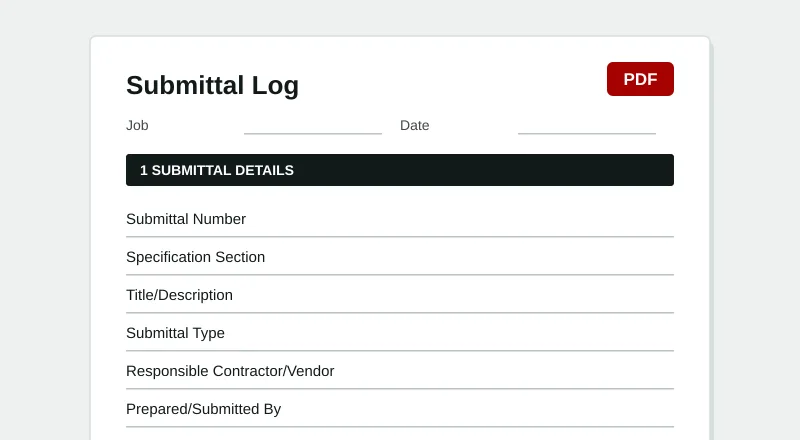
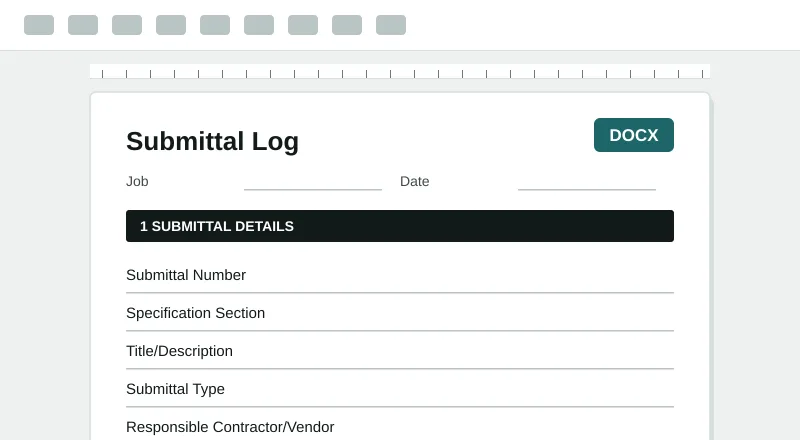
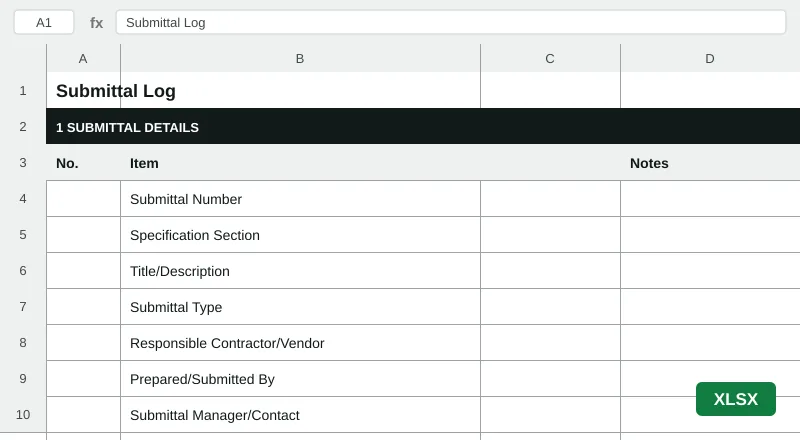
A submittal log template gives a general contractor or subcontractor one place to track every shop drawing, product data sheet, sample and closeout document from the day it goes out to the day it comes back approved. Project managers and project engineers keep it, the trades feed it, and the architect or engineer's review dates drive it. When an approval runs late, the log shows who is holding it and how long it has been sitting.
What is a submittal log?
A submittal log is the running list of every submittal a job needs, with its status. Each line names the item, the spec section it answers to, who owes it, when it went out, when it is due back and what the reviewer decided. Build it from the specifications at the start of the job, then update it every time something moves. Without one, approvals live in email threads, and the first sign of a missing submittal is a crew waiting on material that was never released.
What goes on a construction submittal log
The form groups each submittal into four sections:
| Section | What you record |
|---|---|
| Project information | Project name or ID and the trade or scope (electrical, HVAC, plumbing or other) |
| Submittal details | Submittal number, specification section, title, type, responsible contractor or vendor, who prepared it and the submittal manager |
| Schedule and review | Date submitted, original due date, date reviewed or returned, review priority, review status, reviewer name and comments |
| Follow-up and resubmittal | Whether a resubmittal is needed, its number, follow-up notes and attachments |
Submittal types on the form cover shop drawings, product data, samples, mock-ups, test reports or certificates, closeout items (O&M manuals and warranties) and QA data. Review status has four choices: Approved, Approved as Noted, Revise and Resubmit, and Rejected. Keep those exact words so everyone reads a status the same way.
Submittal log template example (filled in)
Here is how one line might read for an HVAC sub on a commercial job:
- Submittal number: 015, first issue
- Spec section and title: the ductwork section, with "Rectangular supply duct shop drawings, Level 2"
- Type: Shop drawing
- Responsible contractor: the sheet metal sub
- Submitted / due / returned: dates for each, so the age of the review is plain
- Priority: High, because the duct has to be fabricated before ceiling framing
- Status: Revise and Resubmit, with the reviewer's comment on a clearance conflict
- Follow-up: Resubmittal required, logged as 015.1 with the marked-up drawing attached
Give each resubmittal its own number tied to the original. That way the history of a submittal stays on one thread and nobody installs off a superseded drawing.
Download the submittal log free
Keep this log with your project management software: Workyard runs field forms, not submittals or RFIs. Pair it with the change order form when a review changes scope, or find related forms under material tracking. You can also download the template free as a PDF, Word or Excel file, no sign-up needed.


