Skip to content
Log InBook a demo
Book a demo
Free template · paper and digital

DVIR Repair Verification/Mechanic Sign-off Form

Lets a mechanic certify that defects found on a DVIR were repaired, with photos, return-to-service date and license number.

WordExcel
  • No email
  • No sign-up
  • Edit it, add your logo
See every check

The template

The full DVIR Repair Verification/Mechanic Sign-off Form

Print it for the clipboard, or put it on your crew’s phones. Same form either way.

Your logo

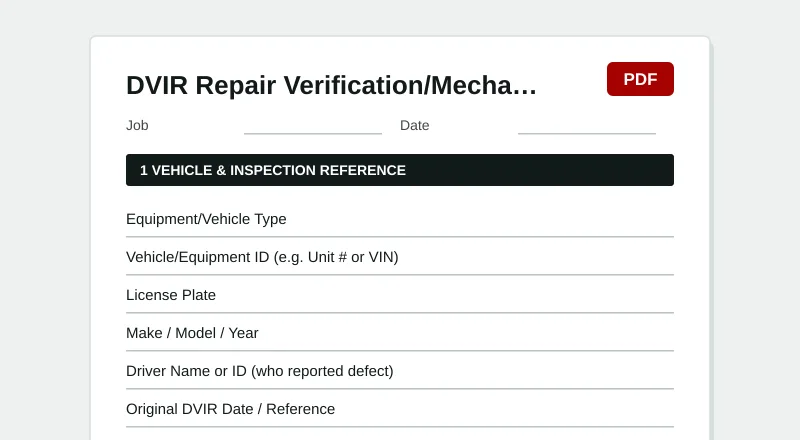
DVIR Repair Verification/Mechanic Sign-off Form

This free DVIR Repair Verification Form is used by mechanics to document completed vehicle repairs and certify that safety defects have been corrected. It supports DOT compliance and ensures road safety before the vehicle returns to service.

Job
Date
Reported Defects from DVIRRepair DescriptionParts Replaced (if any)

Defect & Repair Entries · repeat as needed

Mechanic Comments / Follow-up Notes
Additional Comments

1 · Vehicle & Inspection Reference

Equipment/Vehicle TypeTruckTrailerBusOther
Vehicle/Equipment ID (e.g. Unit # or VIN)
License Plate
Make / Model / Year
Driver Name or ID (who reported defect)
Original DVIR Date / Reference
Odometer (miles) or Hour Meter
Last Annual Inspection Date
Inspection Facility / Sticker #
Additional Comments

2 · Photos of Damage and Repairs

Photo – Before Repair · photo refs

Photo – After Repair · photo refs

Additional Comments

3 · Repair Completion

Vehicle Returned to Service?YesNo
Return-to-Service Date
Odometer/Hour Reading at Return
Repair Status/Notes
Expected Repair Completion Date
Additional Follow-up Needed?YesNo
Additional Comments
4 · Mechanic Certification

Mechanic Name / ID
Certification / License #
Repair Facility / Shop Name
Name
Signature
Date
Date and Time of Certification
Additional Comments
Next Driver Name
Name
Signature
Date
Date

Free download

DVIR Repair Verification/Mechanic Sign-off Form template: PDF, Word and Excel

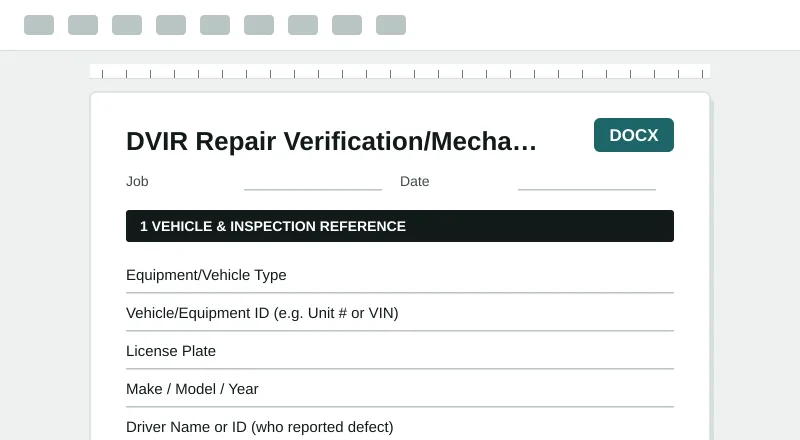
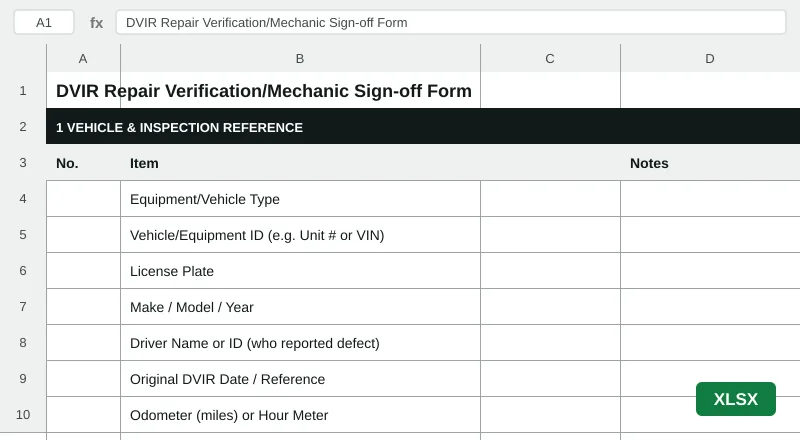
Print the form as it is, or download a template you can edit. Every format is free, with no email and no sign-up.

How to use it

How to run the DVIR Repair Verification/Mechanic Sign-off Form

  1. 01

    Inspect before every trip

    Walk around the vehicle before the first trip of the day, and again at the end if your fleet rules call for it.

  2. 02

    Check every item on the list

    Work through the 4 sections. Don’t skip the items that were fine yesterday.

  3. 03

    Report every defect

    Write down anything wrong, with a photo. A defect that affects safety means the vehicle doesn’t go out until it’s repaired.

  4. 04

    Sign it, then sign off the repair

    The driver signs. Whoever fixes a defect signs that it’s done, so the next driver knows it’s safe.

Why we built this

A defect caught in the yard costs a repair, not a wreck

Pre-trip inspections keep unsafe vehicles off the road and keep you on the right side of DOT rules.

  • Built for the field. Every check is written the way crews talk, with room for notes, photos and a signature.
  • Free, with no catch. No email, no account. Print it and hand it out.
  • On paper or on the phone. The same form runs on the Workyard app, filed to the job when it’s sent.

3,000+contractors run their crews on Workyard

Meet Workyard

Who we are

Workyard is the construction operations platform for specialty contractors and self-performing general contractors determined to grow without sacrificing job control or margins.

Forms like this one are what our customers’ crews fill in on Workyard every day, on the same app they clock in with.

workers on Workyard every day
100,000+
free templates, none of them gated
182

Forms & Workflows

Get every form back from every crew, every day

  • It shows up on its own. Attach it to a task, a job or clock-out, and it’s on the crew’s phone when it’s due.
  • It can’t be skipped. Make it required and the day can’t close until it’s in.
  • You see it the same day. Filed, flagged or missing, every job on one board, before anyone has to call.

$123,000cut from insurance costs at TR3 Group

More dvir / vehicle inspections templates

Free templates for the rest of the job

  • DVIR / Vehicle Inspections

    DOT Inspection Checklist

  • DVIR / Vehicle Inspections

    Driver Vehicle Inspection Report (DVIR)

  • DVIR / Vehicle Inspections

    Dump Truck/Hauler Pre-Trip (DVIR)

Browse all templates

Questions

DVIR Repair Verification/Mechanic Sign-off Form FAQs

Who fills out the repair verification form?

The form is completed by the mechanic or maintenance technician who performed the repairs noted on the DVIR. Their signature confirms that the vehicle has been restored to a safe, operable condition.

Is mechanic sign-off mandatory?

Yes, if the DVIR notes any condition that could affect safe operation. FMCSA requires documentation proving the defect was corrected and verified before the vehicle is driven again.

How long should these records be kept?

Per FMCSA regulations, DVIRs and related repair documentation must be kept for at least 3 months. Some companies retain them longer for internal tracking or audit preparation.

Why is a repair verification form important for compliance?

A repair verification form provides documented proof that vehicle defects identified in a DVIR have been properly addressed before the truck is returned to service. This helps ensure compliance with FMCSA and DOT regulations, which require corrective actions to be confirmed by qualified personnel. Having this verification on file protects both the driver and the company in case of inspections, audits, or post-incident investigations.

Do I need a Workyard account to use it?

No. Print the paper form, save it as a PDF, or download the Word or Excel file, free, with no email and no sign-up. You only need an account to put the digital form on your crew’s phones.

Can I edit the template?

Yes. Download the Word or Excel version to add your logo, add checks from your project spec or remove sections you don’t need. They open in Google Docs and Google Sheets too.

How do I get my crew to fill it in on their phones?

Add the digital form to Workyard and attach it to the job or the task it belongs to. It shows up in the app your crew already clocks in with, and every form comes back signed, with its photos, filed to the job.

Trigger the form at the right moment

A job's Forms tab in Workyard: each form, the clock-in or clock-out that triggers it, and how many have been submitted
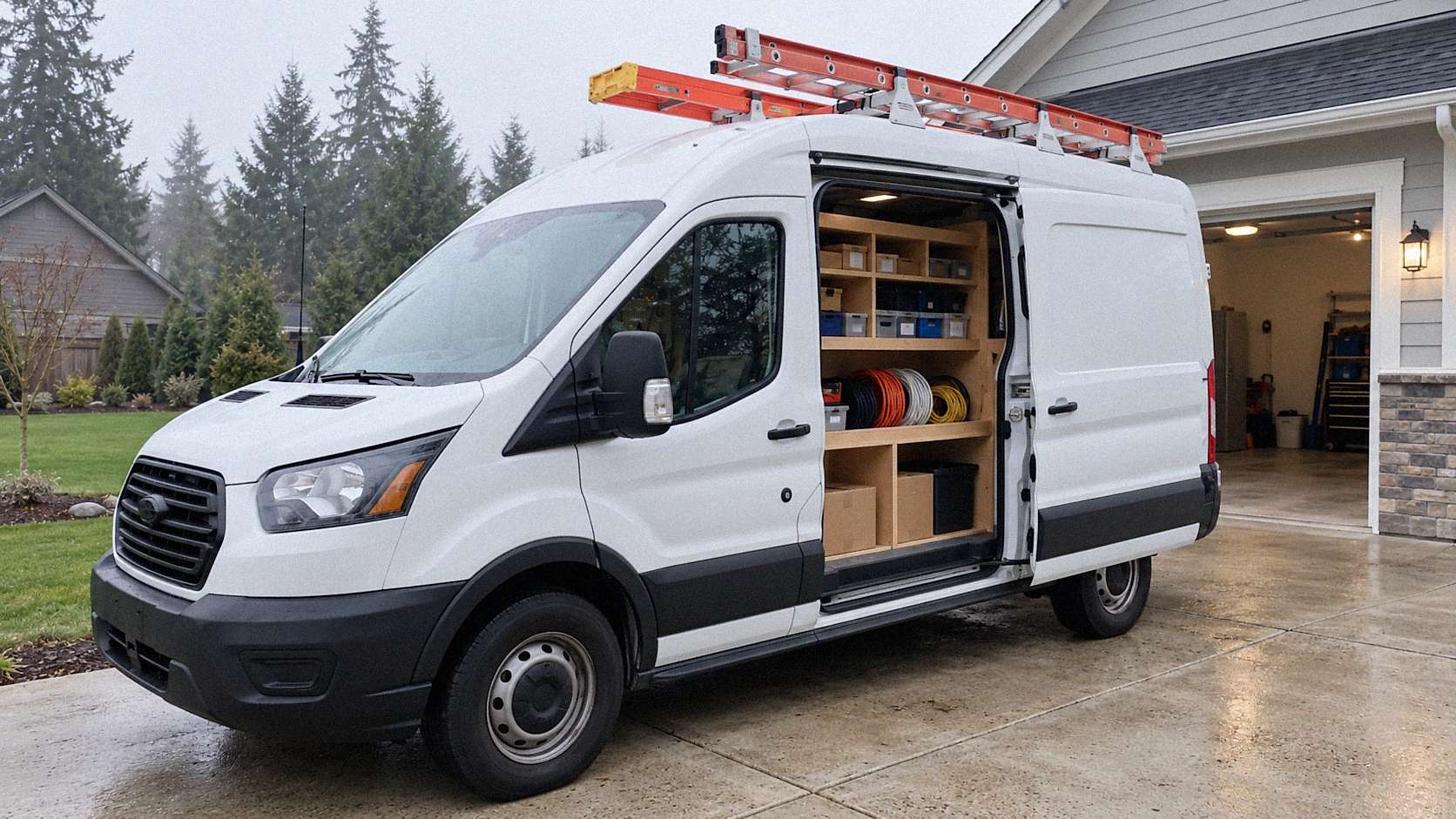
A van check filled in on the Workyard app: the damage photo, a description and the tech's signature, ready to submit

Book a demo with a Workyard specialist

Your local Workyard specialist

Works with 50 contractors across the US

Your details

30 min · Video call