Skip to content
Log InBook a demo
Book a demo
Free template · paper and digital

Emergency Lighting & Exit Sign Test Form

Logs the test of every exit sign and emergency light in a building, with findings, comments and inspector sign-off after the test.

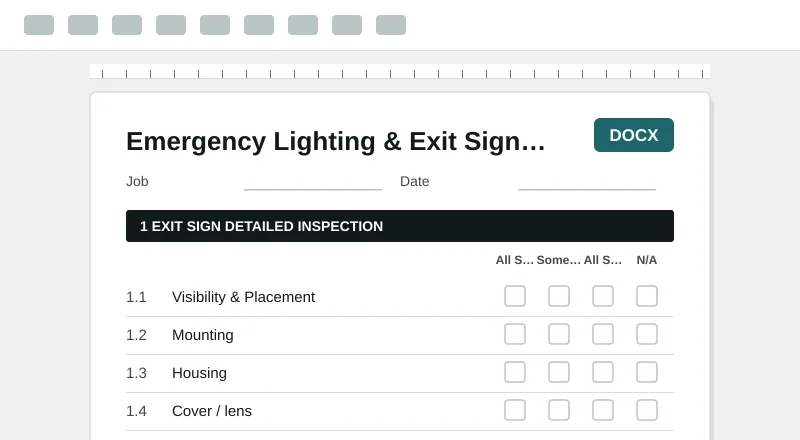
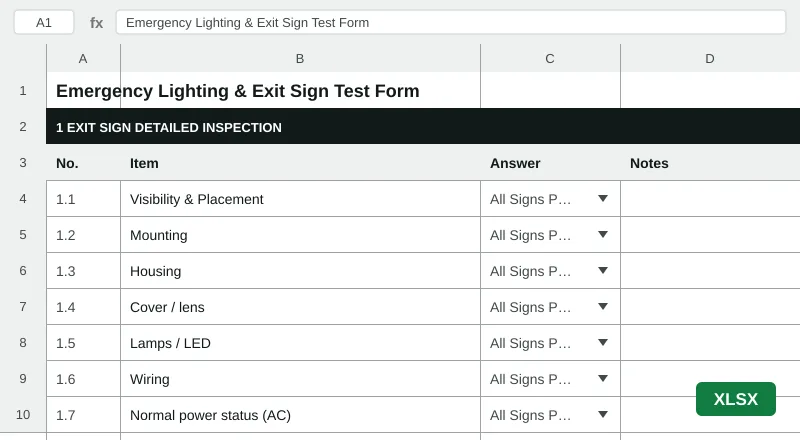
WordExcel
  • No email
  • No sign-up
  • Edit it, add your logo
See every check

The template

The full Emergency Lighting & Exit Sign Test Form

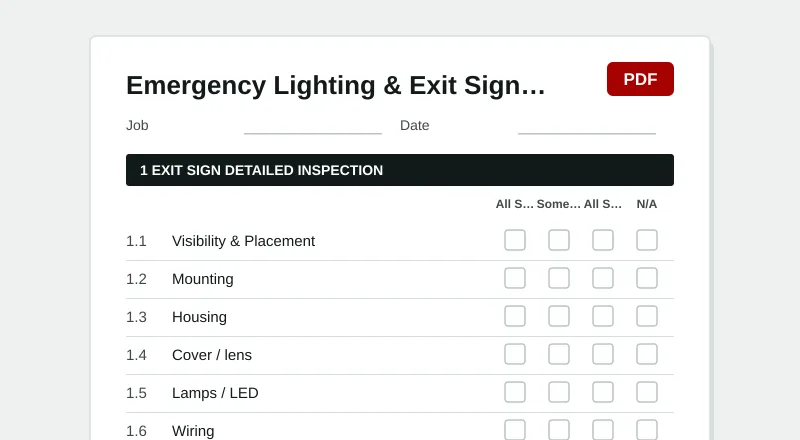
Print it for the clipboard, or put it on your crew’s phones. Same 19 checks either way.

Your logo

Emergency Lighting & Exit Sign Test Form

Ensure emergency exits are clearly lit and fully operational with the help of this Emergency Lighting and Exit Light Inspection Checklist. It helps you document monthly and annual tests, confirm proper illumination, and identify battery or bulb issues, keeping your facility safe, compliant, and ready for any emergency.

Job
Date
Facility Name/Location
Inspection Type/FrequencyMonthly (30-second)QuarterlyAnnual (90-minute)
Authority Having Jurisdiction Visit:YesNo

1 · Exit Sign Detailed Inspection

1 · Exit Sign Detailed InspectionAll Signs PassSome Signs PassAll Signs FailN/A
1.1Visibility & Placement
1.2Mounting
1.3Housing
1.4Cover / lens
1.5Lamps / LED
1.6Wiring
1.7Normal power status (AC)
1.8Battery backup test
1.9Battery Power Indicators
1.10Emergency Illumination Level
1.11Overall operating condition

For any defects noted, please provide further details

Light typeFixture IDIssues observedAction Required
Number of Exit Signs Inspected:
Was Immediate Maintenance Performed on Exit Signs?YesNo

Photos of damaged / non-functioning units · photo refs

2 · Emergency Lighting Detailed Inspection

Summary: condition inspection

Summary: condition inspectionAll Signs PassSome Signs PassAll Signs FailN/A
2.1Fixtures are clean, properly mounted and undamaged
2.2Bulbs are intact, working and illuminate at correct brightness
2.3Battery charging correctly / is not leaking / expired
2.4Charging Indicator Working
2.5Battery begins charging after discharge
2.6Test Duration passed (30s for functional test, 90min for annual)
2.7Automatic Activation on Power Loss
2.8Overall operating condition

For any defects noted, please provide further details

Light typeFixture IDIssues ObservedAction Required
Number of Emergency Lights Inspected:
Was Immediate Maintenance Performed on Emergency Lighting Fixtures?YesNo

Photos of Damaged / Non-Functioning Emergency Lighting units · photo refs

3 · Summary of Findings

Overall Comments / Recommendations:Pass - safe, compliant sitePass – maintenance and corrective action requiredFail - urgent action required to control safety risk or non-compliance
4 · Inspector Confirmation and Sign-Off

Is re-inspection required once corrective actions are complete?YesNo
Inspector’s Name
Name
Signature
Date
Date and Time Signed:
Reviewer/Supervisor (Optional):
Name
Signature
Date

References & Standards

Certification Statement: I certify that I have inspected all the above emergency exit lights on the stated date, and I have noted all deficiencies and corrective actions as required by OSHA, NFPA 101, and applicable codes. All information is accurate to the best of my knowledge.

Your AHJ and the code edition it has adopted govern. This checklist supports your inspection; it doesn’t replace the one your jurisdiction requires.

Free download

Emergency Lighting & Exit Sign Test Form template: PDF, Word and Excel

Print the form as it is, or download a template you can edit. Every format is free, with no email and no sign-up.

How to use it

How to run the Emergency Lighting & Exit Sign Test Form

  1. 01

    Test before it’s closed in

    Run the test when the system is complete and before it’s covered up or handed over.

  2. 02

    Record readings, not just pass or fail

    Write down each reading and the instrument you used. A number is proof; a tick isn’t.

  3. 03

    Retest anything that fails

    Note what failed, fix it and test again. Record both results.

  4. 04

    Sign it for the turnover

    The tester signs. The signed report goes in the closeout package for the owner and the inspector.

Why we built this

A tested system is one you can hand over

Recorded readings prove the system worked when you turned it over, and save a trip back when someone says it didn’t.

  • Built for the field. Every check is written the way crews talk, with room for notes, photos and a signature.
  • Free, with no catch. No email, no account. Print it and hand it out.
  • On paper or on the phone. The same form runs on the Workyard app, filed to the job when it’s sent.

3,000+contractors run their crews on Workyard

Meet Workyard

Who we are

Workyard is the construction operations platform for specialty contractors and self-performing general contractors determined to grow without sacrificing job control or margins.

Forms like this one are what our customers’ crews fill in on Workyard every day, on the same app they clock in with.

workers on Workyard every day
100,000+
free templates, none of them gated
182

Forms & Workflows

Get every form back from every crew, every day

  • It shows up on its own. Attach it to a task, a job or clock-out, and it’s on the crew’s phone when it’s due.
  • It can’t be skipped. Make it required and the day can’t close until it’s in.
  • You see it the same day. Filed, flagged or missing, every job on one board, before anyone has to call.

$123,000cut from insurance costs at TR3 Group

More system tests templates

Free templates for the rest of the job

Browse all templates

Questions

Emergency Lighting & Exit Sign Test Form FAQs

Is this checklist required by law?

Yes, in most U.S. jurisdictions, an Emergency Exit Light Inspection Checklist is required to comply with OSHA and NFPA 101 life safety standards. These regulations call for monthly 30-second tests to confirm that emergency lights and exit signs function on battery power, plus a full 90-minute annual test to ensure the system can perform during prolonged power outages. Documenting these inspections is just as important as performing them. Building owners must keep clear records showing that tests were completed and any issues were corrected. This helps demonstrate compliance during fire marshal visits or insurance audits. And most importantly, it ensures your exit routes stay safe and lit when it matters most.

How often should emergency exit lights be inspected and tested?

To stay compliant with safety standards like NFPA 101 and OSHA, emergency exit lights need to be inspected and tested both monthly and annually. The monthly check involves a quick 30-second test to make sure each emergency light and exit sign kicks in when the main power goes out. This basic function test can usually be done by the building owner or a designated staff member and should be logged for recordkeeping. The annual test is more in-depth. It requires the emergency lighting system to run on backup power for 90 minutes, simulating an extended power outage to verify that the batteries can hold up. This longer test is often handled by a qualified technician or third-party inspector.

What should be included in the emergency exit light inspection?

A proper inspection should start with a visual check to confirm that all exit signs and emergency lights are visible, unobstructed, and free from damage. Inspect for legibility, clean lenses, and working bulbs. Then, test each light monthly by simulating a power outage for at least 30 seconds to confirm battery and bulb performance. Once a year, a full 90-minute test should be performed to verify battery capacity under extended use. Inspectors should also check for battery corrosion, dim or failed lamps, and confirm that emergency lights effectively illuminate all exit paths. Don’t forget to document inspection results, including test outcomes, issues found, and corrective actions taken. Keeping accurate records supports compliance with OSHA and NFPA 101 and helps ensure your building is audit-ready and safe in an emergency.

What if emergency exit lights fail inspection?

If emergency exit lights fail inspection, they must be repaired or replaced right away to restore safe operation and maintain code compliance. Working emergency lighting is essential for guiding occupants during a power outage or emergency evacuation. Neglecting to fix faulty lights increases the risk of injury during an emergency. It can also lead to fines, failed safety inspections, delayed permits, or even insurance complications. Keeping your lights in working order protects both people and your business.

Do I need a Workyard account to use it?

No. Print the paper form, save it as a PDF, or download the Word or Excel file, free, with no email and no sign-up. You only need an account to put the digital form on your crew’s phones.

Can I edit the template?

Yes. Download the Word or Excel version to add your logo, add checks from your project spec or remove sections you don’t need. They open in Google Docs and Google Sheets too.

How do I get my crew to fill it in on their phones?

Add the digital form to Workyard and attach it to the job or the task it belongs to. It shows up in the app your crew already clocks in with, and every form comes back signed, with its photos, filed to the job.

Trigger the form at the right moment

A job's Forms tab in Workyard: each form, the clock-in or clock-out that triggers it, and how many have been submitted
A van check filled in on the Workyard app: the damage photo, a description and the tech's signature, ready to submit

Book a demo with a Workyard specialist

Your local Workyard specialist

Works with 50 contractors across the US

Your details

30 min · Video call