

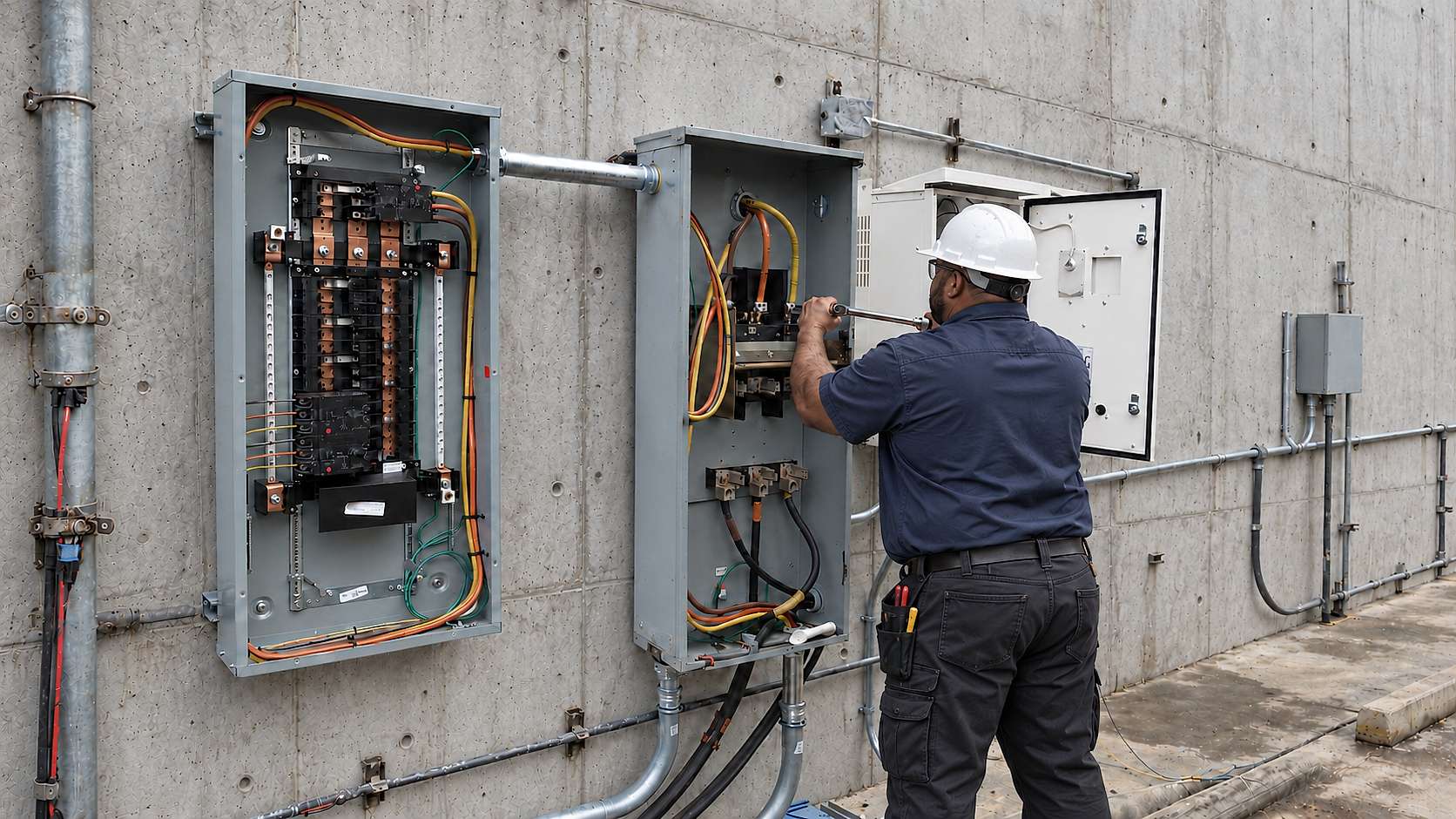

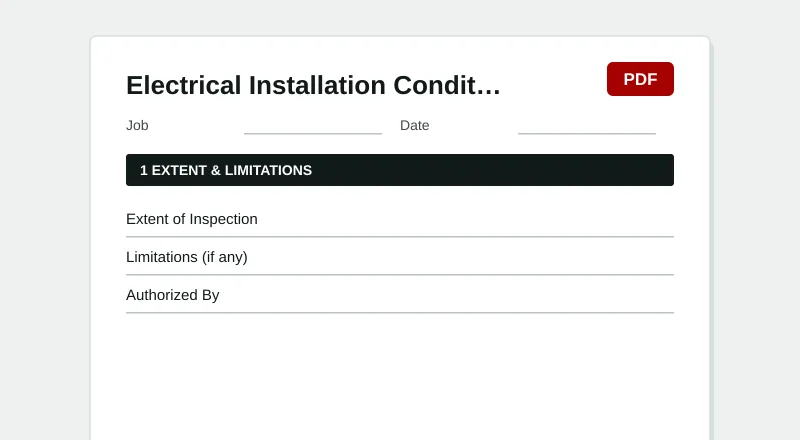
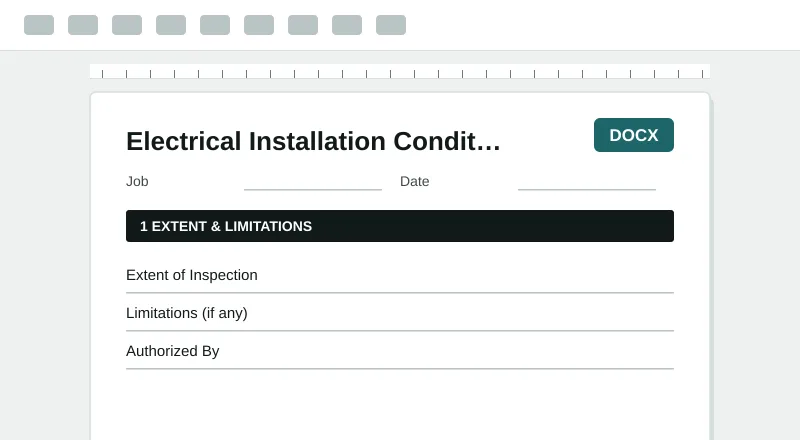
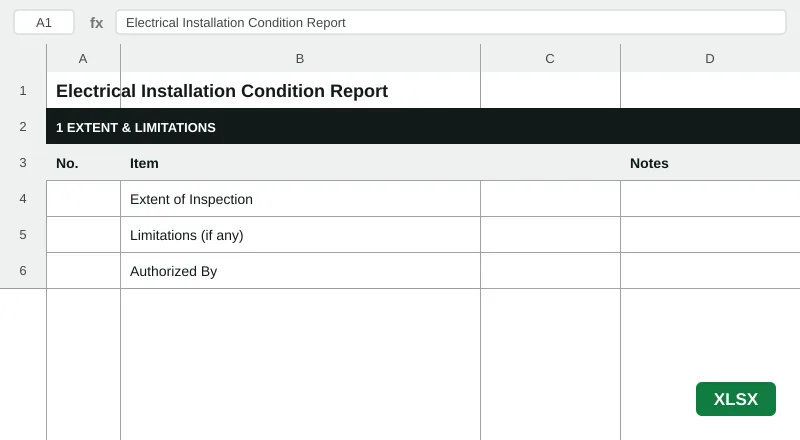
An electrical installation condition report (EICR) is a written check of an existing building's wiring, panels and circuits that records what's safe, what's worn out and what needs fixing, with each problem graded by how urgent it is. Electricians and electrical contractors complete one for owners, property managers, buyers and insurers, on homes and on commercial and industrial buildings.
What is an electrical installation condition report?
An EICR is a condition report, not a certificate for new work. It looks at an installation that's already in service and answers one question: is it safe to keep using, and if not, what has to change? The name comes from UK practice. This template is set up for US work, with its checks tied to the NEC, NFPA 70E, NFPA 70B and OSHA 1910.303, which the form names section by section.
The form asks why the inspection is being done: periodic, sale, insurance or follow-up. The reason shapes the report. A sale inspection is often a single visit with tight limits on what can be opened up; a periodic inspection for a property manager can go deeper and test more circuits. Residential and commercial reports use the same form; commercial ones usually cover more boards, three-phase supplies and a longer circuit schedule.
What goes on the EICR form
The EICR template follows the order an electrician works on site:
| Section | What you record |
|---|---|
| Installation and supply details | Age of the installation, last inspection, recent work, single- or three-phase supply, service voltage and rating, overcurrent protection, grounding system, surge protection |
| Extent and limitations | What was inspected, what wasn't and why, and who authorized those limits |
| Visual inspection | Panel directory labeled, covers intact, no overheating or arcing, wiring and conduit in good shape, clear working space at panels, GFCI and AFCI where required, grounding and bonding intact, no exposed live parts, no moisture, warning labels present |
| Circuit tests | Per circuit: panel, circuit ID and description, breaker rating, conductor size, insulation resistance, ground continuity, polarity, loop impedance, GFCI or AFCI trip test, load, status and test instruments used |
| Observations and actions | Each problem, where it is, its code and the recommended fix, with a photo |
| Client and property | Client, address, property type, reason for the inspection |
| Summary and sign-off | Satisfactory or unsatisfactory, comments, recommended next inspection date, inspector's signature |
Fill in the extent and limitations section honestly. If a panel couldn't be opened or a tenant's unit was locked, say so. A report that skips the limits reads as if everything was checked.
Observation codes: C1, C2 and C3
Each observation gets one of three codes, and they decide the overall result:
- C1, danger present: someone could be hurt now. Make it safe before you leave, such as isolating the circuit, and tell the client in writing.
- C2, potentially dangerous: not an immediate hazard, but it will become one. It needs urgent work.
- C3, improvement recommended: it doesn't meet current practice but isn't dangerous.
Any C1 or C2 usually means an unsatisfactory report. C3 items alone don't fail it.
EICR example: a filled-in observation
A good observation is specific enough that another electrician could find it and fix it without calling you:
| Observation | Location | Code | Recommended action |
|---|---|---|---|
| Scorch marks and a loose neutral at breaker 14 | Main panel, basement | C1 | Circuit isolated on site; re-terminate the neutral and replace the damaged breaker |
| No GFCI protection on countertop receptacles | Kitchen | C2 | Add GFCI protection to the countertop circuits |
| Panel directory handwritten and partly illegible | Main panel | C3 | Trace circuits and replace the directory |
For a lighter visual check, see the electrical panel inspection checklist or the general electrical inspection report.
Get the EICR form free, or run it on a phone
Download the EICR form free as a PDF, Word or Excel file, no sign-up needed. Or run it in Workyard's construction inspection app: the electrician fills it in on a phone on site, adds photos to each observation, signs on screen, and the finished report is filed to the job in the office, ready to send to the client as a PDF.


