Skip to content
Log InBook a demo
Book a demo
Free template · paper and digital

Finishes Quality Checklist

Inspects the finish on each surface, from paint and drywall to flooring and trim, and records defects by location before handover.

WordExcel
  • No email
  • No sign-up
  • Edit it, add your logo
See every check

The template

The full Finishes Quality Checklist

Print it for the clipboard, or put it on your crew’s phones. Same form either way.

Your logo

Finishes Quality Checklist

Use this Finishes Quality Checklist to help document surface finishes, log defects, and manage punch list prep. Designed for real-world inspections, it helps align your project with ASTM C840 and GA-214 finish levels for drywall, ANSI A108 for tile, and manufacturer specifications while reducing rework and ensuring quality is maintained.

Job
Date
Finish Type: Select the type of finish: Paint, Drywall, Flooring (tile, wood, etc.), Cabinetry/Trim, Ceiling, Other.PaintDrywallFlooring (tile, wood, etc.)Cabinetry/TrimCeiling
Specific Location
Condition/Status: Report “Acceptable” if the finish meets quality standards; “Needs Rework” if defects are found; “NA” if this check doesn’t apply.AcceptableNeeds ReworkNA
Observed Defects / Irregularities: If not acceptable, describe the issue (e.g. “Peeling paint at corner”, “Tile lippage at joints exceeds tolerance”). Refer to standards (e.g. paint should be free of sags, drywall joints free of lumps).

Photo of Issue: Attach a clear photo for each defect or area inspected. · photo refs

Corrective Action/Notes: Notes on required follow-up (e.g. “Apply touch-up paint after surface prep”, “Replace misaligned tile”, or “None, all good”).

1 · Summary and Sign-Off

Project Name: Enter the project/site name or number.
Project Reference/ID: Any internal job or contract ID.
Inspection Date
Inspector Comments
Inspector Name and Role
Name
Signature
Date

Free download

Finishes Quality Checklist template: PDF, Word and Excel

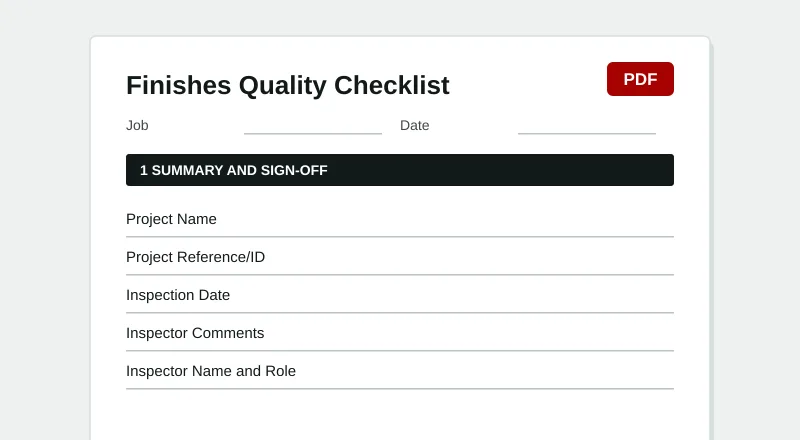
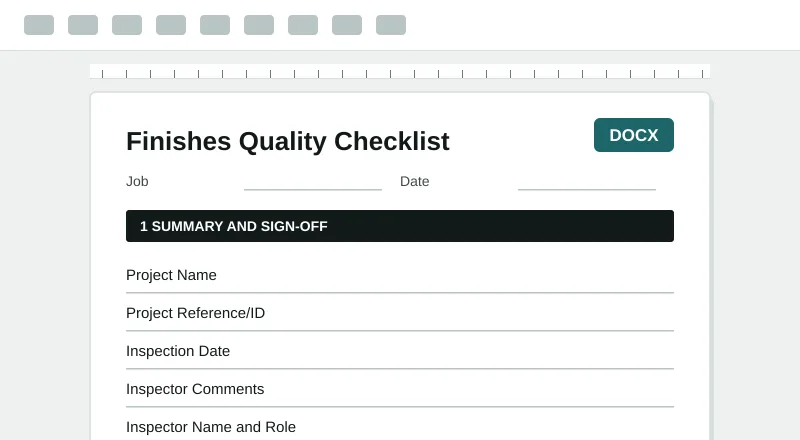
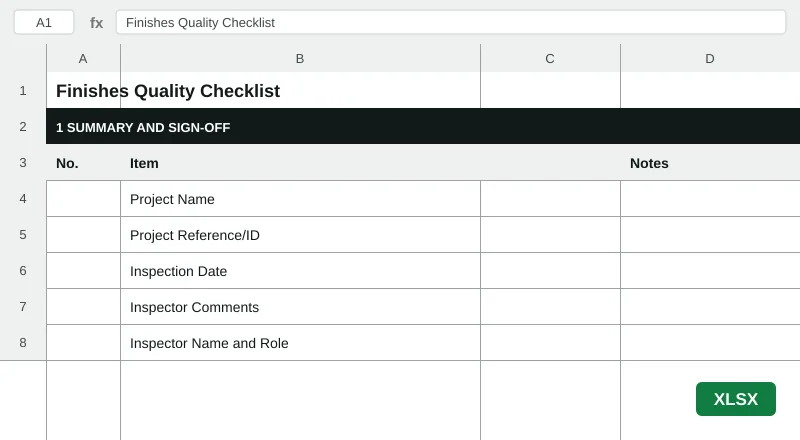
Print the form as it is, or download a template you can edit. Every format is free, with no email and no sign-up.

How to use it

How to run the Finishes Quality Checklist

  1. 01

    Check it at the hold point

    Run it before the next trade covers the work, against the plans and the spec.

  2. 02

    Work the sections in order

    Go through the 1 sections in order. Measure where it asks for a number; don’t eyeball it.

  3. 03

    Log every miss with a photo

    Write down what doesn’t meet spec, who fixes it and by when, and attach a photo.

  4. 04

    Sign off when it’s right

    Re-check the fixes, then sign. The signed sheet is your proof the work met spec when it was built.

Why we built this

Rework is the most expensive work you’ll do

A miss caught at the hold point is a quick fix. Caught after the next trade has covered it, it’s a tear-out, a delay and a margin gone.

  • Built for the field. Every check is written the way crews talk, with room for notes, photos and a signature.
  • Free, with no catch. No email, no account. Print it and hand it out.
  • On paper or on the phone. The same form runs on the Workyard app, filed to the job when it’s sent.

3,000+contractors run their crews on Workyard

Meet Workyard

Who we are

Workyard is the construction operations platform for specialty contractors and self-performing general contractors determined to grow without sacrificing job control or margins.

Forms like this one are what our customers’ crews fill in on Workyard every day, on the same app they clock in with.

workers on Workyard every day
100,000+
free templates, none of them gated
182

Forms & Workflows

Get every form back from every crew, every day

  • It shows up on its own. Attach it to a task, a job or clock-out, and it’s on the crew’s phone when it’s due.
  • It can’t be skipped. Make it required and the day can’t close until it’s in.
  • You see it the same day. Filed, flagged or missing, every job on one board, before anyone has to call.

$123,000cut from insurance costs at TR3 Group

More quality control templates

Free templates for the rest of the job

  • Quality Control

    Safety Audit Report

  • Quality Control

    Concrete Pour Log

Browse all templates

Questions

Finishes Quality Checklist FAQs

Who typically uses a Finishes Quality Checklist?

A Finishes Quality Checklist is usually filled out by site supervisors, general contractors, project engineers, or quality control personnel during the final inspection phase. Third-party consultants can also use it during punch list walk-throughs to track outstanding finish issues.

What kinds of finishes does this checklist cover?

This checklist typically covers all major architectural finish types such as paint, drywall, plaster, tiles, trims, flooring (wood, carpet, vinyl), ceiling systems, cabinetry, and hardware. It allows the inspector to assess surface integrity, alignment, cleanliness, color uniformity, and workmanship quality.

Is this checklist compliant with any standards or regulations?

While this checklist doesn’t guarantee compliance, it helps teams align with industry best practices and quality standards, such as ASTM C840, ASTM D4214, and OSHA expectations for safe and finished jobsite conditions. The structured approach also helps ensure nothing is missed during the final handover.

Can the checklist be customized or used on mobile devices?

Yes, it’s customizable and optimized for mobile use, enabling on-site inspectors to log data, capture photos, and assign follow-up tasks in real time. This reduces paperwork and keeps the inspection process efficient and consistent.

Do I need a Workyard account to use it?

No. Print the paper form, save it as a PDF, or download the Word or Excel file, free, with no email and no sign-up. You only need an account to put the digital form on your crew’s phones.

Can I edit the template?

Yes. Download the Word or Excel version to add your logo, add checks from your project spec or remove sections you don’t need. They open in Google Docs and Google Sheets too.

How do I get my crew to fill it in on their phones?

Add the digital form to Workyard and attach it to the job or the task it belongs to. It shows up in the app your crew already clocks in with, and every form comes back signed, with its photos, filed to the job.

Trigger the form at the right moment

A job's Forms tab in Workyard: each form, the clock-in or clock-out that triggers it, and how many have been submitted
A van check filled in on the Workyard app: the damage photo, a description and the tech's signature, ready to submit

Book a demo with a Workyard specialist

Your local Workyard specialist

Works with 50 contractors across the US

Your details

30 min · Video call