First Aid Log
1 · Participant Details
Participant Name · repeat as needed
2 · Incident Context
Activity/Task · repeat as needed
3 · Caregiver Assessment (SOAP)
SOAP · repeat as needed
Records each first aid case on site, what was treated and whether it goes beyond first aid under OSHA recordkeeping.
This starts a free Workyard trial.
34 fields · 6 sections · Updated Nov 2026
Built for

Forms
Search...
First Aid Log
No submissionsSubmit
Daily progress report
15 submissionsSubmit
Site safety checklist
15 submissionsSubmit
Toolbox talk
15 submissionsSubmit
Incident report
No submissionsSubmit
First Aid Log
Job *
Select a job
Date of Incident
Select a date
Time of Incident
Enter text
Time First Aid Started
Enter text
Participant Details
Participant Name
Full name of injured person
Enter text
Age or department/unit
Enter text
Job Title/Trade
Enter text
Status
Select an option
Incident Context
Activity/Task
Work/Project or Event Name
Enter text
Location (specific site or area)
Enter text
What was the person doing (tools/equipment/materials in use) just before the incident?
Enter text
Incident Description
Enter text
Injury/Illness Details
Enter text
Object or Substance Causing Injury
Enter text
Caregiver Assessment (SOAP)
SOAP
Subjective (S): Patient’s reported symptoms or complaints (what they felt/saw, in their own words)
Enter text
Objective (O): Caregiver’s observations and vital signs (e.g. bleeding, swelling, skin color, consciousness)
Enter text
Assessment (A): Caregiver’s evaluation or suspected diagnosis of the injury/illness
Enter text
Plan (P): First-aid plan and instructions (treatment given and next steps)

Enter text
Treatment Provided and Disposition
First-Aid Measures
Select an option
Medical Referral: Was professional medical care needed?
YesNo
If yes, which facility/provider?
Enter text
Transport
SelfEMS
Disposition
Select an option
Follow-Up Actions
Enter text
OSHA Classification (Recordkeeping)
Medical Treatment Beyond First Aid?
YesNo
Days Away From Work: If case required time off, how many calendar days?
Enter text
Days of Restricted Work: If case required work restrictions (light duty), how many days?
Enter text
Recordable on OSHA 300 Log?
YesNo
Signatures
Has the cause of the illness / injury been mitigated to prevent further incidents?
YesNo
Name of First-Aid Provider
Enter text
Signature
Sign here
Date
Select a date
Name of Injured Person/Witness (if available)
Enter text
Signature
Sign here
Date
Select a date
Submit
The template
Print it for the clipboard, or put it on your crew’s phones. Same form either way.
Keep detailed records of first-aid events with this free, easy-to-use First Aid Log template that’s built to capture injuries, treatments, and responder information all in one place. Whether used in offices, schools, field sites, or camps, this form helps improve health protocol documentation and supports incident reviews or audits.
Participant Name · repeat as needed
Activity/Task · repeat as needed
SOAP · repeat as needed
The digital form
This starts a free Workyard trial.
Just need it on paper? Get the paper form
Free download
Print the form as it is, or download a template you can edit. Every format is free, with no email and no sign-up.

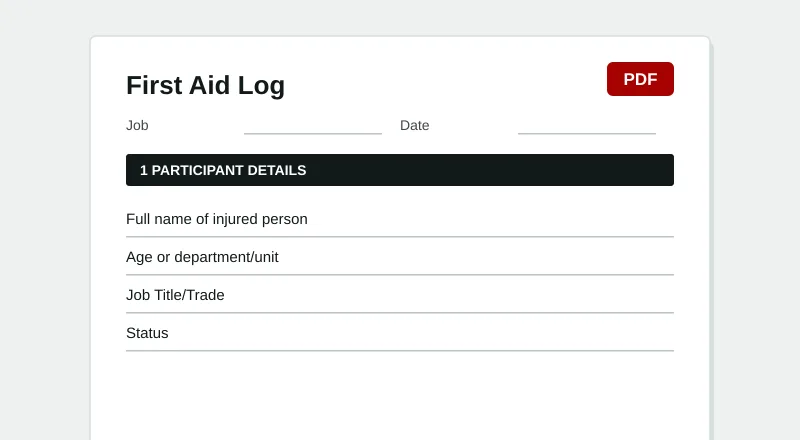
The printable form: print it for the crew, or save it as a PDF to share or keep on file.

Word
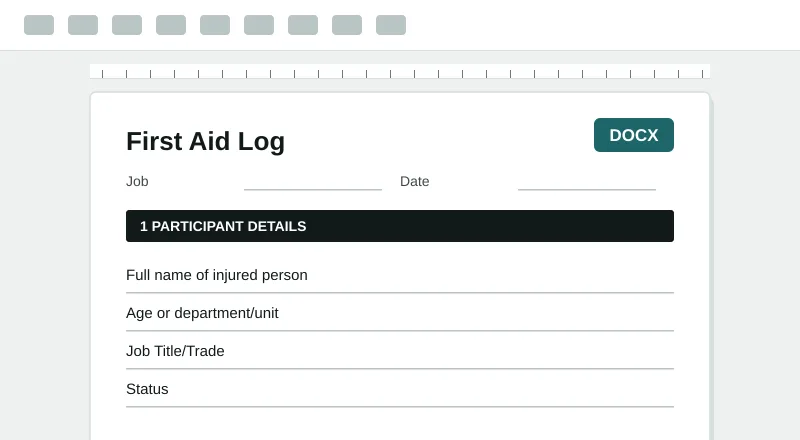
An editable .docx: add your company name, logo and your own checks, then print or share it.

Excel
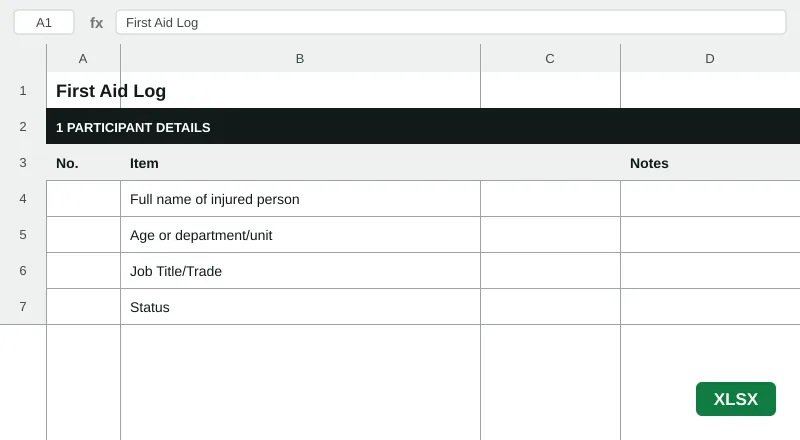
A spreadsheet with a dropdown for every answer, ready to fill in, sort and keep as a log.
How to use it
Take care of anyone hurt and secure the area. The form comes after.
Fill it in while memories are fresh: what happened, where, when and who was there.
Photograph the scene and take statements from witnesses before they leave site.
Record what led to it and what will change so it doesn’t happen again. Then sign it and send it to whoever runs safety.
Why we built this
A report written the same day, with photos and witnesses, protects the worker, the company and the claim. It’s also how you stop it happening again.
3,000+contractors run their crews on Workyard
Meet WorkyardWho we are
Workyard is the construction operations platform for specialty contractors and self-performing general contractors determined to grow without sacrificing job control or margins.
Forms like this one are what our customers’ crews fill in on Workyard every day, on the same app they clock in with.
Forms & Workflows
$123,000cut from insurance costs at TR3 Group
More incident reporting templates
Incident Reporting
Incident Reporting
Incident Reporting
Incident Reporting
Questions
A First Aid Log should be completed by the designated first aid attendant, safety officer, or trained personnel responsible for administering first aid. This individual records every event, noting the injury or illness, care given, date, time, and person treated. Supervisors or health and safety coordinators may also review the log for accuracy.
The First Aid Log itself is not legally required by OSHA for documenting minor injuries treated with first aid only. OSHA mandates maintaining logs such as the OSHA 300 Log for injuries beyond first aid. However, keeping a First Aid Log is a best practice for documenting incidents, monitoring trends, and supporting compliance.
SOAP stands for Subjective, Objective, Assessment, and Plan. Subjective: worker’s description of symptoms. Objective: observable findings like injuries or vital signs. Assessment: evaluation or diagnosis. Plan: treatment given, referrals, or follow-up. This format ensures clear and consistent documentation.
Store First Aid Logs securely under your company's record policy. OSHA 29 CFR 1904.33 requires the OSHA 300 Log, 300A and 301 forms (not first-aid-only records) to be kept for five years following the end of the calendar year they cover. Records must protect employee privacy and be accessible to authorized personnel. Logs may be physical or electronic, with backups. Employers must also post OSHA Form 300A annually from Feb 1 to Apr 30.
No. Print the paper form, save it as a PDF, or download the Word or Excel file, free, with no email and no sign-up. You only need an account to put the digital form on your crew’s phones.
Yes. Download the Word or Excel version to add your logo, add checks from your project spec or remove sections you don’t need. They open in Google Docs and Google Sheets too.
Add the digital form to Workyard and attach it to the job or the task it belongs to. It shows up in the app your crew already clocks in with, and every form comes back signed, with its photos, filed to the job.