



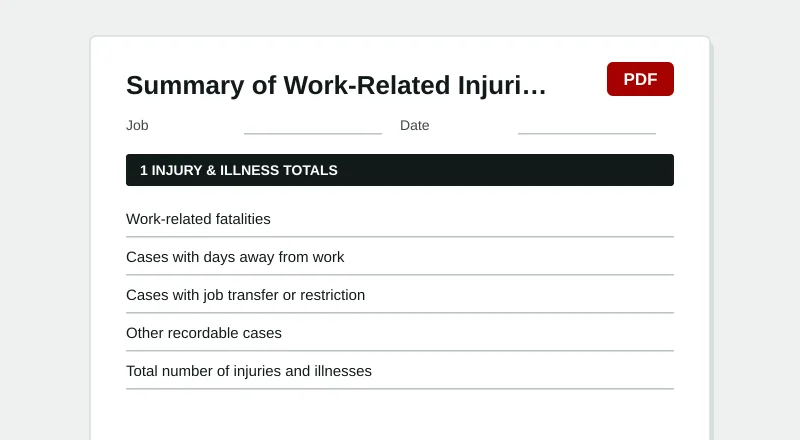
OSHA Form 300A is the once-a-year summary of every recordable work-related injury and illness from your OSHA 300 log. It holds the totals, not names or case details, and a company executive signs it before it is posted where workers can see it. Contractors, field service companies and property managers fill it in at the start of each year for the year just ended.
What's on the OSHA 300A summary
The form has six parts. Everything in the first four comes straight from your 300 log for the year.
| Part | What you enter |
|---|---|
| Injury and illness totals | Work-related fatalities, cases with days away from work, cases with job transfer or restriction, other recordable cases, and the total |
| Number of days | Total days away from work and total days of job transfer or restriction |
| Illness breakdown | Counts for injuries, skin disorders, respiratory conditions, poisonings, hearing loss and all other illnesses |
| Employees and hours | Average number of employees and total hours worked by all employees |
| Establishment information | Year covered, establishment name, industry description, address, SIC and NAICS codes |
| Signature | The certifying executive's name, title, phone, signature and date |
The employee and hours numbers are what let anyone calculate your incident rates from the summary, so they're worth getting right. Payroll records are the best source for total hours worked.
How to fill out OSHA Form 300A
Set aside the time once the year's log is closed.
- Review the 300 log first. Make sure every case is entered and classified correctly, and update any case whose days away or restriction changed after it was first written down.
- Count each column on every page of the log. Add the totals for each case type, the days and the illness types.
- Enter the totals. Write 0 in any line with no cases. A blank looks like a line nobody checked.
- Add the workforce numbers. Average employees for the year and total hours worked by everyone, including part-time and seasonal workers.
- Fill in the establishment details. One summary per establishment. A contractor with more than one office or yard may need more than one.
- Have an executive certify it. The form says it plainly: a company executive certifies under penalty of law that the totals are accurate.
OSHA Form 300A requirements: sign, post, keep
The OSHA 300A summary is a posted document, unlike the 300 log and the individual incident reports, which stay with your records. Once signed, it goes up where notices to workers are usually posted and stays up for the posting period OSHA sets. You post it even in a year with no recordable cases, with zeros on every line. Keep the signed copy with that year's log and incident reports.
Posting dates, which employers are exempt, how long to keep records and whether you also have to submit the data online all come from OSHA's recordkeeping rule. Check the current rule each year rather than relying on last year's routine.
Get the free OSHA Form 300A template
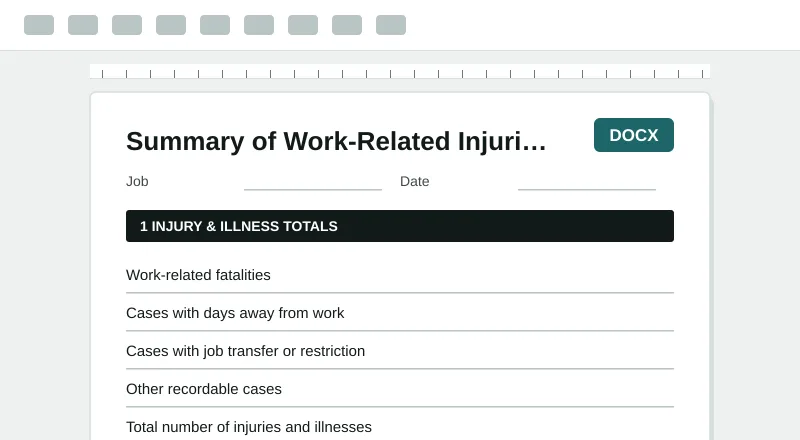
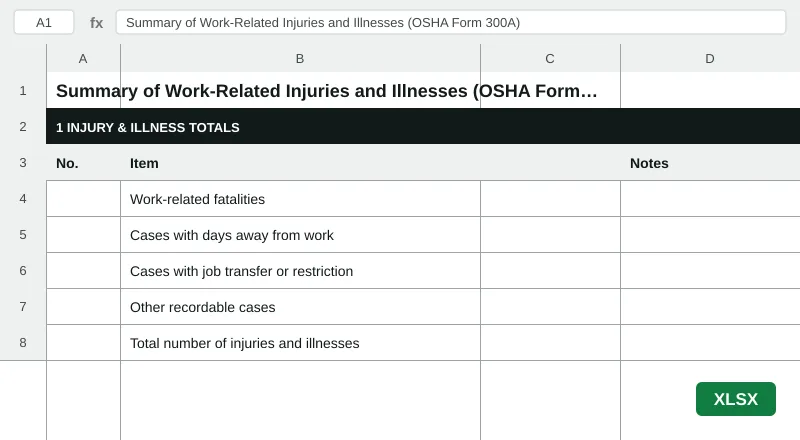
Download the OSHA Form 300A summary as a PDF, Word or Excel file, free and with no sign-up. The Excel version is handy for adding up the log columns before you copy the totals across. In Workyard, the form runs on phones like every other form: the executive can sign on screen, and the summary is filed with your records in the office and exports as a PDF for posting. Individual cases go on the OSHA Form 301 injury and illness report. See Workyard's safety tools and more incident reporting forms.


