


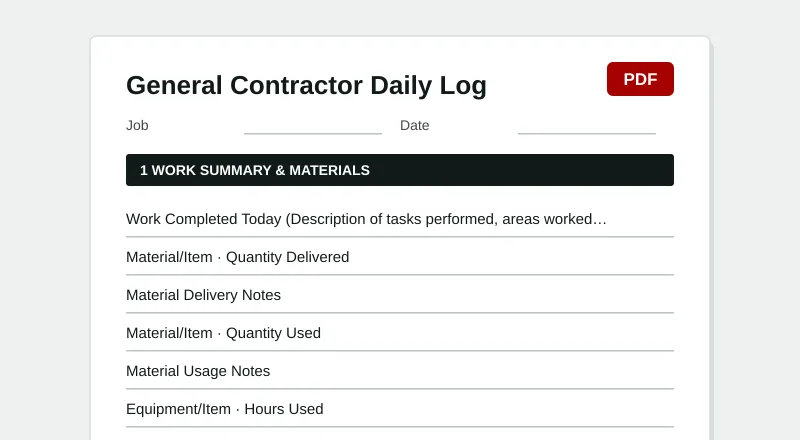
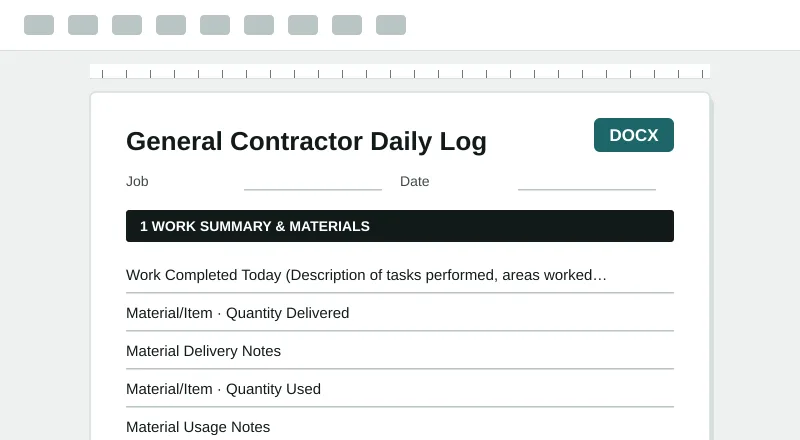
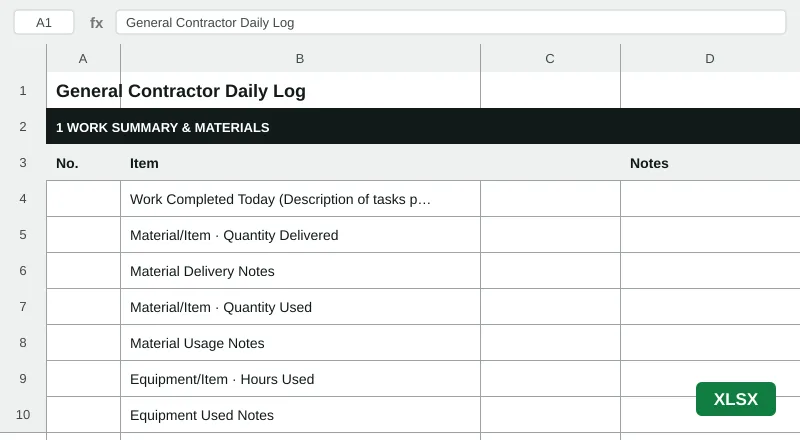
A construction daily log template gives the superintendent one place to write down what happened on a job each day: who was on site, what got built, what arrived, what was inspected, the weather, and anything that slowed the work. General contractors keep it for every working day, and owners, architects and lawyers read it later when a schedule or a bill is questioned.
What goes in a contractor daily log
A good contractor daily log reads like a short, dated account of the day that someone who wasn't there can follow. This template splits the day into ten sections so nothing gets skipped when the superintendent is tired at 5 p.m.
| Section | What you record |
|---|---|
| Project information | Job name, location or ID, date and work day number |
| On-site personnel and visitors | Your crews by trade with headcount and crew lead, each sub by company and trade, the foreman, other visitors and why they came, and any architect, engineer or inspector |
| Work summary and materials | Work completed, materials delivered and used with quantities, equipment and its hours, and the plan for tomorrow |
| Inspections and quality control | Each inspection, its outcome, whether it is documented, and whether failed items have corrective action scheduled |
| Safety and incidents | Safety meeting held, PPE issues, incidents reported, who they went to, safety observations and any regulatory visit |
| Weather | Conditions, temperature, precipitation and notes |
| Delays and issues | Weather, equipment, material or delivery, and permit or approval delays |
| Meetings and other notes | Coordination and safety meetings, who attended, and action items |
| Attachments | Photos and documents |
| Certification | Name, title and signature of the person who prepared it |
The work day number is easy to overlook and worth keeping. It lets anyone match the log to the schedule without counting calendar days around weekends and rain-outs.
How often to complete the construction daily log form
Fill in the construction daily log form every day the site is active, and close it out the same day. Notes written from memory a week later carry far less weight in a dispute than an entry signed on the day. On days the site is shut for weather, a one-line entry saying so, with the conditions, still belongs in the log: it is the record that explains a gap in the schedule.
The superintendent or site lead usually owns it. Subs can feed it with their own subcontractor daily report, and a separate daily construction report can go to the owner if your contract calls for a formal progress report.
Using the log as a tracking sheet
Each signed log is one page in a running record of the job. Kept together, they show trends a single day can't: how many workers each sub actually staffed, how many hours a rented machine ran, how many days were lost to weather or late deliveries, and which inspections failed before they passed.
- Use the same trade names and material names every day, so entries line up when you search back through them.
- Record quantities, not just items: "40 sheets of 5/8 Type X delivered" beats "drywall delivered".
- Say who caused a delay in plain words, and attach the photo or delivery ticket that shows it.
- Note every visitor with a company name. Inspectors and owner's reps matter most.
A filled-in example
Here is how a short entry might read on a typical day. Work day 42, clear, 68 degrees. Framing crew of 6 under the crew lead; electrical sub with 3 on rough-in, level 2. Delivered: 120 studs, 2 pallets of sheathing. Excavator ran 5 hours on the storm line. Rough plumbing inspection passed; framing inspection failed on missing fire blocking at the stair, correction scheduled for tomorrow. Toolbox talk held, attendance sheet attached. Delay: concrete pump arrived 2 hours late. Tomorrow: fire blocking, re-inspection, sheathing on the east wall. Signed by the superintendent.
Run the construction daily log template in Workyard
In Workyard, the daily log is a digital form your superintendent fills in on a phone on the job, with photos and a signature on screen. Answers you flag, such as an incident or a failed inspection, go to the person you name, and every submission is filed to the job in the office, ready to export as PDF or CSV. See daily reporting in Workyard. Prefer paper or a spreadsheet? Download the free template as a PDF, Word or Excel file.


