



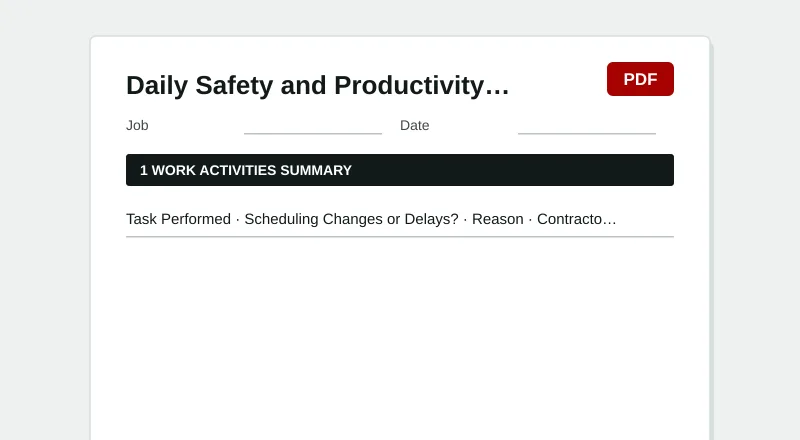
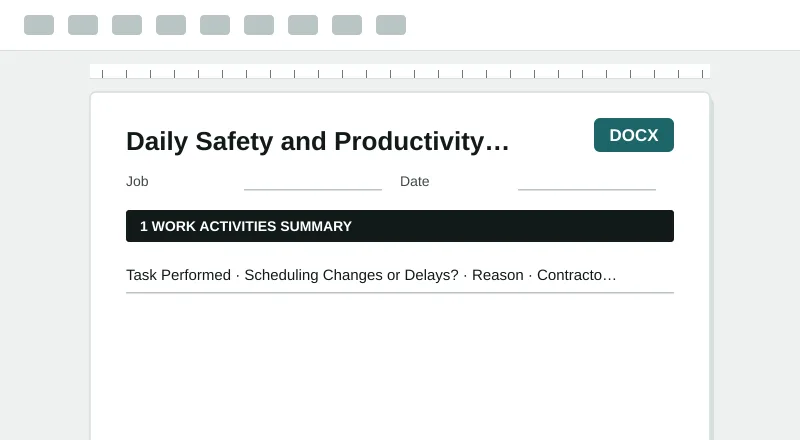
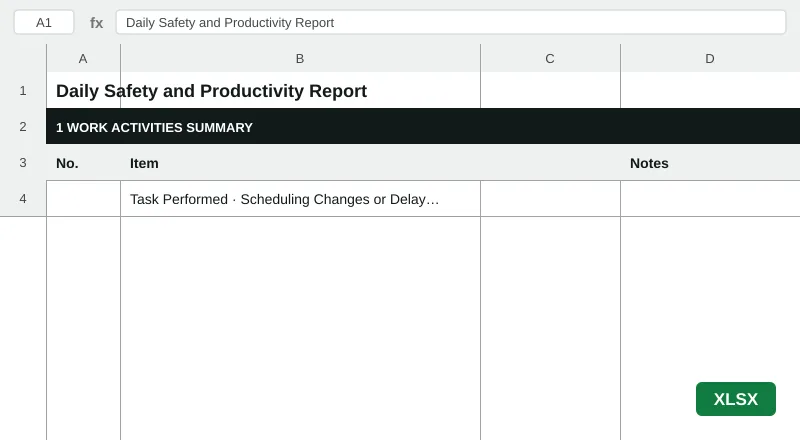
A daily safety report template gives the foreman or superintendent one page to record, at the end of each shift, who was on site, what got built, which hazards turned up and what was done about them. The Daily Safety and Productivity Report adds the production side: headcount, hours by trade, overtime, and the tasks that slipped and why.
General contractors, subs and self-performing trades use it on any job where the office needs two answers every day: was the site safe, and did the crew get through the planned work? One signed report per job per day is the habit that makes both answers easy to find a month later, when an owner, an insurer or your own PM asks.
What is a daily safety and productivity report?
It is a dated, signed end-of-day record that combines a safety log and a daily productivity report for one job site. Three kinds of daily paperwork often get mixed up. A general daily report or daily log covers the whole day: weather, deliveries, visitors, inspections and progress. A daily safety report focuses on hazards, PPE, incidents and corrective actions. A daily productivity report tracks output against labor: tasks finished, hours spent and what held the crew up.
The Daily Safety and Productivity Report puts the last two on one form, so the foreman fills in one sheet instead of three. If you need a full log with visitors, inspections and owner instructions, pair it with the Daily Construction Report.
Who fills it in, and when
The site supervisor or foreman fills it in at the end of each shift, while details are fresh, and a superintendent or project manager reviews and signs it. On larger jobs a site safety officer often completes the safety observations while the foreman handles the production half. Many crews start the form at the morning huddle (crew roster, weather, toolbox talk) and finish it before clocking out.
OSHA ties site inspections to a competent person. Under 29 CFR 1926.20(b)(2), an employer's safety program must provide for frequent and regular inspections of job sites, materials and equipment by competent persons the employer designates. A competent person is someone who can spot existing and predictable hazards and has the authority to fix them. The rule does not prescribe a form or a fixed interval, but a signed daily report is a clear record that the inspections happened and who did them.
How often to complete it
Complete it daily, once per job per shift. Weekly and monthly safety summaries should roll up from the daily reports, not replace them. Some types of work, such as excavation and scaffolding, carry their own pre-shift inspection requirements, so those checks may need their own forms alongside the daily report.
What goes in the daily safety report template
The template has nine sections, in the order a foreman works through the day:
| Section | What it records | Who completes it |
|---|---|---|
| Project & Crew Details | Jobsite, date and time, weather, GPS or address, supervisor, and a crew roster by name and trade | Foreman |
| Work Activities Summary | Each task performed, whether it was delayed, the reason (weather, material shortage, equipment breakdown, permit hold-up or other) and updates from subs | Foreman |
| Labor Tracking | Total headcount, workers and hours for each trade, and overtime hours | Foreman or timekeeper |
| Equipment & Materials Log | Each machine and material by name or ID, its status (in use, delivered, shortage) and notes | Foreman |
| Daily Safety Observations | PPE use, housekeeping and access, signage and barricades, lighting and visibility, fall protection: each marked Safe, Issue Found or N/A | Foreman or safety officer |
| Incidents & Near Misses | The event, date and time, and what happened | Foreman, from whoever saw it |
| Corrective Actions Taken | The issue, the fix, the responsible person and the completion date | Foreman, checked by the super |
| Photo or File Uploads | Photos of hazards, fixes, progress and delivery tickets | Foreman |
| Sign-Off | Inspector and supervisor names and signatures, review date and time | Inspector and supervisor |
The productivity half
The work activities and labor sections are what turn a safety log into a daily productivity report. Hours by trade sitting next to the tasks finished let a PM see, for example, that four carpenters spent 32 hours on framing planned for 24, and the delay column says whether it was a late lumber drop or rain. Without hours, there is nothing to measure. Without a delay reason, there is no way to tell a slow crew from a bad schedule.
The safety half
The five observation rows cover the conditions that change hour to hour on most sites. Any row marked Issue Found should have a matching line in Corrective Actions with a name and a date. Incidents and near misses go in the same day, even when nobody was hurt.
How to fill out a daily safety report in 10 minutes
- Start the header at the morning huddle: jobsite, date, weather, supervisor and the crew roster by name and trade.
- Open yesterday's report and carry over any corrective action that is still open.
- Walk the site before the end of the shift and mark each safety row Safe, Issue Found or N/A. Every Issue Found gets a note on where and what.
- Log each task with a yes or no on delays and the reason.
- Enter headcount, workers and hours per trade, and overtime. Take them from time cards, not memory.
- List the equipment that ran and the materials delivered or short.
- Record every incident and near miss.
- Add a corrective action line for each issue: what was done, who owns it and when it will be finished.
- Attach photos, sign, and send it to the super for review.
Specific beats general every time. A note that reads Guard missing on chop saw at Bay 3, saw tagged out, guard replaced by 2 p.m., J. Ortiz tells the next reader exactly what happened and who closed it. Housekeeping issues tells them nothing. If you run a toolbox talk at the huddle, record the topic and who attended on the Daily Toolbox Talk Attendance Sheet.
Common mistakes that make daily reports useless
- Filling in the week on Friday. Reports written from memory drift on dates and details, and they won't hold up in a dispute.
- Issues with no owner. A hazard logged without a responsible person and a date usually stays a hazard.
- The same problem every day. A missing guardrail on the same edge three days running is a decision for the super, not another line item.
- No hours. A report with tasks but no labor can't tell you whether the job is on pace or eating its budget.
- Skipping near misses because nobody was hurt.
- Paper that never leaves the truck. A report the office sees on Monday can't catch Thursday's problem.
Running the report on crews' phones in Workyard
In Workyard, the report becomes a digital form the foreman opens at clock-in and finishes before clocking out. Crews already clock in and out on their phones, so the hours by trade can be checked against GPS-verified time cards instead of a foreman's best guess. Photos attach to the line they belong to, the inspector and supervisor sign on the screen, and every submission lands back in the office the same day, filed by job. See how it works in daily reporting and time tracking.
Get the free daily safety report template
Download the Daily Safety and Productivity Report as a PDF, Word or Excel file. It is free and there is no sign-up. Print the PDF for a clipboard in the truck, open the Word file to add your logo or change the safety rows for your trade, or use the Excel version if you want to total hours and overtime across a week. More forms for end-of-day paperwork are in daily reporting templates.


