Skip to content
Log InBook a demo
Book a demo
Free template · paper and digital

Hazard Communication (Chemicals) Toolbox Talk

A short crew talk on chemical hazards, GHS labels and pictograms, with a signed attendance record for each session.

WordExcel
  • No email
  • No sign-up
  • Edit it, add your logo
See every check

The template

The full Hazard Communication (Chemicals) Toolbox Talk

Print it for the clipboard, or put it on your crew’s phones. Same form either way.

Your logo

Hazard Communication (Chemicals) Toolbox Talk

A Hazard Communication (Chemicals) Toolbox Talk helps crews understand how to handle hazardous substances on the job. This form provides a structured format to discuss labeling, SDS access, and chemical risks, helping teams stay safe and improve compliance with OSHA’s HazCom Standard (29 CFR 1910.1200).

Job
Date
Date
Project/Site
Trainer/Presenter
Team Member

Objective / Why This Toolbox Talk Matters

1 · Toolbox Talk Content

GHS Labels & Pictograms

Safety Data Sheets (SDS)

Handling & Storage Controls

PPE & Hygiene

Spill & Emergency Response

Crew Discussion / Q&A

References & Standards

2 · Signature and Feedback

Name
Signature
Date
Comments/Feedback on the Toolbox Talk

References & Standards

Chemicals can burn skin, poison lungs, or spark fires if mis-labeled or mishandled.

OSHA 29 CFR 1910.1200 (HazCom) demands that every worker can read a label, find an SDS, and control exposures.

Knowing the rules keeps crews healthy, projects on schedule, and insurers satisfied.

Globally Harmonized System (GHS) labels give instant hazard clues.

  • Signal words “Danger” or “Warning” show severity at a glance.
  • Pictograms like skull-and-crossbones flag acute toxicity quickly.
  • Check hazard statements before opening any container.
  • Verify container labels stay intact and legible during rain or mud work.

Section numbers 1–16 give consistent info on every chemical.

  • Section 2 lists hazards; Section 8 lists PPE requirements.
  • Digital SDS binders must be accessible even offline per company policy.
  • Review flash-point and incompatibilities before mixing fuels or solvents.
  • Supervisors update SDS library whenever new products arrive onsite.

Segregate and ventilate to prevent fires and reactions.

  • Store acids away from bases; fuels away from oxidizers.
  • Secondary containment for oil drums of 55 gal or more prevents soil spills (EPA SPCC, 40 CFR 112, where a site stores over 1,320 gal of oil aboveground).
  • Keep flammables in UL-listed cabinets; close lids between pours.
  • Use grounded metal cans when fueling small engines.

PPE is the last line of defense, choose it wisely.

  • Glove material must match the chemical: check SDS Section 8 and the glove maker's chart (nitrile suits oils and fuels but breaks down fast in solvents such as acetone).
  • Wear indirect-vent goggles when mixing concentrates.
  • Wash hands before breaks; no eating in chemical zones.
  • Change contaminated clothes promptly to avoid skin absorption.

First contain, then clean, never improvise.

  • Alert crew; deploy absorbent socks around spill edge first.
  • Use SDS Section 6 for cleanup guidance and Section 13 for disposal.
  • Report releases at or above the reportable quantity to the National Response Center (1-800-424-8802) immediately.
  • Keep eyewash stations ≤ 10 s travel time from corrosive storage.
  • How would you locate the SDS for a new herbicide delivered today?
  • What glove would you choose for diesel vs. concrete acid wash, why?
  • Describe the first three steps you’d take if a 5-gallon paint bucket tips.
  • OSHA 29 CFR 1910.1200 – Hazard Communication Standard
  • OSHA 29 CFR 1926.59 – Construction HazCom alignment
  • ANSI Z400.1/Z129.1 – SDS and label preparation
  • EPA 40 CFR 110 – Discharge of oil (harmful quantities)
  • EPA 40 CFR 302.4 – CERCLA hazardous substance reportable quantities
  • DOT 49 CFR 172 – Hazardous material placarding

Your AHJ and the code edition it has adopted govern. This checklist supports your inspection; it doesn’t replace the one your jurisdiction requires.

Free download

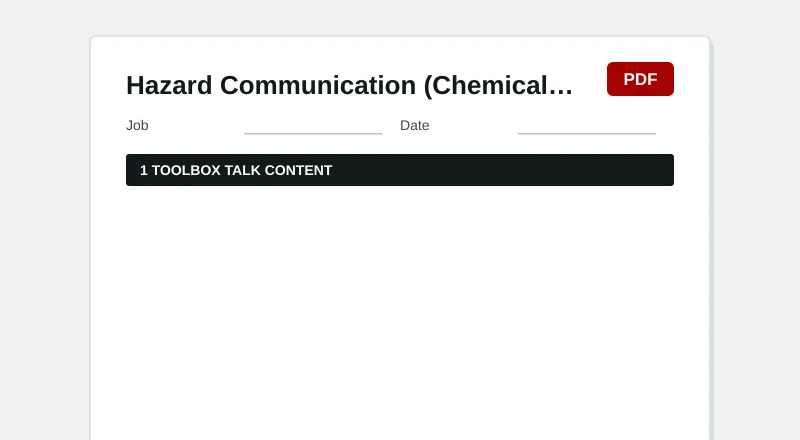
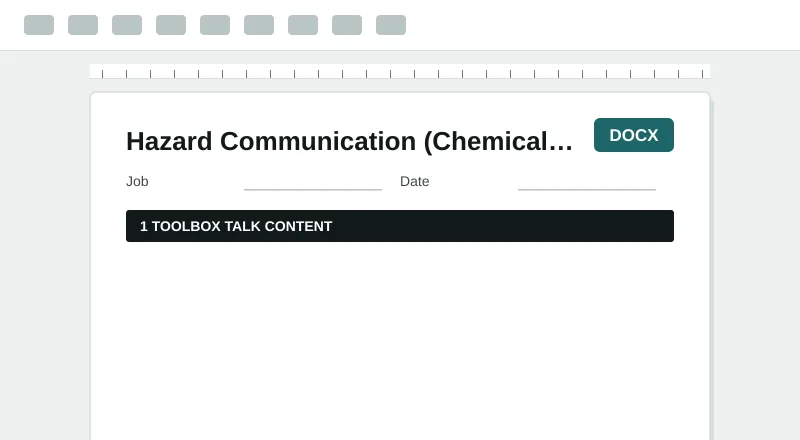
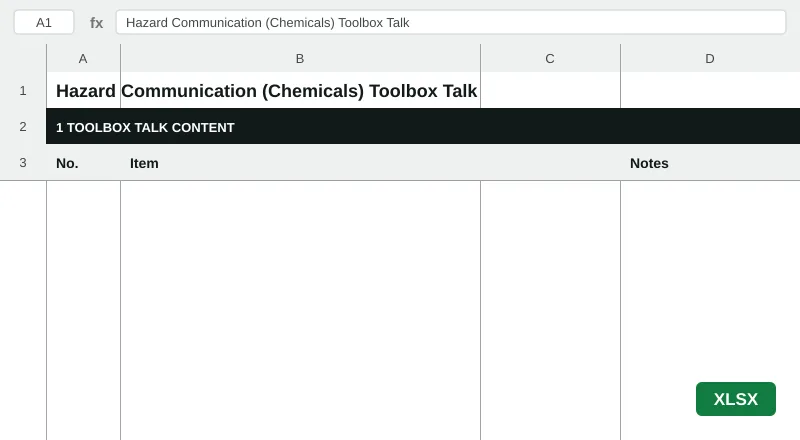
Hazard Communication (Chemicals) Toolbox Talk template: PDF, Word and Excel

Print the form as it is, or download a template you can edit. Every format is free, with no email and no sign-up.

How to use it

How to hold this toolbox talk

  1. 01

    Keep it short and on the job

    Hold it at the start of the shift, where the work is. Ten to fifteen minutes is plenty.

  2. 02

    Talk through the points

    Cover each point on the sheet and tie it to today’s work: the trench you’re digging, the ladder you’re using.

  3. 03

    Ask, don’t lecture

    Ask the crew what could go wrong today and write down what they say. Their answers are the talk.

  4. 04

    Get everyone’s signature

    Everyone who attended signs. File the sheet with the job, so you can show who was trained on what, and when.

Why we built this

Short talks, held often, change how crews work

Ten minutes at the start of the shift keeps safety in front of the crew, and the sign-in sheet is your record of who heard it.

  • Built for the field. Every check is written the way crews talk, with room for notes, photos and a signature.
  • Free, with no catch. No email, no account. Print it and hand it out.
  • On paper or on the phone. The same form runs on the Workyard app, filed to the job when it’s sent.

3,000+contractors run their crews on Workyard

Meet Workyard

Who we are

Workyard is the construction operations platform for specialty contractors and self-performing general contractors determined to grow without sacrificing job control or margins.

Forms like this one are what our customers’ crews fill in on Workyard every day, on the same app they clock in with.

workers on Workyard every day
100,000+
free templates, none of them gated
182

Forms & Workflows

Get every form back from every crew, every day

  • It shows up on its own. Attach it to a task, a job or clock-out, and it’s on the crew’s phone when it’s due.
  • It can’t be skipped. Make it required and the day can’t close until it’s in.
  • You see it the same day. Filed, flagged or missing, every job on one board, before anyone has to call.

$123,000cut from insurance costs at TR3 Group

More toolbox talks templates

Free templates for the rest of the job

Browse all templates

Questions

Hazard Communication (Chemicals) Toolbox Talk FAQs

What is covered in a Hazard Communication Toolbox Talk?

A Hazard Communication Toolbox Talk typically covers the basics of OSHA’s HazCom Standard, including proper labeling of chemicals, how to read Safety Data Sheets (SDS), employee rights to know about chemical hazards, and safe handling procedures. It ensures crews understand risks and how to protect themselves on the job.

Why is hazard communication important in the workplace?

Hazard communication is essential to prevent chemical-related injuries and illnesses. By educating workers on potential hazards, proper labeling, and SDS access, it reduces accidents, improves safety culture, and helps employers comply with OSHA regulations. It also empowers workers to make safer choices.

How often should hazard communication training be done?

HazCom training should be provided at initial assignment and whenever a new chemical hazard is introduced. Regular refreshers—often annually or during safety meetings—help reinforce knowledge and compliance. Toolbox Talks are an effective way to deliver this ongoing training in small, consistent sessions.

What is the OSHA standard for hazardous chemicals?

OSHA’s Hazard Communication Standard (29 CFR 1910.1200) requires employers to inform and train employees about chemical hazards through labeling, SDSs, and training programs. The standard aims to ensure that information about chemical dangers is communicated clearly and consistently across all workplaces.

Do I need a Workyard account to use it?

No. Print the paper form, save it as a PDF, or download the Word or Excel file, free, with no email and no sign-up. You only need an account to put the digital form on your crew’s phones.

Can I edit the template?

Yes. Download the Word or Excel version to add your logo, add checks from your project spec or remove sections you don’t need. They open in Google Docs and Google Sheets too.

How do I get my crew to fill it in on their phones?

Add the digital form to Workyard and attach it to the job or the task it belongs to. It shows up in the app your crew already clocks in with, and every form comes back signed, with its photos, filed to the job.

Trigger the form at the right moment

A job's Forms tab in Workyard: each form, the clock-in or clock-out that triggers it, and how many have been submitted
A van check filled in on the Workyard app: the damage photo, a description and the tech's signature, ready to submit

Book a demo with a Workyard specialist

Your local Workyard specialist

Works with 50 contractors across the US

Your details

30 min · Video call