



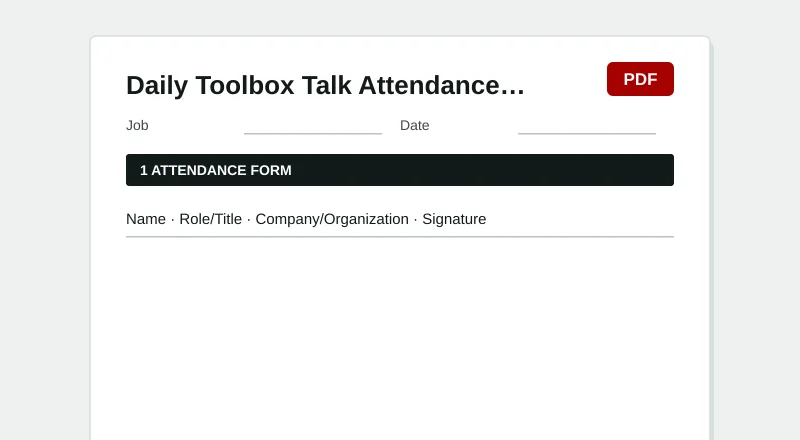
A safety meeting sign in sheet is the record of who attended a toolbox talk, tailgate meeting or safety briefing, what was covered and who ran it. Foremen and safety leads fill it in at the meeting, and crews sign before they head to work.
What goes on the safety meeting sign in sheet
The toolbox talk attendance sheet has three parts:
| Part | What gets recorded |
|---|---|
| Meeting details | Meeting type (toolbox talk, safety briefing, tailgate meeting, hazard review, emergency drill or other), topic, a list of the points briefed, date, start time, duration, location and presenter |
| Attendance | One row per person: name, role or title, company and signature |
| Sign-off | Notes and follow-up actions, and the supervisor's or presenter's confirmation signature |
The company column matters on multi-trade sites. When subs attend your talk, the sheet shows which crews heard it, not only how many people were there.
How to run the sign-in at a toolbox talk
- Fill in the meeting details before the crew arrives, including the topic and the points you plan to cover.
- Give the talk. Add any hazards or questions the crew raised to the topics list.
- Pass the toolbox talk sign in sheet around at the end, not the start, so the signatures show who stayed.
- Write follow-ups in the notes: a damaged ladder to replace, a guardrail to fix, a topic to revisit.
- Sign it as the presenter and file it the same day.
Late arrivals who missed the talk should get a short catch-up before they start work, then sign. Note it in the comments so the record is honest.
How often to complete it
Fill in a new sheet every time a meeting happens. Many crews hold a short toolbox talk daily or at the start of each week, plus a briefing when the work or the hazards change: a new phase, new equipment, bad weather coming, or after an incident or near miss. Your safety program, contract or GC may set a minimum, so check it.
Keep a safety meeting tracking log
Each sheet becomes one line in your safety meeting tracking log: date, job, topic, presenter and headcount. Kept by job, the log answers the questions that come up later: was this worker trained on this topic, has this crew covered fall protection this month, which jobs skipped a week. A pile of paper sheets makes those questions slow to answer.
Run it on phones or download it
In Workyard, the talk and the sign-in open on crews' phones at clock-in, and each worker signs on screen. Every sheet is filed to the job in the office, with PDF or CSV export when an auditor or GC asks. See Workyard toolbox talks, or pick a talk from the toolbox talk templates. The sheet is also free to download as a PDF, Word or Excel file.


