Skip to content
Log InBook a demo
Book a demo
Free template · paper and digital

Hot Work (Welding/Cutting) JHA

Breaks a welding or cutting task into steps, with the hazards, fire controls and PPE for each, before the crew strikes an arc.

WordExcel
  • No email
  • No sign-up
  • Edit it, add your logo
See every check

The template

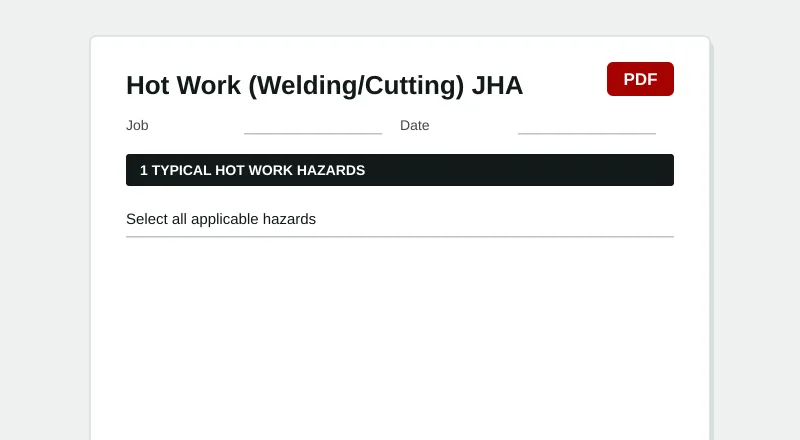
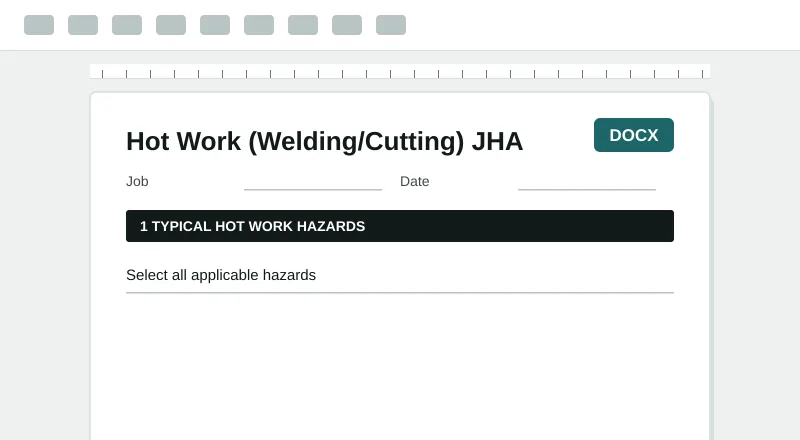
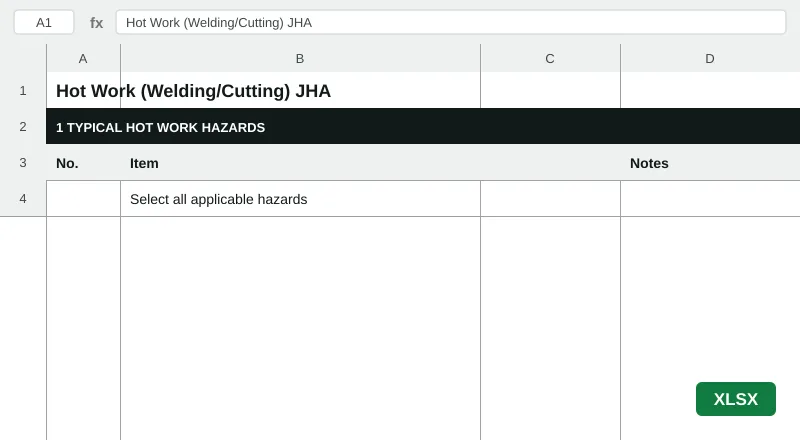
The full Hot Work (Welding/Cutting) JHA

Print it for the clipboard, or put it on your crew’s phones. Same 5 checks either way.

Your logo

Hot Work (Welding/Cutting) JHA

Used to assess risks like fire and burns in welding or cutting operations, ensuring controls such as fire watch, ventilation, and flammable material handling.

Job
Date
Date
Shift Time
Project Name / Location / Specific Work Area
Hot Work Type (e.g., arc welding, gas torch cutting, brazing)
Welding Permit Required?YesNo
Permit ID #
Fire Watch Assigned?YesNo
Fire Watch Name
Supervisor / Welding Lead

1 · Typical Hot Work Hazards

Select all applicable hazards

2 · Controls & Pre-Task Verifications

Select all completed controls and verifications

3 · Hot Work Task Steps, Hazards & Controls

3 · Hot Work Task Steps, Hazards & ControlsHighMediumLow
3.1Inspect area and prep equipment
3.2Set up ventilation and ground leads
3.3Strike arc / begin weld
3.4Grind slag or clean weld
3.5Complete task and fire watch

4 · PPE Checklist

Select all PPE in use

5 · Emergency / Stop-Work Plan

Emergency Contact Name & Number
Stop Work If
Nearest Fire Extinguisher / Emergency Exit / First Aid

6 · Crew Signatures

Name
Signature
Date

7 · Supervisor Sign-Off

Supervisor / Welding Lead
Name
Signature
Date
Date
Safety Manager (if applicable)
Name
Signature
Date
Date

Free download

Hot Work (Welding/Cutting) JHA template: PDF, Word and Excel

Print the form as it is, or download a template you can edit. Every format is free, with no email and no sign-up.

How to use it

How to complete the Hot Work (Welding/Cutting) JHA

  1. 01

    Do it on site, before the work starts

    Fill it in at the start of the task, where the work is, with the crew who’ll do it. Not in the truck the night before.

  2. 02

    Break the job into steps

    List each step of the task, then the hazards in each one. The crew doing the work knows them best.

  3. 03

    Put a control on every hazard

    For each hazard, write the control: PPE, a guard, a permit, a spotter. If you can’t control it, the step doesn’t start.

  4. 04

    Everyone signs before they start

    Read it out, answer questions and have every crew member sign. Redo it if the job or the conditions change.

Why we built this

Most injuries happen on a step nobody thought through

Ten minutes spent breaking the job into steps and naming the hazards is the cheapest safety measure you have. It’s also your record that the crew was told.

  • Built for the field. Every check is written the way crews talk, with room for notes, photos and a signature.
  • Free, with no catch. No email, no account. Print it and hand it out.
  • On paper or on the phone. The same form runs on the Workyard app, filed to the job when it’s sent.

3,000+contractors run their crews on Workyard

Meet Workyard

Who we are

Workyard is the construction operations platform for specialty contractors and self-performing general contractors determined to grow without sacrificing job control or margins.

Forms like this one are what our customers’ crews fill in on Workyard every day, on the same app they clock in with.

workers on Workyard every day
100,000+
free templates, none of them gated
182

Forms & Workflows

Get every form back from every crew, every day

  • It shows up on its own. Attach it to a task, a job or clock-out, and it’s on the crew’s phone when it’s due.
  • It can’t be skipped. Make it required and the day can’t close until it’s in.
  • You see it the same day. Filed, flagged or missing, every job on one board, before anyone has to call.

$123,000cut from insurance costs at TR3 Group

More jsas and jhas templates

Free templates for the rest of the job

Browse all templates

Questions

Hot Work (Welding/Cutting) JHA FAQs

Is this form the same as a Hot Work Permit?

No. A Hot Work JHA and a Hot Work Permit serve different purposes. The JHA identifies and addresses task-specific hazards before work begins, while the Permit formally authorizes the activity and confirms controls are in place, usually issued daily or per shift.

Who should complete the Hot Work JHA?

The JHA should be completed by the person overseeing the work, such as a foreman, competent person, or site supervisor, with crew input. All personnel must understand and agree on the hazards and controls.

What hazards should I consider during hot work?

Hot work hazards include fire, toxic fumes, burns, eye injuries, confined space dangers, and electrical risks. Consider site-specific conditions like flammables, poor ventilation, or working at heights, and document controls such as shields, isolation, fire watches, and air monitoring.

Does using this form mean I’m compliant with OSHA and NFPA rules?

Not by itself. The form supports alignment with OSHA and NFPA standards, but compliance requires training, hazard controls, and adherence to procedures. The JHA is a tool to support risk management, not a guarantee of compliance.

Do I need a Workyard account to use it?

No. Print the paper form, save it as a PDF, or download the Word or Excel file, free, with no email and no sign-up. You only need an account to put the digital form on your crew’s phones.

Can I edit the template?

Yes. Download the Word or Excel version to add your logo, add checks from your project spec or remove sections you don’t need. They open in Google Docs and Google Sheets too.

How do I get my crew to fill it in on their phones?

Add the digital form to Workyard and attach it to the job or the task it belongs to. It shows up in the app your crew already clocks in with, and every form comes back signed, with its photos, filed to the job.

Trigger the form at the right moment

A job's Forms tab in Workyard: each form, the clock-in or clock-out that triggers it, and how many have been submitted
A van check filled in on the Workyard app: the damage photo, a description and the tech's signature, ready to submit

Book a demo with a Workyard specialist

Your local Workyard specialist

Works with 50 contractors across the US

Your details

30 min · Video call