Skip to content
Log InBook a demo
Book a demo
Free template · paper and digital

Lead Paint Inspection Report Form

Records where lead paint was tested, what condition the paint is in and which control measures are recommended, with photos and a map.

WordExcel
  • No email
  • No sign-up
  • Edit it, add your logo
See every check

The template

The full Lead Paint Inspection Report Form

Print it for the clipboard, or put it on your crew’s phones. Same form either way.

Your logo

Lead Paint Inspection Report Form

Use the Lead Paint Inspection Report to log XRF or lab results, map lead-paint hazards, and outline safe abatement to protect workers and occupants.

Job
Date
Property Address
Year Built
Property TypeSingle-FamilyMultifamilyChild-Occupied Facility
XRF Device / Lab ID
Last Calibration Date / Check
Ambient Temp °F / RH %

1 · Sampling Grid, Lead Determination

Lead Determination

Room / AreaComponent (wall, trim, door, etc.)Test Method (XRF / Chip Lab)Reading (mg/cm² or %)Regulatory LimitPassNotes

Photos · photo refs

2 · Paint Condition Log

Room / ComponentConditionNotes

Photos · photo refs

3 · Annotated Map / Photo References

Upload Map · photo refs

Photo file name and folder location

4 · Recommendations & Control Measures

Actions

Area / ComponentRecommended ActionTarget DateNotes

Photos · photo refs

5 · Regulatory Notes

Regulatory Notes

6 · Sign-Off

Certified Inspector

Name
Company
EPA/State Certification #
Name
Signature
Date
Date

Client / Owner

Name
Name
Signature
Date
Date

Reviewing Authority (if required)

Client Name
Name
Signature
Date
Date

References & Standards

  • EPA 40 CFR 745 Subpart L – Lead-based paint activities (inspections); Subpart E – RRP Rule
  • HUD Lead-Safe Housing Rule 24 CFR 35
  • OSHA 29 CFR 1926.62 – Lead in Construction
  • ASTM E1729 – Field collection of dried paint samples for lead determination

Your AHJ and the code edition it has adopted govern. This checklist supports your inspection; it doesn’t replace the one your jurisdiction requires.

Free download

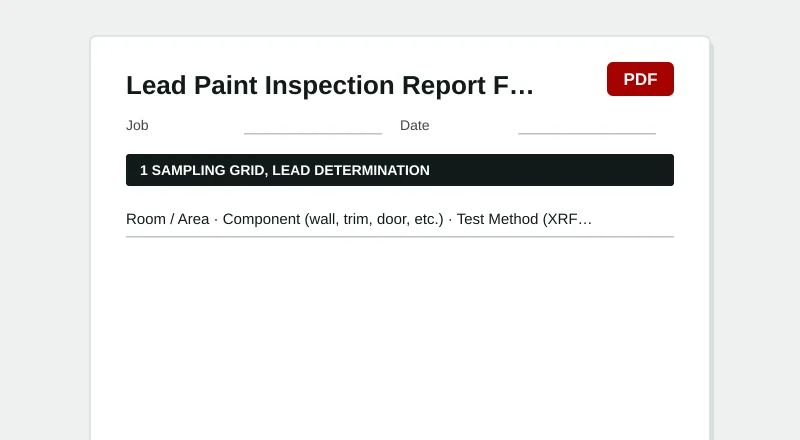
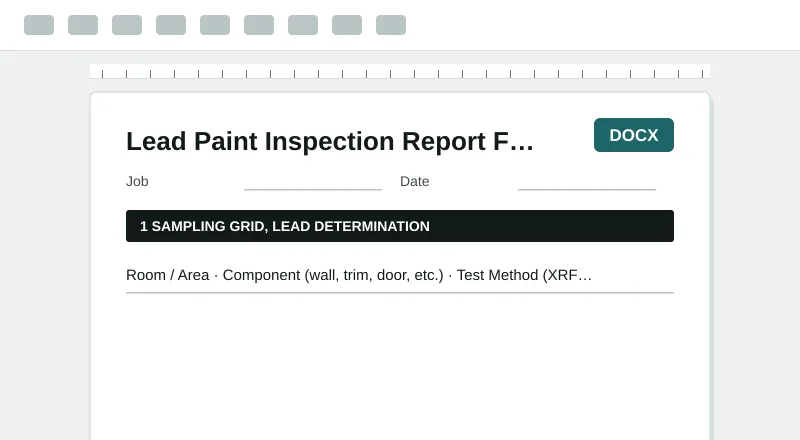
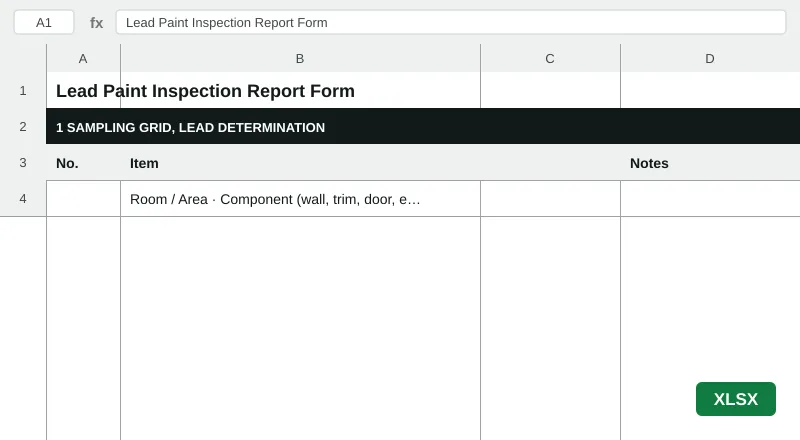
Lead Paint Inspection Report Form template: PDF, Word and Excel

Print the form as it is, or download a template you can edit. Every format is free, with no email and no sign-up.

How to use it

How to use the Lead Paint Inspection Report Form

  1. 01

    Fill in the header first

    Job, date, location and who’s filling it in, so the record stands on its own.

  2. 02

    Work the sections in order

    Go through the 6 sections in order so nothing gets skipped.

  3. 03

    Add a photo to anything that’s wrong

    Note the problem, take a photo and name who fixes it, by when.

  4. 04

    Sign it and file it with the job

    Sign it off and keep it with the job’s records, where anyone can find it.

Why we built this

A form only helps if it gets filled in

These templates are built for the people who use them: short, in the order the work happens, with room for notes and photos.

  • Built for the field. Every check is written the way crews talk, with room for notes, photos and a signature.
  • Free, with no catch. No email, no account. Print it and hand it out.
  • On paper or on the phone. The same form runs on the Workyard app, filed to the job when it’s sent.

3,000+contractors run their crews on Workyard

Meet Workyard

Who we are

Workyard is the construction operations platform for specialty contractors and self-performing general contractors determined to grow without sacrificing job control or margins.

Forms like this one are what our customers’ crews fill in on Workyard every day, on the same app they clock in with.

workers on Workyard every day
100,000+
free templates, none of them gated
182

Forms & Workflows

Get every form back from every crew, every day

  • It shows up on its own. Attach it to a task, a job or clock-out, and it’s on the crew’s phone when it’s due.
  • It can’t be skipped. Make it required and the day can’t close until it’s in.
  • You see it the same day. Filed, flagged or missing, every job on one board, before anyone has to call.

$123,000cut from insurance costs at TR3 Group

More templates

Free templates for the rest of the job

Browse all templates

Questions

Lead Paint Inspection Report Form FAQs

When is a lead paint inspection required?

Inspect pre-1978 buildings before renovation, demolition, or rental turnover. Many jurisdictions, lenders, and insurers also require lead surveys during property sales or when deteriorated paint surfaces are reported. Early testing avoids costly stoppages if hazards surface mid-project and lets contractors price abatement accurately.

What testing methods are EPA-approved?

Certified inspectors use portable X-ray fluorescence (XRF) analyzers for instant, non-destructive readings, or collect paint-chip samples for accredited-lab analysis via atomic absorption or ICP. Both meet EPA and HUD accuracy standards when equipment is calibrated, blanks are run, and chain-of-custody protocols are followed.

How will results appear in the report?

Each tested component lists the numeric lead level and a pass/fail flag against federal thresholds—≥1.0 mg/cm² by XRF or ≥0.5 % by weight from lab data. Positive areas are highlighted on annotated photos or floor plans, with paint-condition notes that rank repair urgency.

What steps follow a positive result?

Intact coatings may be encapsulated; minor peeling gets wet-scrape, repair, and repaint under lead-safe practices. Severely damaged or high-friction surfaces—such as windows—require full abatement or replacement. The report details suitable methods, PPE, clearance testing, and notification duties to tenants, contractors, and local agencies.

Do I need a Workyard account to use it?

No. Print the paper form, save it as a PDF, or download the Word or Excel file, free, with no email and no sign-up. You only need an account to put the digital form on your crew’s phones.

Can I edit the template?

Yes. Download the Word or Excel version to add your logo, add checks from your project spec or remove sections you don’t need. They open in Google Docs and Google Sheets too.

How do I get my crew to fill it in on their phones?

Add the digital form to Workyard and attach it to the job or the task it belongs to. It shows up in the app your crew already clocks in with, and every form comes back signed, with its photos, filed to the job.

Trigger the form at the right moment

A job's Forms tab in Workyard: each form, the clock-in or clock-out that triggers it, and how many have been submitted
A van check filled in on the Workyard app: the damage photo, a description and the tech's signature, ready to submit

Book a demo with a Workyard specialist

Your local Workyard specialist

Works with 50 contractors across the US

Your details

30 min · Video call