Skip to content
Log InBook a demo
Book a demo
Free template · paper and digital

Occupied-Space Protection & Cleanup Checklist

Protects occupants during work in a live building, from ICRA-style barriers and access control to daily and final cleanup.

WordExcel
  • No email
  • No sign-up
  • Edit it, add your logo
See every check

The template

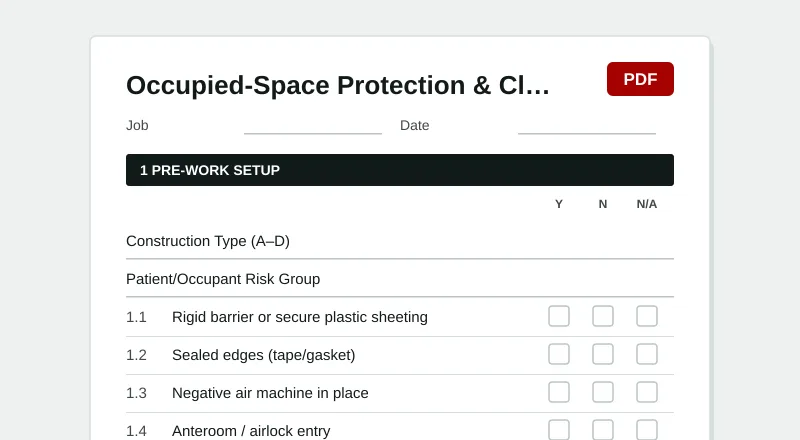
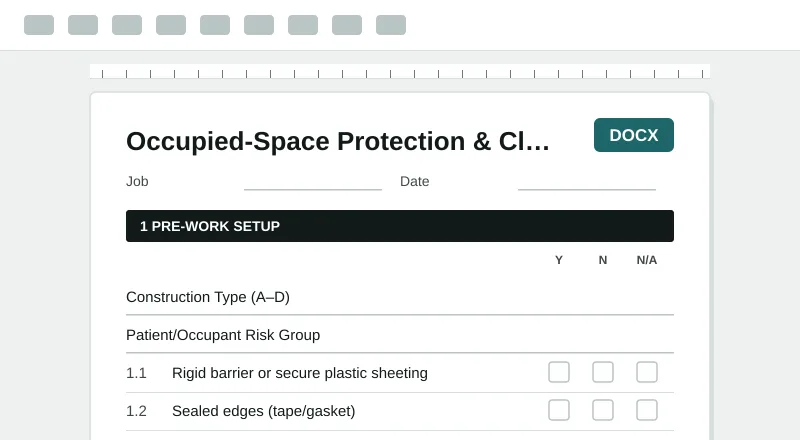
The full Occupied-Space Protection & Cleanup Checklist

Print it for the clipboard, or put it on your crew’s phones. Same 22 checks either way.

Your logo

Occupied-Space Protection & Cleanup Checklist

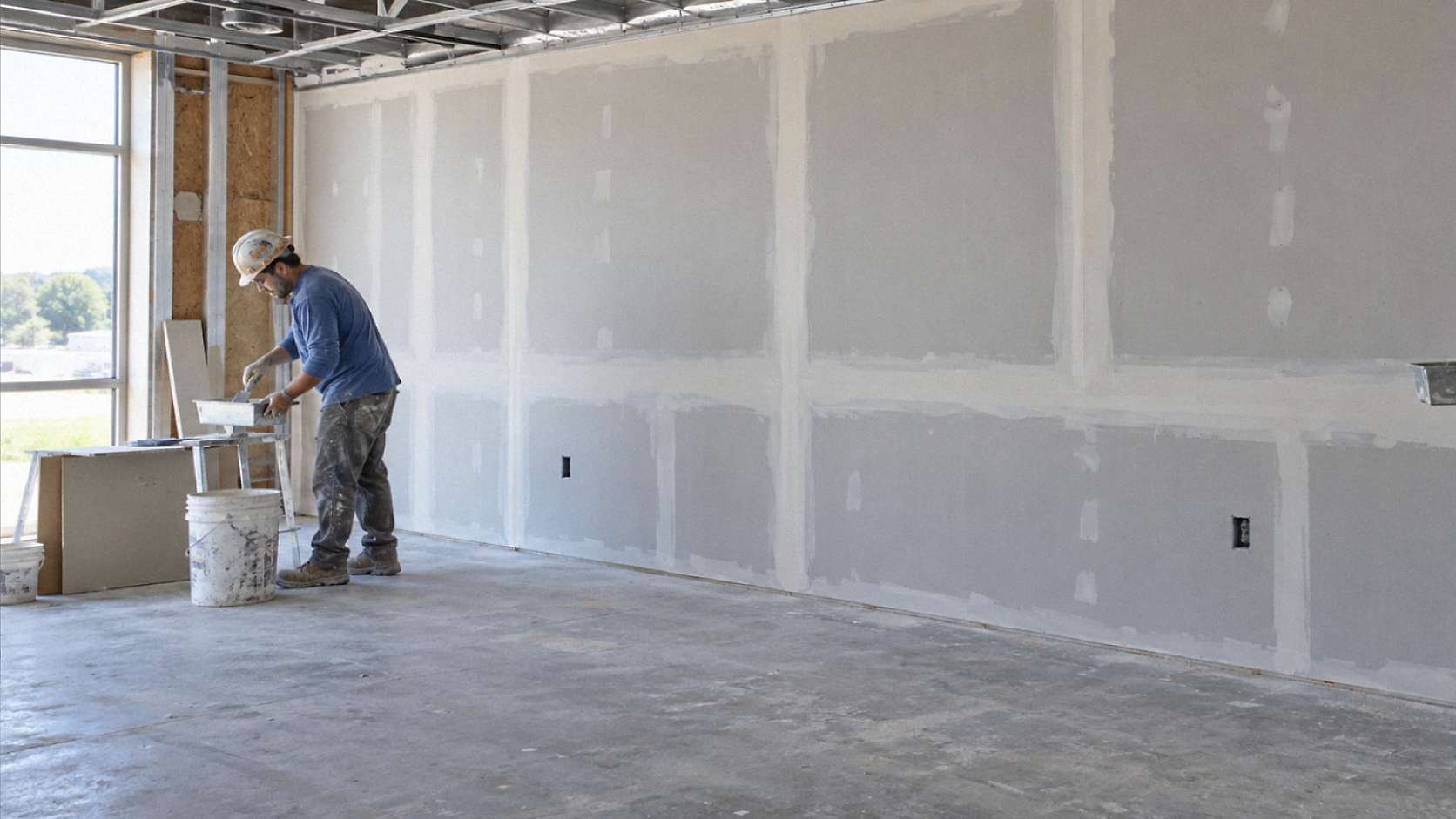
This form helps construction and trade teams protect and maintain cleanliness in areas of a building that are still in use during ongoing work. It includes procedures for dust control, debris containment, walk-off mats, barrier setup, noise mitigation, and end-of-day cleanup. The checklist ensures minimal disruption to building occupants and helps meet professional standards for occupied job sites.

Job
Date
Project Name
Location
Building TypeOfficeSchoolRetailHospital / HealthcareMultifamily / ResidentialOther
Date/Time
Worker Name
Supervisor Name

Photo Upload (Start) · photo refs

1 · Pre-Work Setup

Barrier & Containment (ICRA-style)

Construction Type (A–D)A: Minimal impact (inspection or non-invasive work)B: Small-scale, low-dust work inside occupied areasC: Moderate to high dust; some demolition or new constructionD: Major demolition/construction, heavy dust, long duration
Patient/Occupant Risk GroupLow: Healthy, mobile occupants not prone to infectionMedium: Occupants with some exposure sensitivityHigh: Immunocompromised or medically vulnerable peopleHighest: Highly vulnerable to infections; critical exposure risk

Containment Measures Installed and Verified?

Containment Measures Installed and Verified?YNN/A
1.1Rigid barrier or secure plastic sheeting
1.2Sealed edges (tape/gasket)
1.3Negative air machine in place
1.4Anteroom / airlock entry

Walk-Off Mats & Access Control

Checklist

ChecklistYNN/A
1.5Walk-off mats installed?
1.6Contractor signage in place?
1.7Paths clear to entrance?
1.8Is wet cutting or HEPA vacuum needed? If so, are they installed?
1.9Is ventilation or air scrubber needed? If so, installed?
1.10PPE provided (respirator, eyewear)?

Noise & Vibration (for occupied spaces)

Checklist

ChecklistYNN/A
1.11Quiet tools or mufflers issued?
1.12Work scheduled per occupant convenience?

2 · Daily Cleanup (optional steps to repeat daily)

2 · Daily Cleanup (optional steps to repeat daily)YNN/A
2.1Debris removed from work area?
2.2Waste bins available & covered?
2.3Walking surfaces clear and dry?
2.4Tools and materials stored neatly?
2.5Barriers and seals intact; negative pressure verified where used?

3 · Specialized Breakouts

If Hospital Selected

ICRA monitoring log started?YesNo
Stop-work protocol understood?YesNo
Infection control team notified?YesNo

If School/Office Selected

Disruptive work scheduled outside occupied hours?YesNo
Dust control signage deployed?YesNo
4 · Final Cleanup (steps for project completion)

4 · Final Cleanup (steps for project completion)YNN/A
4.1All debris removed?
4.2Floors vacuumed / mopped dry?
4.3Work area HEPA-vacuumed and wet-wiped before barriers removed?
4.4Barriers removed & sealing restored?
4.5Air quality or negative air turned off per protocol?

Photo Upload (After Cleanup) · photo refs

5 · Sign Off

Worker Name
Name
Signature
Date
Supervisor Sign-off (optional)
Final Summary Note (optional)

Free download

Occupied-Space Protection & Cleanup Checklist template: PDF, Word and Excel

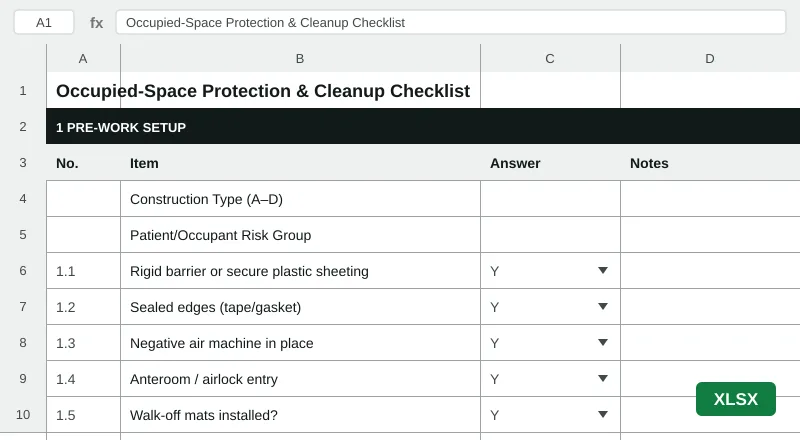
Print the form as it is, or download a template you can edit. Every format is free, with no email and no sign-up.

How to use it

How to run the Occupied-Space Protection & Cleanup Checklist

  1. 01

    Check it before you leave the area

    Run it at the end of each shift or before you hand an area over.

  2. 02

    Work through every area

    Go through the 5 sections in order, so nothing gets skipped.

  3. 03

    Photograph the finished area

    A dated photo of a clean area ends the argument about who left the mess.

  4. 04

    Sign it off

    The super or the client signs, so the handover is on record.

Why we built this

A clean site is a safer site, and a faster handover

Debris causes trips, fires and failed walkthroughs. A check at the end of the shift means the next crew, and the client, find the area ready.

  • Built for the field. Every check is written the way crews talk, with room for notes, photos and a signature.
  • Free, with no catch. No email, no account. Print it and hand it out.
  • On paper or on the phone. The same form runs on the Workyard app, filed to the job when it’s sent.

3,000+contractors run their crews on Workyard

Meet Workyard

Who we are

Workyard is the construction operations platform for specialty contractors and self-performing general contractors determined to grow without sacrificing job control or margins.

Forms like this one are what our customers’ crews fill in on Workyard every day, on the same app they clock in with.

workers on Workyard every day
100,000+
free templates, none of them gated
182

Forms & Workflows

Get every form back from every crew, every day

  • It shows up on its own. Attach it to a task, a job or clock-out, and it’s on the crew’s phone when it’s due.
  • It can’t be skipped. Make it required and the day can’t close until it’s in.
  • You see it the same day. Filed, flagged or missing, every job on one board, before anyone has to call.

$123,000cut from insurance costs at TR3 Group

More cleanup checklists templates

Free templates for the rest of the job

Browse all templates

Questions

Occupied-Space Protection & Cleanup Checklist FAQs

Why is a protection and cleanup checklist important in occupied spaces?

Working in occupied spaces presents unique challenges. Dust, noise, and clutter can disrupt daily operations, pose health risks, and create negative impressions with clients or occupants. A protection and cleanup checklist helps crews stay focused on containment and cleanliness protocols throughout the job. It also reinforces accountability and sets expectations for behavior in sensitive or shared environments. With the right checklist, teams can prevent conflicts, avoid safety violations, and maintain professionalism even during complex renovation or maintenance work.

What types of jobs require an occupied-space protection checklist?

Any project that takes place in a building or facility while it remains in use benefits from this checklist. Common examples include tenant improvements in office buildings, hospital maintenance, school upgrades, and retail renovations during off-hours. Even smaller jobs such as wall patching or fixture replacement can generate dust and noise that need to be controlled. Using a formal checklist ensures crews don’t overlook critical protection measures in a live environment.

What should be included in this type of checklist?

The checklist should cover barrier setup, dust containment methods, protection of floors and surfaces, noise mitigation strategies, cleanup protocols, and proper waste disposal. It should also include daily and final inspection steps to verify that the space is returned to its original or better condition. Some companies also include occupant communication steps and signage to alert nearby personnel. A good checklist ensures consistency, helps with liability protection, and boosts client confidence in professionalism.

Do I need a Workyard account to use it?

No. Print the paper form, save it as a PDF, or download the Word or Excel file, free, with no email and no sign-up. You only need an account to put the digital form on your crew’s phones.

Can I edit the template?

Yes. Download the Word or Excel version to add your logo, add checks from your project spec or remove sections you don’t need. They open in Google Docs and Google Sheets too.

How do I get my crew to fill it in on their phones?

Add the digital form to Workyard and attach it to the job or the task it belongs to. It shows up in the app your crew already clocks in with, and every form comes back signed, with its photos, filed to the job.

Trigger the form at the right moment

A job's Forms tab in Workyard: each form, the clock-in or clock-out that triggers it, and how many have been submitted
A van check filled in on the Workyard app: the damage photo, a description and the tech's signature, ready to submit

Book a demo with a Workyard specialist

Your local Workyard specialist

Works with 50 contractors across the US

Your details

30 min · Video call