Check equipment condition for overheating, per OSHA 1926.403(b) and (d) (1910.303(b)(7)(iv) and (b)(8) in general industry).
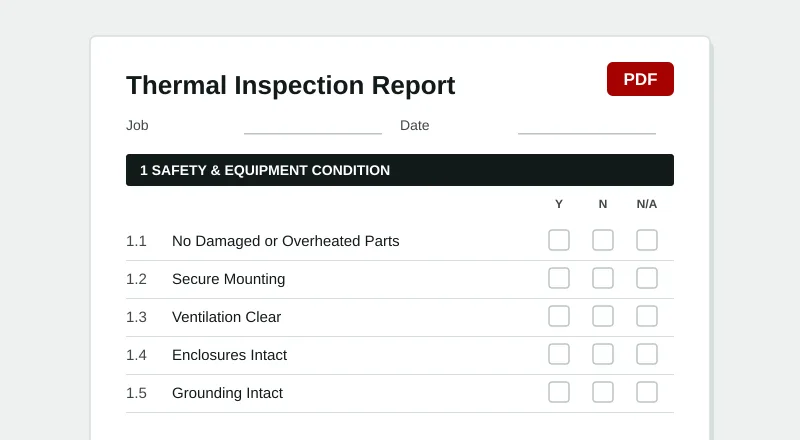
No Damaged or Overheated PartsYesNoN/A
Secure MountingYesNoN/A
Ventilation ClearYesNoN/A
Enclosures IntactYesNoN/A
Grounding IntactYesNoN/A
Electrical Systems
Inspect panels and circuits for hot spots, per NFPA 70B and OSHA 1926.403 (1910.303 in general industry).
Arc-Rated PPE Worn and Approach Boundaries Kept When Opening Energized Enclosures (NFPA 70E)YesNoN/A
Panelboard ConnectionsYesNoN/A
Breakers/FusesYesNoN/A
Neutral Bus & GroundYesNoN/A
Wiring InsulationYesNoN/A
DisconnectsYesNoN/A
Upload Thermal Images / Photos / Documents
Mechanical Systems
Inspect rotating equipment for heat issues per predictive maintenance practices.
BearingsYesNoN/A
Motor WindingsYesNoN/A
GearboxesYesNoN/A
Couplings / BeltsYesNoN/A
Fan AssembliesYesNoN/A
Upload Thermal Images / Photos / Documents
Building Envelope
Check for insulation or moisture issues per ASTM C1060 (insulation) and ASTM C1153 (roof moisture).
Roof/Ceiling InsulationYesNoN/A
Exterior WallsYesNoN/A
Windows/DoorsYesNoN/A
Floor AreasYesNoN/A
Suspected Moisture AreasYesNoN/A
Upload Thermal Images / Photos / Documents
Final Sign-Off
Certify findings and finalize the report, per NFPA 70B and ASTM E1934.
All Systems CheckedYesNo
Deficiencies NotedYesNo
Follow-Up ScheduledYesNo
Anomaly Log
Location / Component
Enter text
Image ID
Enter text
Max Temp (°F)
Enter text
Reference Temp (°F)
Enter text
Summary of Findings & Recommended Actions
Enter text
Thermographer Name
Enter text
Inspection Date & Time
Select a date
Thermographer Certification
Enter text
Signature
Sign here
Suggested Date for Follow-Up Inspection
Select a date
Submit
Scroll through the form
The template
The full Thermal Inspection Report
Print it for the clipboard, or put it on your crew’s phones. Same 24 checks either way.
Your logo
Thermal Inspection Report
A Thermal Inspection Report uses infrared imaging to detect heat anomalies that may indicate electrical issues, moisture intrusion, insulation gaps, or equipment failure.
Job
Date
Equipment/System ID
Operating Load Conditions
Ambient Conditions (Temp/Humidity)
Facility / Location
IR Camera Make/Model
IR Camera Settings (Emissivity, Reflected Temp)
1 · Safety & Equipment Condition
Y
N
N/A
1.1
No Damaged or Overheated Parts
1.2
Secure Mounting
1.3
Ventilation Clear
1.4
Enclosures Intact
1.5
Grounding Intact
2 · Electrical Systems
Y
N
N/A
2.1
Arc-Rated PPE Worn and Approach Boundaries Kept When Opening Energized Enclosures (NFPA 70E)
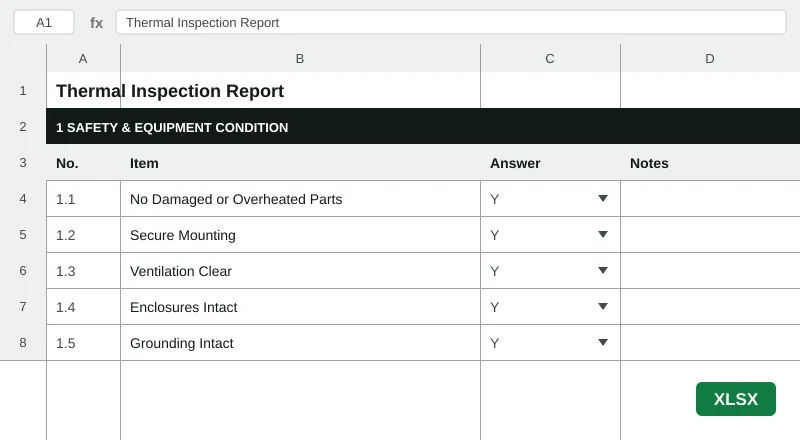
A spreadsheet with a dropdown for every answer, ready to fill in, sort and keep as a log.
Download Excel
How to use it
How to run the Thermal Inspection Report
01
Run it before the work is covered
Walk it before the next trade closes things up or the area is handed over, and again after any fix. Fill in the header first so the record stands on its own.
02
Work the sections in order
Go through the 5 sections in order so nothing gets skipped. Answer every check: a blank isn’t an answer.
03
Every miss gets a photo and an owner
Write down what’s wrong, take a photo and name the trade that owns the fix, with a date.
04
Re-check, sign, then release
Walk the misses again once they’re fixed. Sign it off, and only then let the area close.
Why we built this
An inspection only counts if it’s written down
A miss found before the work is covered up is a quick fix. Found after, it’s a tear-out, a failed inspection and a schedule hit. The written record is how you prove the check happened.
Built for the field. Every check is written the way crews talk, with room for notes, photos and a signature.
Free, with no catch. No email, no account. Print it and hand it out.
On paper or on the phone. The same form runs on the Workyard app, filed to the job when it’s sent.
Workyard is the construction operations platform for specialty contractors and self-performing general contractors determined to grow without sacrificing job control or margins.
Forms like this one are what our customers’ crews fill in on Workyard every day, on the same app they clock in with.
workers on Workyard every day
100,000+
free templates, none of them gated
182
Forms & Workflows
Get every form back from every crew, every day
It shows up on its own. Attach it to a task, a job or clock-out, and it’s on the crew’s phone when it’s due.
It can’t be skipped. Make it required and the day can’t close until it’s in.
You see it the same day. Filed, flagged or missing, every job on one board, before anyone has to call.
7:02 AMToolbox talkMeridian Business ParkRay T. · 12 signaturesFiled to job
9:40 AMSite inspectionFairview Clinic · L2 eastDiego M. · 8 photosFiled to job
11:15 AMSite inspectionFairview Clinic · L2 westFirestop answered No at grid C-4Flagged · to the PM
2:14 PMPre-start checkMeridian Business ParkExcavator 3 · Dana C. · signedFiled to job
4:30 PMDaily logRiverside TowerDue at clock-outMissing
Fairview L2 west: firestop at C-4 answered No. Photo attached, PM notified at 11:15 AM. The ceiling stays open until it’s fixed, not a box ticked on a sheet in the truck.
A thermal inspection uses infrared imaging technology to detect abnormal heat or moisture patterns in buildings, electrical systems, or mechanical equipment. This non-invasive method helps identify potential issues such as overheating components, insulation gaps, or water leaks before they cause significant damage.
Who performs thermal inspections?
Thermal inspections are typically performed by certified thermographers, licensed electricians, or qualified building inspectors who have specialized training in using infrared cameras and interpreting thermal images. Their expertise ensures accurate identification of problems and appropriate recommendations for corrective action.
Is thermal imaging used for electrical safety?
Yes, thermal imaging is widely used in electrical safety inspections to identify overheating connections, overloaded circuits, or faulty components that may pose fire hazards. Early detection through thermal imaging helps prevent equipment failure and reduces the risk of electrical fires.
Should I keep thermal reports on file?
Absolutely, keeping thermal inspection reports on file is important for supporting ongoing maintenance, safety audits, and warranty claims. These records provide valuable documentation of equipment condition over time and help track the effectiveness of repairs or preventive measures.
Do I need a Workyard account to use it?
No. Print the paper form, save it as a PDF, or download the Word or Excel file, free, with no email and no sign-up. You only need an account to put the digital form on your crew’s phones.
Can I edit the template?
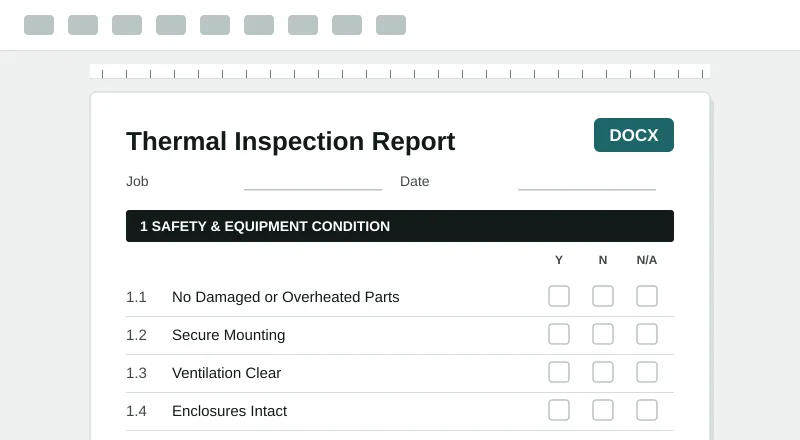
Yes. Download the Word or Excel version to add your logo, add checks from your project spec or remove sections you don’t need. They open in Google Docs and Google Sheets too.
How do I get my crew to fill it in on their phones?
Add the digital form to Workyard and attach it to the job or the task it belongs to. It shows up in the app your crew already clocks in with, and every form comes back signed, with its photos, filed to the job.