

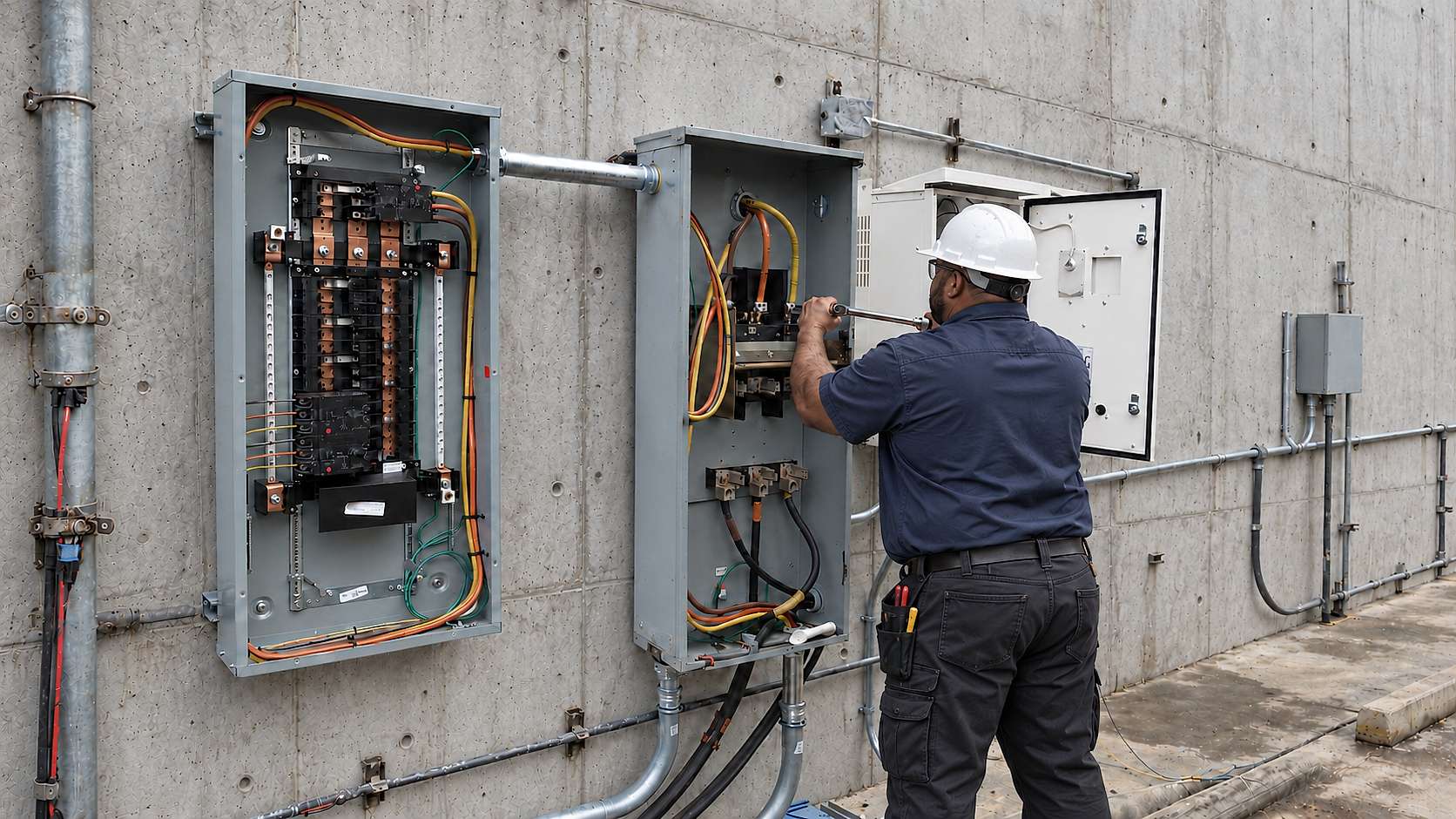

An electrical commissioning checklist is the record that proves a building's electrical systems were installed, tested and working as designed before the owner takes them over. Electrical contractors, commissioning agents and inspectors fill it in at the end of a job, system by system, from the service equipment down to the exit signs, and sign it before turnover.
What an electrical commissioning checklist covers
The checklist runs in the order power flows through a building. Each section is a set of Yes, No or N/A checks, and every "No" needs details and a recommended next step. The code references beside each section are the ones the form itself lists; check them against the code edition your jurisdiction has adopted.
| Section | What you verify | References the form lists |
|---|---|---|
| Project and system details | Contractor, system types (power distribution, emergency, lighting, fire alarm, standby), documents reviewed, commissioning phase | Plans, specs, load calcs, panel schedules, shop drawings |
| Service equipment and power sources | Utility service energized, service panel rating and labels, main bonding jumper, generator and transfer switch working, emergency source tested under load | NEC Articles 230, 700, 701, 702; NFPA 110 |
| Grounding and bonding | Electrodes installed, resistance measured, panel bonding, pool and spa bonding, conductor sizes | NEC Article 250; ANSI/NETA |
| Distribution equipment | Panels mounted with clearance, accurate directories, breaker ratings, covers and blanks, arc-flash labels, feeders identified and megger-tested | NEC Articles 408 and 110; ANSI/NETA ATS |
| Final circuits and wiring | Conductors undamaged, routing secured, terminations torqued, polarity right, GFCI and AFCI where required, circuits load tested | NEC Articles 210 and 300 |
| Special locations | Bathroom, kitchen and laundry protection, metal piping bonded, floor boxes covered, hot tubs protected | NEC 210.8, 210.12, 250.104, Article 680 |
| Emergency systems | Fire alarm, emergency lighting, exit signs, generator transfer, critical circuits labeled, monitoring panel | NEC Article 700; NFPA 72 |
| Documentation and handover | As-builts, test reports, O&M manuals, owner training, punch list closed | NEC 700.3; ANSI/NETA ECS |
Commissioning phases on the form
The form asks which phase you're in, because the same building gets checked more than once:
- Pre-functional: equipment is installed and you're confirming it's set, connected and labeled before anything is energized for testing.
- Functional: systems run under real conditions. The generator picks up load, the transfer switch shifts, emergency lights come on when power drops.
- Final: everything has passed, the paperwork is complete and the owner's people are trained.
- Re-commissioning: an existing building is checked again after a renovation, an equipment change or a problem.
Run a separate checklist for each phase. A pre-functional sheet full of N/A answers is normal; a final sheet with N/A on the emergency systems needs an explanation.
How to fill out the electrical testing and commissioning checklist
Treat the electrical testing and commissioning checklist as the summary, and keep the test data behind it:
- Fill in the project details and tick every document you checked the install against. If the panel schedules weren't available, say so.
- Work through each section in order. Mark N/A only where the item truly doesn't exist on this job.
- For every "No", write what you found, where, and the next step.
- Attach the test reports, readings and photos that back up your answers: insulation resistance results, grounding measurements, generator load test records.
- Choose a final status of Compliant, Partial or Deficient, and summarize the findings if it isn't Compliant.
- List the follow-up needed, then sign and date it.
Record the actual readings in an electrical testing and commissioning log so the checklist's Yes answers point to numbers. More forms for electrical contractors are in the electrical templates.
Download the checklist or run it in Workyard
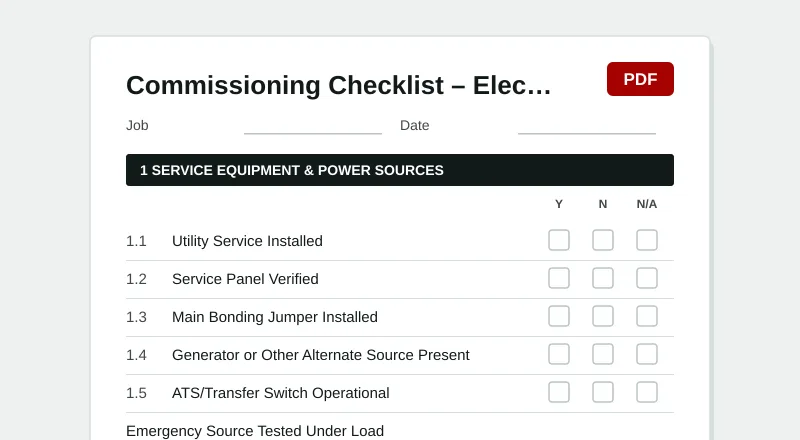
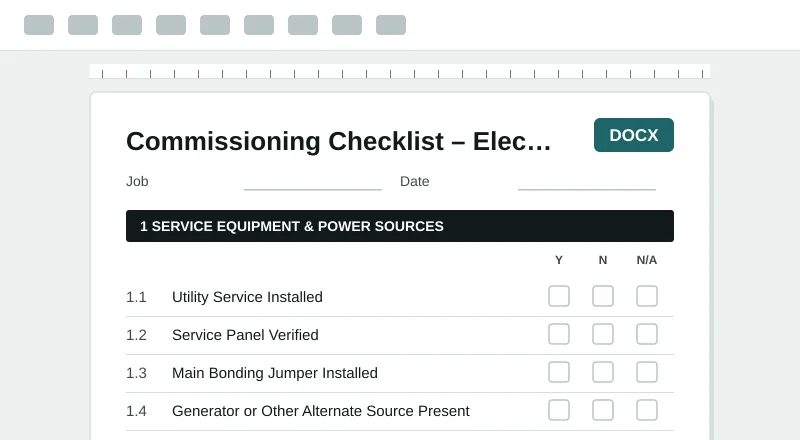
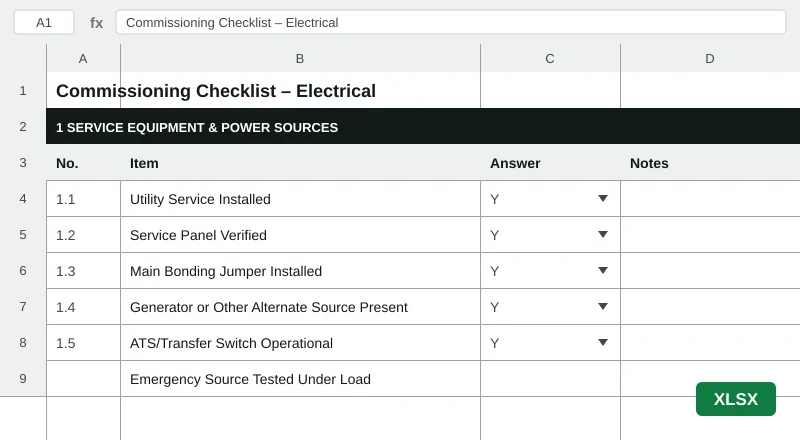
Get the electrical commissioning checklist free as a PDF, Word or Excel file, no sign-up needed. To skip the paper, run it in Workyard's construction inspection app: your electrician fills it in on a phone on the job, attaches photos and test reports, signs on screen, and every completed checklist is filed to the job in the office, ready to export as a PDF for the turnover package.


