


An HVAC commissioning checklist is the record that proves each piece of equipment was installed, started, tested and set up the way the design intended. Commissioning agents, mechanical contractors and field engineers fill it in at the end of a job, unit by unit, before the system is turned over to the owner.
What the HVAC commissioning checklist covers
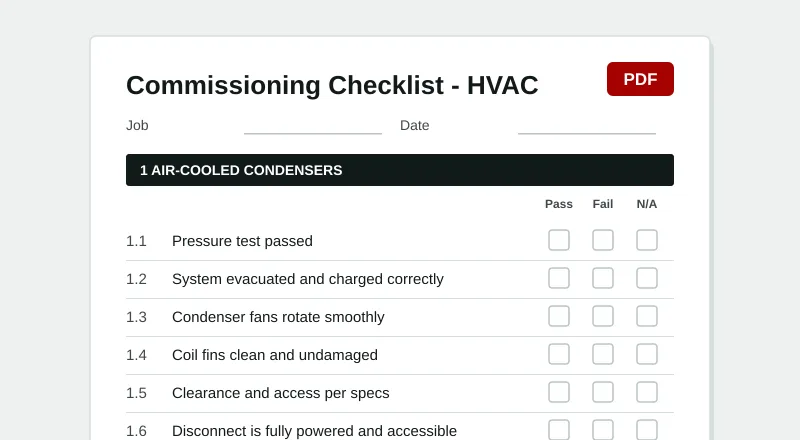
The checklist is organized by equipment type. Each section lists its checks with a Pass or Fail and a comment box for anything that fails, so a reviewer can see exactly what was verified and what still needs work.
| Section | What gets verified |
|---|---|
| Air-cooled condensers | Pressure test, evacuation and charge, fan rotation, coil fins, clearances, disconnect and power, safety controls and interlocks, operating pressures with superheat and subcooling, voltage and amps against nameplate |
| Programmable thermostats | Installed per the manufacturer, programmed to the control strategy, heating and cooling start and stay on, behavior under load, program held after a power loss, battery backup |
| VAV terminals | Orientation, control wiring, reheat coil and reheat controls, VAV controls, maintenance clearance |
| Testing, adjusting and balancing | Maximum and minimum terminal airflow set and verified, procedures documented, balancing verified |
| Air handling units | Access panels, vibration isolation, insulation, casing, condensate drainage, fan and belt clearance, disconnect, motor rotation, piping, coil valves, filters, duct smoke detector shutdown |
| Heat recovery units | Operation, power and rotation, bypass dampers, valves and actuators, duct pressure sensor, fan air volume controller, controls |
The thermostat section points to ASHRAE 90.1 and the balancing section to NEBB or AABC procedures, because those are the references commercial specs usually lean on. Check which version your job specs call for.
HVAC commissioning steps from startup to handover
Commissioning goes smoother when the work happens in the same order every time:
- Confirm the installation. Walk each unit with the drawings: clearances, access, supports, condensate, insulation and labels.
- Prove power and safety. Check disconnects are powered and within sight of the unit, motor rotation is right, and safety controls and interlocks trip as they should.
- Start up and record readings. Log pressures, superheat, subcooling, voltage and amps while the equipment runs, not from memory afterward.
- Test the controls. Run heating and cooling from each thermostat, cycle VAV reheat, and check dampers and actuators respond.
- Balance. Set terminal airflows and attach the balancing report. The air and water balance report holds the outlet-by-outlet readings.
- Close out failures and sign. Every Fail gets a comment, a fix and a recheck before anyone signs.
For new construction turnover, swap construction filters for clean ones before the AHU section is signed. Owners notice dirty filters on day one.
How to fill out the HVAC commissioning report template
Start with the Project and Role Details section: job name and location, the installing contractor, the commissioning agent or inspector, and the date. Then work through each equipment section for every unit on the job. If a building has six VAV boxes, that section gets completed six times, one per box, with the tag number in the comment so nobody has to guess which box failed.
Comments matter most on a Fail. Write what you saw, the reading you got and what was done about it. A comment like low charge, added refrigerant, superheat now in range tells the next tech far more than a lone Fail mark.
The Sign-Off section has three signatures: the inspector, the installer and the contractor. All three sign so the installer can't later say the unit was never checked, and the contractor has proof the work was accepted. Keep the signed checklist with the balancing report and startup sheets in the turnover package.
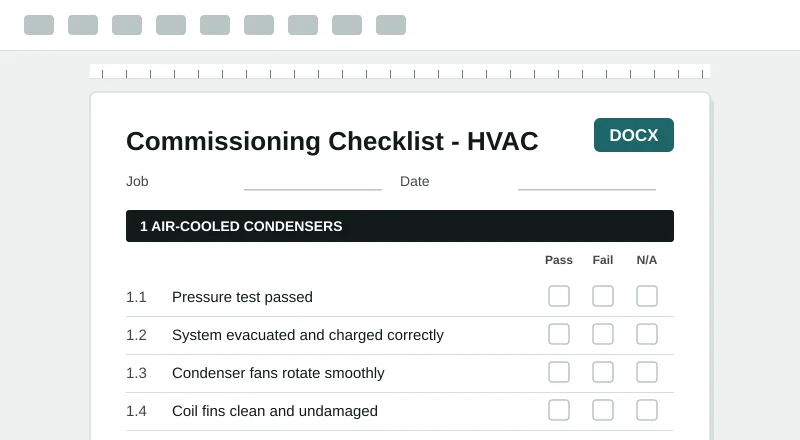
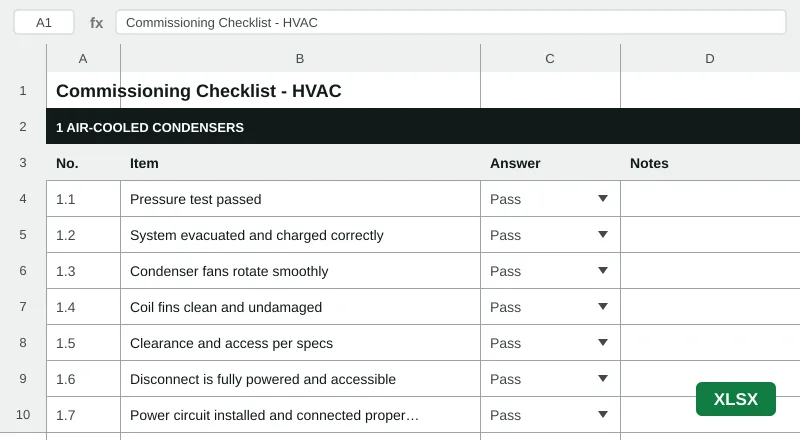
Get the free HVAC commissioning checklist
Download the checklist as a PDF to print, or as a Word or Excel file to adjust for your equipment list. It's free, with no sign-up. On a bigger job, you can run the same HVAC commissioning forms on your crew's phones in Workyard with the construction inspection app: readings and photos go in at the unit, each person signs on screen, a Fail goes to the person who needs to fix it, and every completed form is filed to the job in the office, ready to export as a PDF for the owner. More forms for the trade are under HVAC and mechanical templates.


