


An equipment usage log is the shift-by-shift record of what a machine did: hour-meter readings, engine time and idle time, productive hours, loads or cycles, fuel and fluids added, and anything that needs the shop. Operators fill it in for each excavator, loader, skid steer, crane or generator they run, and the office uses it to bill, cost and service the fleet.
What goes on the daily equipment log sheet
The daily equipment log sheet follows the shift from start to finish:
| Section | What the operator records |
|---|---|
| Project details | Project, make and model, serial or VIN, unit ID, start hour-meter reading, operator, weather, shift date |
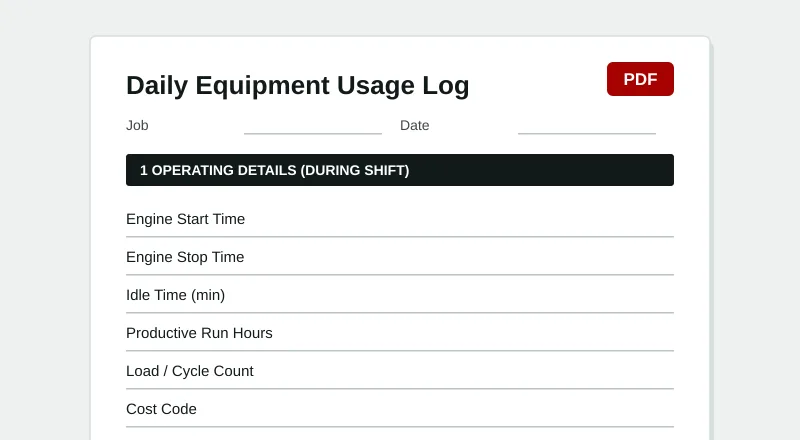
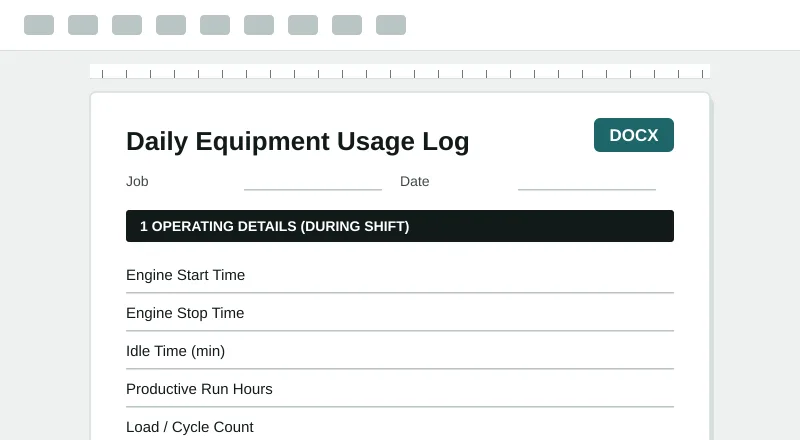
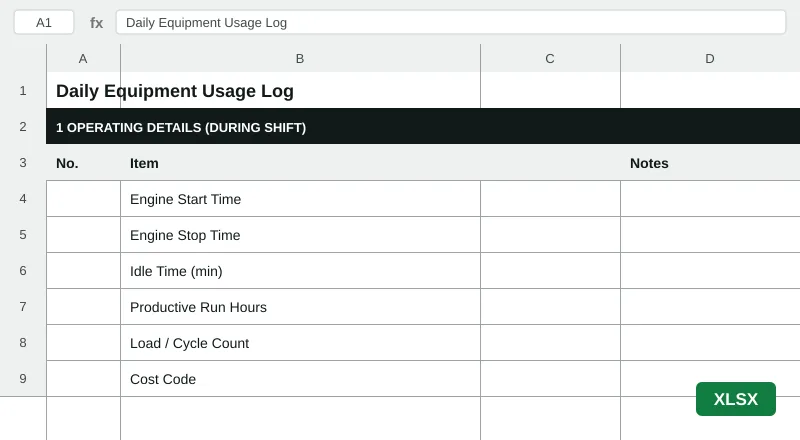
| Operating details | Engine start and stop times, idle minutes, productive run hours, load or cycle count, cost code |
| Fuel and fluids | Diesel, DEF and hydraulic oil added, spills or leaks seen (with a photo if yes) |
| Maintenance flags | Each alert or symptom with its hour-meter reading, the action taken, whether it's closed and notes |
| Close-out | End hour-meter reading, overall condition (Good, Fair or Needs Repair), end-of-shift notes |
| Sign-off | Operator and supervisor names, signatures and dates |
The form lists OSHA 29 CFR 1926.600 for equipment and 29 CFR 1926.1412 for crane inspections as its references.
How to fill in the log over a shift
- Before starting: fill in the machine details and the start hour-meter reading.
- During the shift: note start and stop times, and keep a running count of loads or cycles. Write down any warning light, noise or leak when it happens, with the hour-meter reading.
- At fueling: record what went in.
- End of shift: take the end hour-meter reading, rate the condition, and sign. The supervisor reviews and signs.
Fill it in for each machine, every shift it runs. If a unit moves between jobs mid-shift, start a new log for the new job so its hours land on the right cost code.
Using the equipment usage log as a tracking sheet
One log is a day. A month of them tells you what you own and how hard it works:
- Billing and costing: run hours by cost code back up equipment charges, including extra work on a T&M equipment ticket.
- Service intervals: hour-meter readings tell the shop when each unit is due, instead of guessing from the calendar.
- Idle time: high idle against low productive hours points to a machine sitting on the wrong job, or one that should be shut off.
- Repeat problems: the same maintenance flag on several logs is a repair to schedule before it becomes a breakdown.
Run it on phones or download it
In Workyard, operators fill in the log on their phones on the job, with photos of leaks or damage and a signature on screen. A Needs Repair goes to the person you name, and every log is filed to the job in the office with CSV export for costing. See Workyard equipment tracking or more equipment tracking templates. The log is also free to download as a PDF, Word or Excel file.


