Skip to content
Log InBook a demo
Book a demo
Free template · paper and digital

Equipment Transfer Form

Tracks a piece of equipment from the origin site to the receiving site, with inspections at both ends and sign-off from sender and receiver.

WordExcel
  • No email
  • No sign-up
  • Edit it, add your logo
See every check

The template

The full Equipment Transfer Form

Print it for the clipboard, or put it on your crew’s phones. Same form either way.

Your logo

Equipment Transfer Form

Shift idle iron where it’s needed, not where it’s parked. The Equipment Transfer Form lets crews request a crane, generator, or IT kit, attach photos, and secure supervisor sign-off before the truck rolls. GPS pins, serial numbers, and schedule links flow to fleet dashboards, giving procurement and safety full visibility—everything happens in one app.

Job
Date
Project Name (receiving site)
Origin
Destination
Requester Name
Cost Code / Phase
Date Needed By
Estimated Return Date
Carrier / Haul Co.
Safety Add-OnsRiggingPPE kitSpotterLight tower

1 · Request Details

Itemized Request

Asset ClassQtyMake / ModelSerial #/Unit IDAttachments NeededSpecial Instructions

2 · Load-Out Inspection (origin site)

Inspection

Asset ClassSerial #/Unit IDExterior clean & undamagedNo fluid leaksAttachments lowered & securedTie-downs meet 49 CFR 393.130 (min. 4)Hour-Meter Reading (out)

Photos · photo refs

3 · Transport & Compliance

Driver Name & CDL #
Trailer TypeLowboyTilt-deckFlatbedLandoll
Truck / Trailer Plate #
DOT/Over-dim Permit #
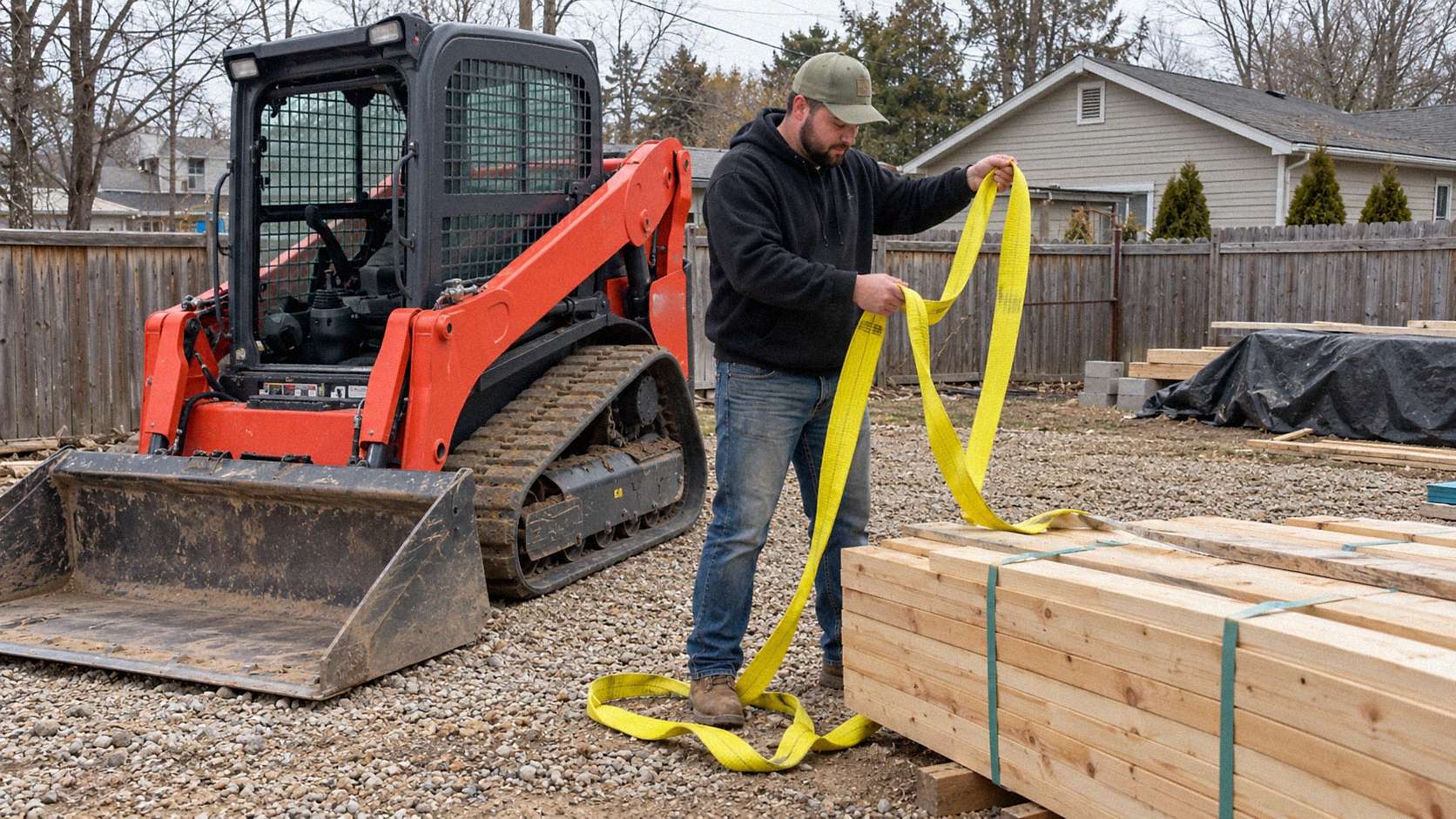
Chains / Straps Qty
4 · Delivery Verification (receiving site)

Itemized Request

Asset ClassArrived on time (within 30 min)Exterior condition matches dispatchTie-downs removed safelyHour-Meter Reading (in)Notes

Photos · photo refs

5 · Sign Off

Sender

Name
Signature
Date / Time

Receiver

Name
Signature
Date / Time

References & Standards

  • OSHA 29 CFR 1926.600 – Equipment Requirements
  • OSHA 29 CFR 1926.602 – Material-Handling Equipment
  • 49 CFR 393 Subpart I (§§ 393.100–393.136) – Cargo Securement
  • 49 CFR § 393.130 – Heavy Vehicles, Equipment and Machinery
  • ISO 55001:2024 – Asset Management Systems

Your AHJ and the code edition it has adopted govern. This checklist supports your inspection; it doesn’t replace the one your jurisdiction requires.

Free download

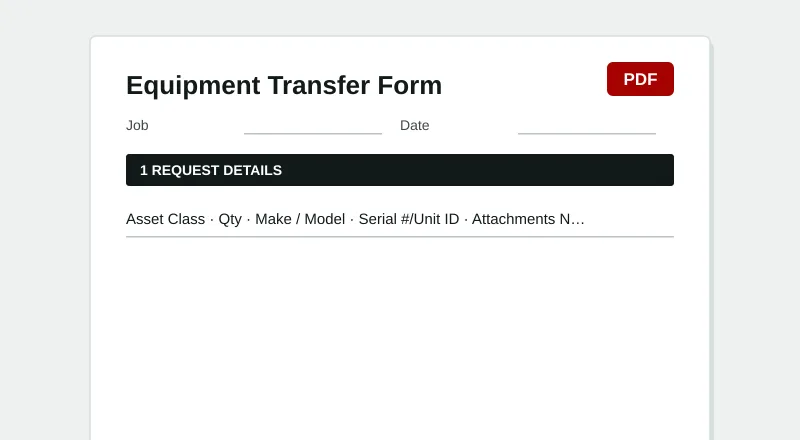
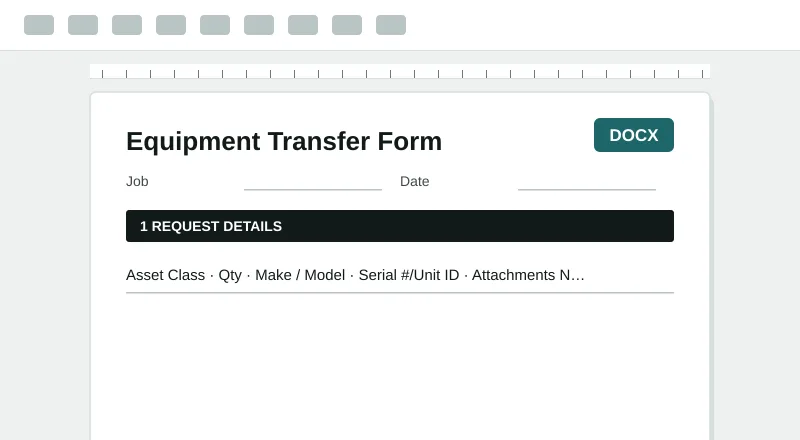
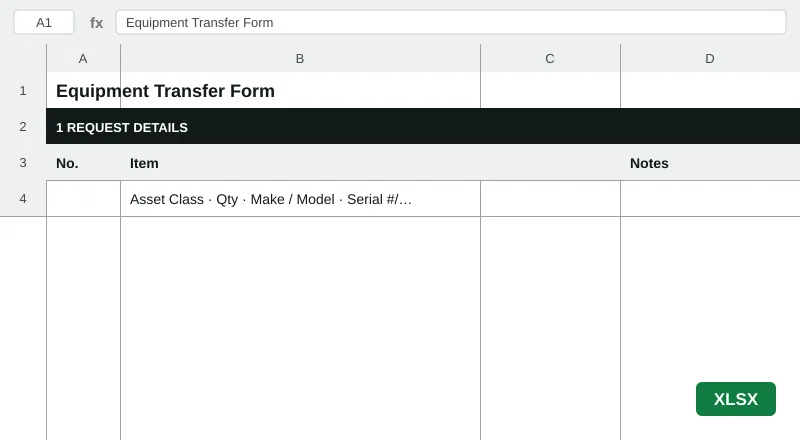
Equipment Transfer Form template: PDF, Word and Excel

Print the form as it is, or download a template you can edit. Every format is free, with no email and no sign-up.

How to use it

How to use the Equipment Transfer Form

  1. 01

    Log it every time it moves

    Fill it in when equipment is checked out, moved between jobs or returned.

  2. 02

    Record hours, fuel and condition

    Write down meter hours, fuel and anything that’s wrong, against the job it worked on.

  3. 03

    Flag what needs service

    Note damage or a service that’s due, with a photo, so the shop sees it before it breaks down.

  4. 04

    Keep the log with the job

    File each entry with the job, so equipment costs land on the right job and nothing goes missing.

Why we built this

Equipment you can’t find still costs you

Knowing where every machine is, how long it ran and what it needs keeps it working, and its costs on the right job.

  • Built for the field. Every check is written the way crews talk, with room for notes, photos and a signature.
  • Free, with no catch. No email, no account. Print it and hand it out.
  • On paper or on the phone. The same form runs on the Workyard app, filed to the job when it’s sent.

3,000+contractors run their crews on Workyard

Meet Workyard

Who we are

Workyard is the construction operations platform for specialty contractors and self-performing general contractors determined to grow without sacrificing job control or margins.

Forms like this one are what our customers’ crews fill in on Workyard every day, on the same app they clock in with.

workers on Workyard every day
100,000+
free templates, none of them gated
182

Forms & Workflows

Get every form back from every crew, every day

  • It shows up on its own. Attach it to a task, a job or clock-out, and it’s on the crew’s phone when it’s due.
  • It can’t be skipped. Make it required and the day can’t close until it’s in.
  • You see it the same day. Filed, flagged or missing, every job on one board, before anyone has to call.

$123,000cut from insurance costs at TR3 Group

More equipment tracking templates

Free templates for the rest of the job

  • Equipment Tracking

    Equipment Request Form

  • Equipment Tracking

    Daily Equipment Usage Log

  • Equipment Tracking

    Equipment Checkout Form

Browse all templates

Questions

Equipment Transfer Form FAQs

Who is authorized to submit a transfer request?

Foremen, superintendents, or warehouse coordinators with app access can initiate requests. Role-based permissions allow only fleet or purchasing managers to approve, while safety staff receive view-only alerts to schedule required inspections before equipment is dispatched.

How does the form help with DOT compliance?

The transport section records the driver and CDL number, trailer type, truck and trailer plates, any DOT or over-dimension permit number, and the number of chains and straps. The load-out inspection confirms each machine has no fluid leaks, its attachments lowered and secured, and at least four tie-downs, as 49 CFR 393.130 requires for heavy equipment, with photos of the load attached.

Can we integrate telematics data?

Yes. Once the asset ID is assigned, telematics hour-meter and GPS pings flow into the utilization module. Variance alerts fire if actual location deviates from the planned destination, reducing theft risk and improving billing accuracy.

What happens if an asset is damaged in transit?

Receiving teams photograph the equipment on arrival. If damage is noted, the form automatically opens a maintenance ticket, assigns responsibility, and logs the incident for insurance—saving time and preserving chain-of-custody documents in the same app.

Do I need a Workyard account to use it?

No. Print the paper form, save it as a PDF, or download the Word or Excel file, free, with no email and no sign-up. You only need an account to put the digital form on your crew’s phones.

Can I edit the template?

Yes. Download the Word or Excel version to add your logo, add checks from your project spec or remove sections you don’t need. They open in Google Docs and Google Sheets too.

How do I get my crew to fill it in on their phones?

Add the digital form to Workyard and attach it to the job or the task it belongs to. It shows up in the app your crew already clocks in with, and every form comes back signed, with its photos, filed to the job.

Trigger the form at the right moment

A job's Forms tab in Workyard: each form, the clock-in or clock-out that triggers it, and how many have been submitted
A van check filled in on the Workyard app: the damage photo, a description and the tech's signature, ready to submit

Book a demo with a Workyard specialist

Your local Workyard specialist

Works with 50 contractors across the US

Your details

30 min · Video call