


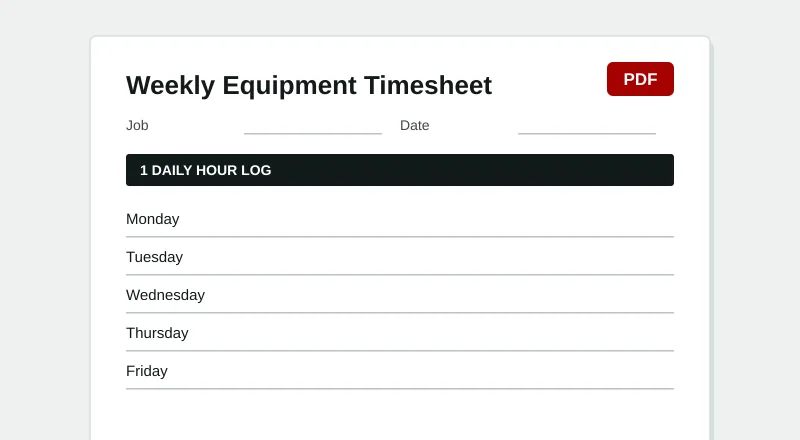
An equipment timesheet template records how many hours a machine ran on a job each day, how long it sat on stand-by, what it burned in fuel and what service it needs, then rolls the week up for a supervisor to approve. Operators of excavators, loaders, dozers and other heavy equipment fill it in, and the office uses the totals to bill time-and-materials work and charge equipment to the right cost code.
What goes on the equipment timesheet template
One sheet covers one machine for one week.
| Section | What goes in it |
|---|---|
| Job details | Job name or ID, location, cost code, equipment make and model, unit or serial number |
| Pre-shift safety checklist | Completed once a day before the machine starts |
| Daily hour log | For each day: start and stop time, hour meter start and end, idle minutes, billable run hours, stand-by hours, notes |
| Fuel and service log | Fuel and DEF added, grease points, filters changed, dash warnings or service due |
| Attachments | Each attachment used, which day, start and end time, and a wear note |
| Operator sign-off | Name, signature, shift date and time |
| Weekly approval | Total billable run hours, total stand-by hours, cost category, supervisor approve or reject, supervisor signature, optional owner or client signature, remarks |
The form's references list OSHA 29 CFR 1926 Subpart O for motor vehicles and mechanized equipment, and 29 CFR Part 516 for wage-and-hour recordkeeping.
How often to fill in an equipment hours log
Daily entries, weekly approval. Operators fill in the job details, safety check, hour log and fuel log at the end of every shift, Monday through Sunday. The supervisor reviews the week and signs the approval section on Friday or the last workday.
Daily matters because hours written from memory on Friday drift. Hour meter readings taken at the start and end of each shift can't drift, which is why the log asks for both. If Tuesday's end reading doesn't match Wednesday's start, something moved the machine and somebody should know why.
Run hours, stand-by and cost codes
The split between run hours and stand-by is where an equipment hours log earns its keep. Billable run hours are time the machine worked. Stand-by hours are time it sat on the job, available, waiting on another trade, an inspection or the weather. Many contracts price the two differently, and both cost you money, so record them separately every day instead of guessing at the end of the week.
At approval, the supervisor assigns each total to a cost category: T&M equipment, stand-by, fuel, or included in the bid. Hours that are included in the bid still get logged. They show what the machine actually cost the job, which is the number you want when you price the next one.
For a single day of extra work, the T&M equipment ticket gets the client's signature the same day. For equipment that moves between jobs and operators, the daily equipment usage log tracks it by day instead of by week.
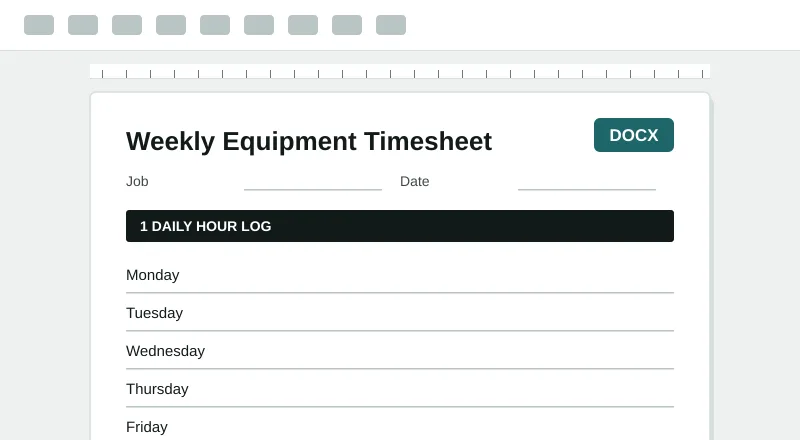
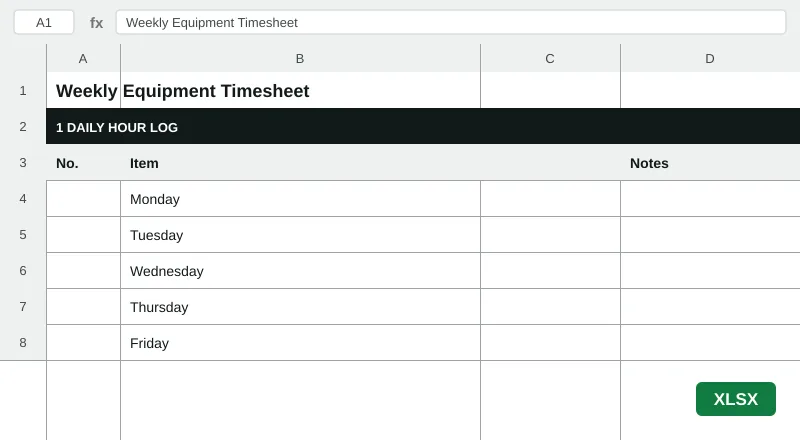
Get the free equipment timesheet template
Download the weekly equipment timesheet as a PDF, Word or Excel file, free and with no sign-up. The Excel version adds up the week for you. In Workyard, operators fill in the same form on their phones on the job, photograph the hour meter and dash warnings, and sign on screen. A failed safety check goes to the named supervisor, and every week's sheet is filed to the job in the office, ready to export as a PDF for the client or a CSV for accounting. See Workyard's equipment tracking.


