Skip to content
Log InBook a demo
Book a demo
Free template · paper and digital

Equipment Request Form

Lets a crew lead ask for a machine or tool for a job, with site conditions and safety noted, and gives the office what it needs to approve it.

WordExcel
  • No email
  • No sign-up
  • Edit it, add your logo
See every check

The template

The full Equipment Request Form

Print it for the clipboard, or put it on your crew’s phones. Same 11 checks either way.

Your logo

Equipment Request Form

Request, allocate, and trace cranes, lifts, power tools, or IT hardware in minutes with our Equipment Request Form. Field crews add photos, cost codes, and needed dates; managers approve, schedule delivery, and check OSHA 29 CFR 1926.600 safety readiness from anywhere. Every step lives in one secure, searchable app.

Job
Date
Project Name
Cost Code

Requested Dates

From
Through
Safety Add-Ons NeededRiggingPPE kitSpotterLight tower

1 · Request Details

Asset Class

ItemQtyPreferred Make and ModelAttachment / AccessorySerial #/Unit ID (if known)Notes

2 · Site Conditions

2 · Site ConditionsYN
2.1Access width & height OK
2.2Ground bearing capacity verified
2.3Power / fuel available
2.4Overhead obstructions clear
2.5Power lines identified and minimum clearance planned (OSHA 1926.600(a)(6); 1926.1408 for cranes)
2.6Delivery route illuminated for night drop
Photos

3 · Safety Checklist

3 · Safety ChecklistYN
3.1Operator certification on file (e.g., NCCCO, OSHA lift)
3.2Machine guarding required for task
3.3Backup alarm / beacons needed in traffic zones
3.4Work-area lighting adequate (night shift)
3.5PPE available for task (fall arrest, high-visibility)

4 · Approval & Allocation

Itemized approval

ItemApproved?Assigned Unit IDDispatch / Haul CompanyTruck / Trailer IDDispatch NotesDelivery ETA

5 · Sign-Off

Requester

Name
Signature
Date

Foreman or Safety Lead

Name
Signature
Date

Supervisor

Name
Signature
Date

References & Standards

  • OSHA 29 CFR 1926.600 – Equipment Requirements
  • OSHA 29 CFR 1926.1412 – Crane & Derrick Inspections
  • ISO 55001:2024 – Asset Management Systems, Requirements

Your AHJ and the code edition it has adopted govern. This checklist supports your inspection; it doesn’t replace the one your jurisdiction requires.

Free download

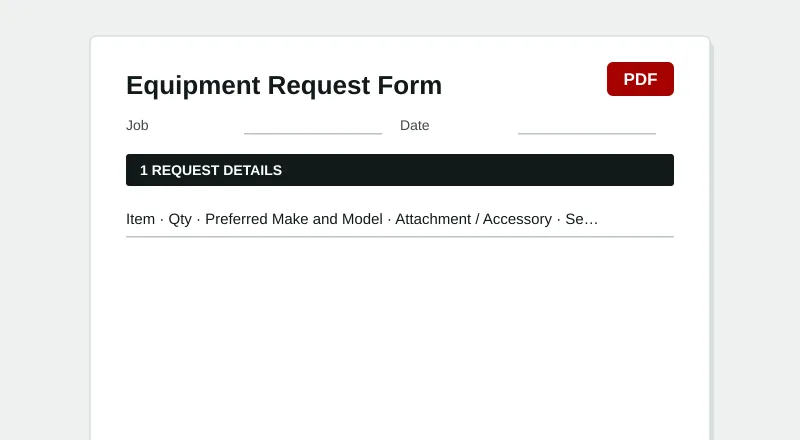
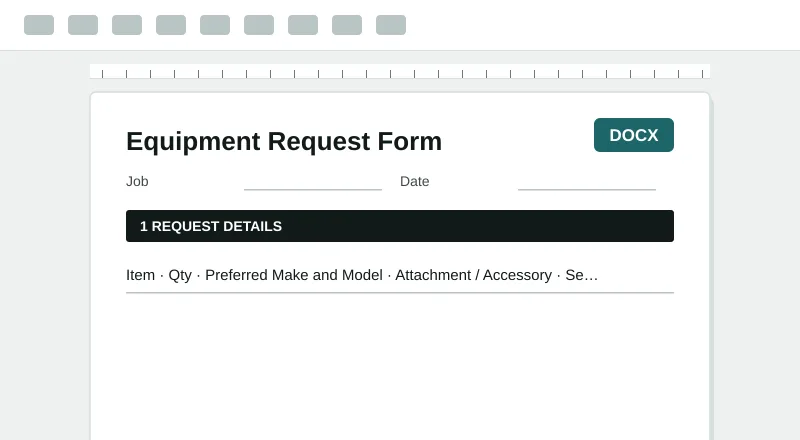
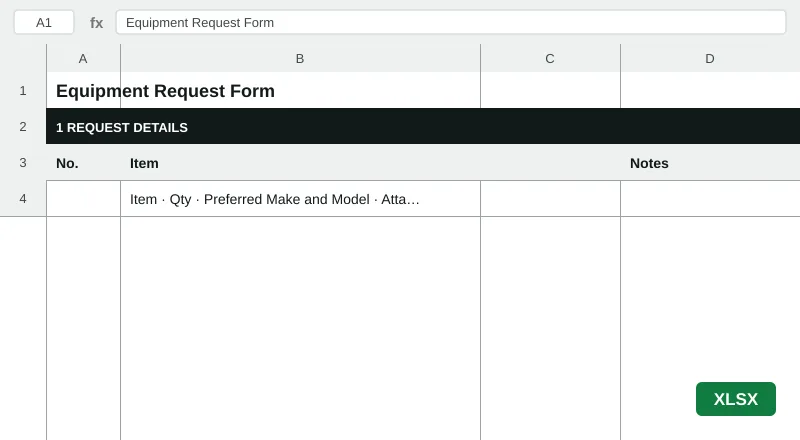
Equipment Request Form template: PDF, Word and Excel

Print the form as it is, or download a template you can edit. Every format is free, with no email and no sign-up.

How to use it

How to use the Equipment Request Form

  1. 01

    Log it every time it moves

    Fill it in when equipment is checked out, moved between jobs or returned.

  2. 02

    Record hours, fuel and condition

    Write down meter hours, fuel and anything that’s wrong, against the job it worked on.

  3. 03

    Flag what needs service

    Note damage or a service that’s due, with a photo, so the shop sees it before it breaks down.

  4. 04

    Keep the log with the job

    File each entry with the job, so equipment costs land on the right job and nothing goes missing.

Why we built this

Equipment you can’t find still costs you

Knowing where every machine is, how long it ran and what it needs keeps it working, and its costs on the right job.

  • Built for the field. Every check is written the way crews talk, with room for notes, photos and a signature.
  • Free, with no catch. No email, no account. Print it and hand it out.
  • On paper or on the phone. The same form runs on the Workyard app, filed to the job when it’s sent.

3,000+contractors run their crews on Workyard

Meet Workyard

Who we are

Workyard is the construction operations platform for specialty contractors and self-performing general contractors determined to grow without sacrificing job control or margins.

Forms like this one are what our customers’ crews fill in on Workyard every day, on the same app they clock in with.

workers on Workyard every day
100,000+
free templates, none of them gated
182

Forms & Workflows

Get every form back from every crew, every day

  • It shows up on its own. Attach it to a task, a job or clock-out, and it’s on the crew’s phone when it’s due.
  • It can’t be skipped. Make it required and the day can’t close until it’s in.
  • You see it the same day. Filed, flagged or missing, every job on one board, before anyone has to call.

$123,000cut from insurance costs at TR3 Group

More equipment tracking templates

Free templates for the rest of the job

  • Equipment Tracking

    Equipment Transfer Form

  • Equipment Tracking

    Daily Equipment Usage Log

  • Equipment Tracking

    Equipment Checkout Form

Browse all templates

Questions

Equipment Request Form FAQs

Who can submit an equipment request?

Any authorized foreman or superintendent with app access can raise a request. Role-based permissions ensure only fleet managers or purchasing staff can approve or reject, while safety receives view-only alerts to schedule required inspections.

Does the form handle long-lead specialty gear?

Yes. Requests include needed-by dates and lead-time flags. The system highlights items outside normal stock levels and notifies procurement to start rental or purchase workflows early, avoiding schedule slips and last-minute premiums.

How are safety inspections connected to each request?

Upon approval, the assigned unit’s next required OSHA or manufacturer inspection date is compared to the planned utilization window. If service is due, maintenance receives an automatic task, ensuring the equipment arrives compliant and ready.

Can we track actual utilization versus requested time?

Return entries capture hour-meter readings or telematics data, enabling automatic variance reports between booked and used hours. The insight drives better planning, exposes underutilized assets, and informs buy-versus-rent decisions for future projects.

Do I need a Workyard account to use it?

No. Print the paper form, save it as a PDF, or download the Word or Excel file, free, with no email and no sign-up. You only need an account to put the digital form on your crew’s phones.

Can I edit the template?

Yes. Download the Word or Excel version to add your logo, add checks from your project spec or remove sections you don’t need. They open in Google Docs and Google Sheets too.

How do I get my crew to fill it in on their phones?

Add the digital form to Workyard and attach it to the job or the task it belongs to. It shows up in the app your crew already clocks in with, and every form comes back signed, with its photos, filed to the job.

Trigger the form at the right moment

A job's Forms tab in Workyard: each form, the clock-in or clock-out that triggers it, and how many have been submitted
A van check filled in on the Workyard app: the damage photo, a description and the tech's signature, ready to submit

Book a demo with a Workyard specialist

Your local Workyard specialist

Works with 50 contractors across the US

Your details

30 min · Video call