Skip to content
Log InBook a demo
Book a demo
Free template · paper and digital

Pre-Excavation & Earthwork QC Checklist

Confirms permits, utility clearance, soil type and protective systems before a trench or dig starts, with equipment safety checks.

WordExcel
  • No email
  • No sign-up
  • Edit it, add your logo
See every check

The template

The full Pre-Excavation & Earthwork QC Checklist

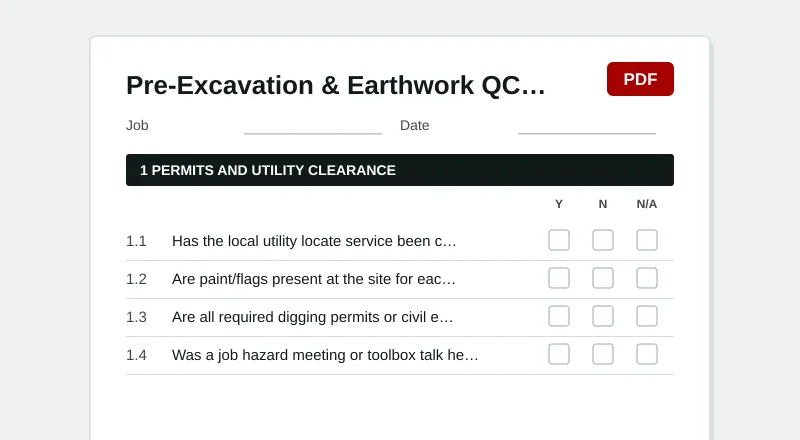
Print it for the clipboard, or put it on your crew’s phones. Same 21 checks either way.

Your logo

Pre-Excavation & Earthwork QC Checklist

The Pre-Excavation & Earthwork QC Checklist helps crews verify site safety, utilities, and environmental controls before excavation work begins. Designed to assist with OSHA, EPA, and ANSI guideline alignment, it improves field readiness, minimizes rework, and helps reduce project risks.

Job
Date

1 · Permits and Utility Clearance

1 · Permits and Utility ClearanceYNN/A
1.1Has the local utility locate service been contacted so buried lines are marked?
1.2Are paint/flags present at the site for each identified utility (electric, gas, water, sewer, etc.)?
1.3Are all required digging permits or civil engineering approvals obtained?
1.4Was a job hazard meeting or toolbox talk held to review plans and discuss excavation hazards?

2 · Site and Environmental Conditions

Weather ConditionsClearRainWindRecent storms
Erosion Controls Installed: Confirm temporary measures (silt fence, straw wattles, berms, inlet filters) are in place to prevent runoff. Specify as needed.Silt FenceStraw WattlesBermsInlet Filters

Site Access Safety

Site Access SafetyYNN/A
2.1Are routes to the excavation clear of mud, debris, and standing water?
2.2Are soil/material stockpiles covered or stabilized so they won’t wash away?
2.3Are lower areas or storm inlets protected from sediment (e.g. with inlet protection or diversion swales)?

3 · Soil and Groundwater

Soil Type (according to OSHA soil classification system)Stable Rock: natural solid rock that stays intact when excavated.Type A: Hard, unbroken soil; most stable, holds shape well.Type B: Previously disturbed or cracked soil; medium stability.Type C: Loose, wet, or granular soil; least stable, collapses easily.Mixed/Other
Soil Condition (moisture/condition):DryMoistSaturatedFreezing/Thawing

Soil and Water Hazards

Soil and Water HazardsYNN/A
3.1Is site free of groundwater or standing water?
3.2If water is present, are pumps or drainage plans in place to remove it?
3.3Are excavated materials piled at least 2 ft from edges (per OSHA/USACE)?
3.4Site is free of any cracks, sloughing, or unstable conditions along the edges

4 · Protective Systems (Sloping/Shoring)

Planned Excavation Depth (ft.)
Type of Protection (choose all that apply):Sloping/BenchingSoldier Pile/ShoringTrench Box/Shield

Protective System Plan in Place

Protective System Plan in PlaceYNN/A
4.1Is a protective system (sloping, benching, shoring or shielding) selected for this depth and soil type, with a registered professional engineer's design where OSHA requires one (e.g., deeper than 20 ft)?
4.2Needed shoring materials or trench box are on site and inspected.
4.3For trenches ≥4 ft deep, is a ladder or ramp placed so workers can exit within 25 ft travel?
4.4Is a competent person designated to inspect the excavation daily before work, as conditions change and after every rainstorm (1926.651(k))?
4.5Where a hazardous atmosphere could exist, will the air be tested before anyone enters an excavation deeper than 4 ft (1926.651(g))?

5 · Equipment and Safety Checks

5 · Equipment and Safety ChecksYNN/A
5.1All machines (excavators, trench boxes, lifts) checked and in working order?
5.2Hard hats, safety boots, high-vis vests, gloves, etc. are available and will be used?
5.3Barricades, guardrails or warning tapes placed to protect workers and the public around open excavations?
5.4If equipment works near traffic or edges, is a flagger or spotter assigned and high-visibility gear in use?
5.5Are first-aid kits, a rescue harness (with lifeline) or other emergency response equipment on site?

6 · Final Verification and Sign-Off

Final comments

Upload files and photos of site pre-excavation to document conditions · photo refs

Is site cleared for earthworks to commence?YesNo
Inspector Name
Date and Time
Project ID / Name
Additional Comments / Observations
Name
Signature
Date

Free download

Pre-Excavation & Earthwork QC Checklist template: PDF, Word and Excel

Print the form as it is, or download a template you can edit. Every format is free, with no email and no sign-up.

How to use it

How to run the Pre-Excavation & Earthwork QC Checklist

  1. 01

    Check it at the hold point

    Run it before the next trade covers the work, against the plans and the spec.

  2. 02

    Work the sections in order

    Go through the 6 sections in order. Measure where it asks for a number; don’t eyeball it.

  3. 03

    Log every miss with a photo

    Write down what doesn’t meet spec, who fixes it and by when, and attach a photo.

  4. 04

    Sign off when it’s right

    Re-check the fixes, then sign. The signed sheet is your proof the work met spec when it was built.

Why we built this

Rework is the most expensive work you’ll do

A miss caught at the hold point is a quick fix. Caught after the next trade has covered it, it’s a tear-out, a delay and a margin gone.

  • Built for the field. Every check is written the way crews talk, with room for notes, photos and a signature.
  • Free, with no catch. No email, no account. Print it and hand it out.
  • On paper or on the phone. The same form runs on the Workyard app, filed to the job when it’s sent.

3,000+contractors run their crews on Workyard

Meet Workyard

Who we are

Workyard is the construction operations platform for specialty contractors and self-performing general contractors determined to grow without sacrificing job control or margins.

Forms like this one are what our customers’ crews fill in on Workyard every day, on the same app they clock in with.

workers on Workyard every day
100,000+
free templates, none of them gated
182

Forms & Workflows

Get every form back from every crew, every day

  • It shows up on its own. Attach it to a task, a job or clock-out, and it’s on the crew’s phone when it’s due.
  • It can’t be skipped. Make it required and the day can’t close until it’s in.
  • You see it the same day. Filed, flagged or missing, every job on one board, before anyone has to call.

$123,000cut from insurance costs at TR3 Group

More quality control templates

Free templates for the rest of the job

  • Quality Control

    Concrete Pour Log

Browse all templates

Questions

Pre-Excavation & Earthwork QC Checklist FAQs

Who should fill out the Pre-Excavation & Earthwork QC Checklist?

This checklist is typically completed by site supervisors, foremen, or the project’s designated safety officer. In some cases, QA/QC personnel may also participate. It’s designed for quick use in the field before excavation begins to confirm key safety and quality steps are in place.

Does this checklist include utility clearance and 811 verification?

Yes. One of the key fields in the checklist covers utility clearance and confirmation of “Call Before You Dig” services like 811 or local One Call systems. This helps reduce the risk of utility strikes and supports local and federal utility marking requirements.

Can this form help with erosion control and environmental compliance?

Absolutely. The form includes checks for erosion control measures such as silt fencing, straw wattles, or drainage management. These are important not only for safety but for helping teams meet EPA and SWPPP (Stormwater Pollution Prevention Plan) expectations on regulated job sites.

Is this form suitable for all types of excavation or only large-scale projects?

This checklist is flexible enough for use on both small- and large-scale excavation jobs. Whether you're digging for foundations, laying utilities, or doing bulk earthwork, the form can be tailored to suit your project’s scope and regulatory context.

Do I need a Workyard account to use it?

No. Print the paper form, save it as a PDF, or download the Word or Excel file, free, with no email and no sign-up. You only need an account to put the digital form on your crew’s phones.

Can I edit the template?

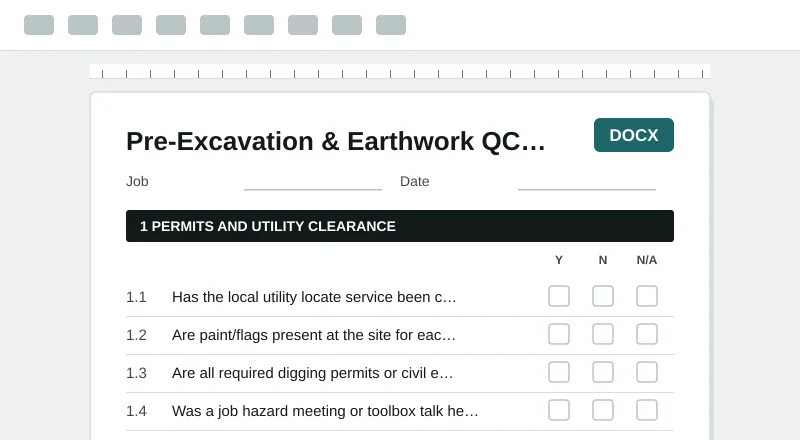
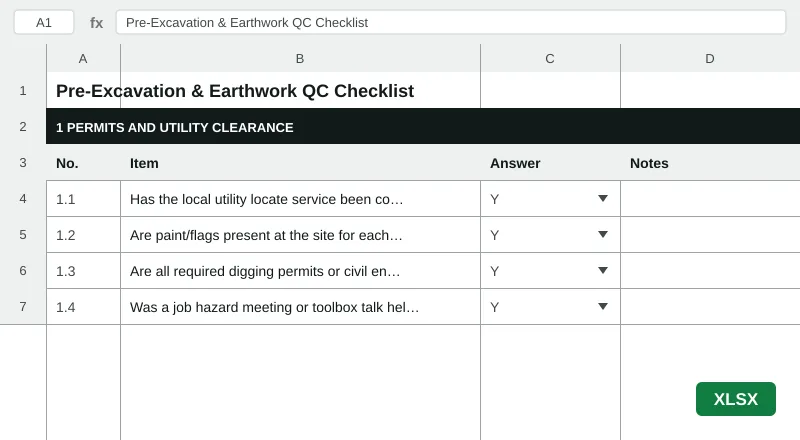
Yes. Download the Word or Excel version to add your logo, add checks from your project spec or remove sections you don’t need. They open in Google Docs and Google Sheets too.

How do I get my crew to fill it in on their phones?

Add the digital form to Workyard and attach it to the job or the task it belongs to. It shows up in the app your crew already clocks in with, and every form comes back signed, with its photos, filed to the job.

Trigger the form at the right moment

A job's Forms tab in Workyard: each form, the clock-in or clock-out that triggers it, and how many have been submitted
A van check filled in on the Workyard app: the damage photo, a description and the tech's signature, ready to submit

Book a demo with a Workyard specialist

Your local Workyard specialist

Works with 50 contractors across the US

Your details

30 min · Video call