Skip to content
Log InBook a demo
Book a demo
Free template · paper and digital

Restoration/Damage Repair Daily Report

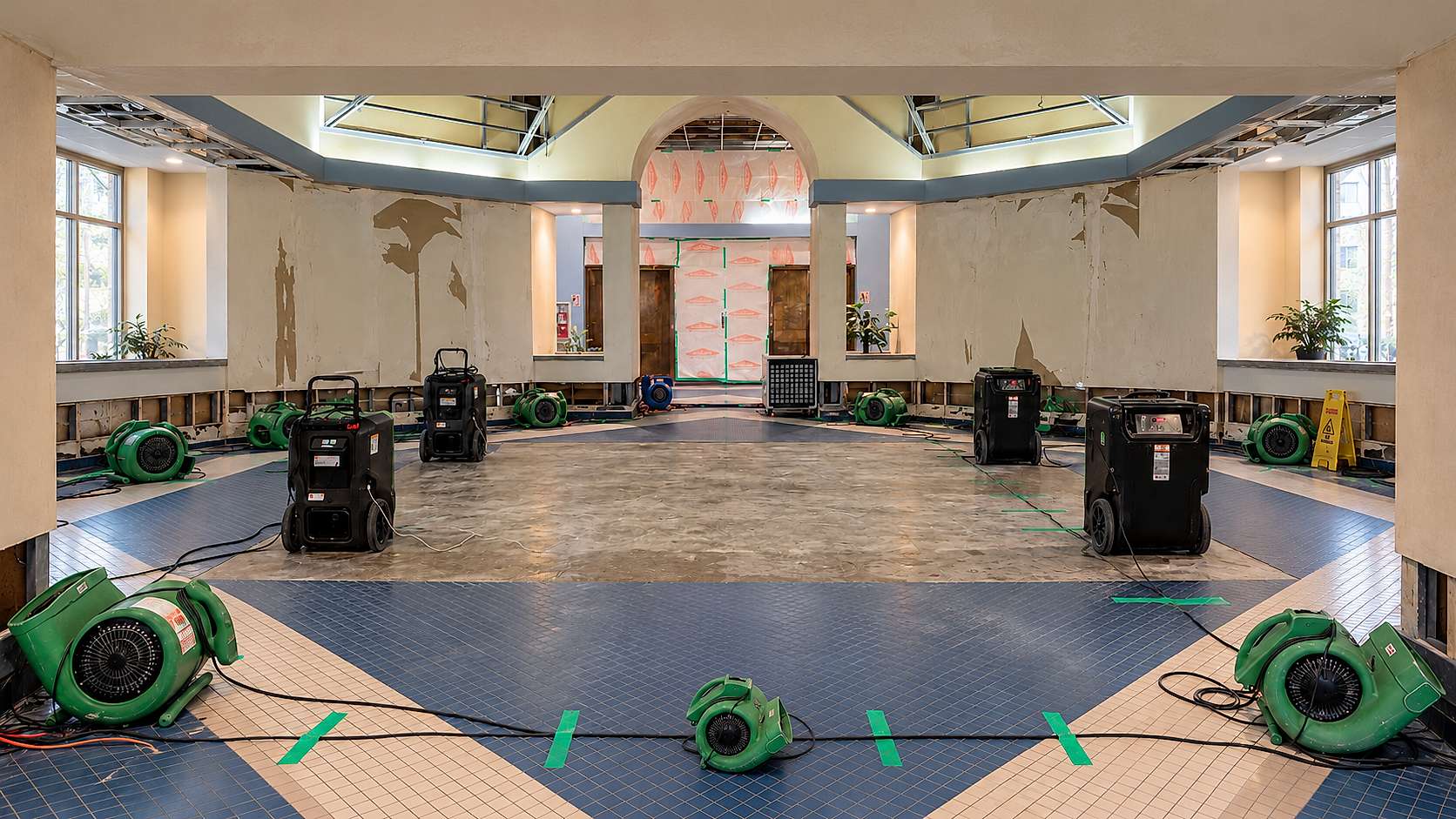
Records each day of a restoration job: safety, demo, moisture and atmospheric readings, and the drying equipment on site.

WordExcel
  • No email
  • No sign-up
  • Edit it, add your logo
See every check

The template

The full Restoration/Damage Repair Daily Report

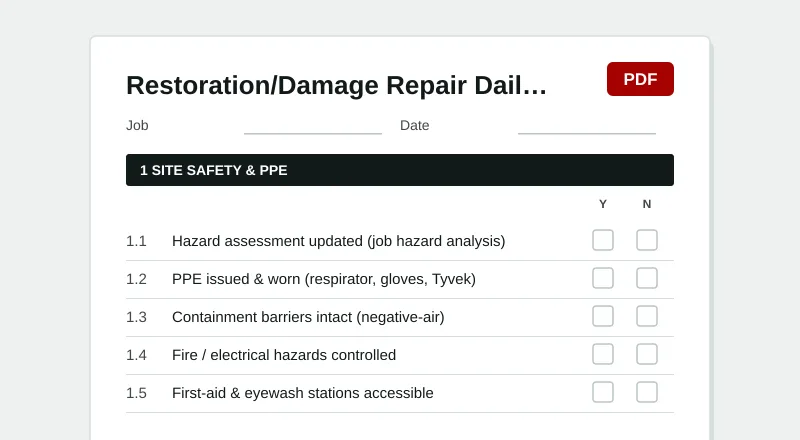
Print it for the clipboard, or put it on your crew’s phones. Same 5 checks either way.

Your logo

Restoration/Damage Repair Daily Report

Document every drying, cleaning, and rebuild task without shuffling paper. The Restoration/Damage Repair Daily Report lets crews log moisture data, HEPA usage, and demolition photos on-site. Supervisors track labor, equipment run hours, and safety checks that help align everything to OSHA PPE and respiratory protection rules (29 CFR 1910.132, 1910.134 and 1926.103), EPA mold guidance, and IICRC S500.

Job
Date
Project Name
Loss TypeWaterFireMoldStorm
Insurer Claim No.
Technician Name
Subcontractor / CompanyInternal
Interior Temp (°F)
Interior RH (%)
Moisture – Wood (%)
Moisture – Drywall (%)
Moisture – Concrete (%)
Dehu / Air-Scrubber IDs
Shift Date

1 · Site Safety & PPE

1 · Site Safety & PPEYN
1.1Hazard assessment updated (job hazard analysis)
1.2PPE issued & worn (respirator, gloves, Tyvek)
1.3Containment barriers intact (negative-air)
1.4Fire / electrical hazards controlled
1.5First-aid & eyewash stations accessible

Photos · photo refs

2 · Demolition & Cleaning

Inspection · repeat as needed

Item

ItemQtyDisposal Notes
Gypsum board removed (ft²)
Carpet / pad removed (ft²)
Antimicrobial applied (oz)
HEPA vacuum passes (count)
Debris hauled off (yd³)

Photos · photo refs

3 · Moisture & Atmospherics

Moisture Atmospherics

Zone / RoomTemp (°F)RH (%)GPP (grains/lb)Moisture Readings (%)Drying Goal (%)Notes

Photos · photo refs

4 · Equipment Log

Log

Equipment IDModelStart TimeStop TimeAmp DrawFilter / Bag Changed?Notes

Photos · photo refs

5 · Sign-Off

Crew Lead

Name
Signature
Date

Project Manager (review)

Name
Signature
Date

Client / Adjuster (optional)

Name
Signature
Date

References & Standards

  • OSHA 29 CFR 1910.134 – Respiratory Protection
  • EPA 402-K-01-001 Mold Remediation Guide
  • ANSI/IICRC S500 – Water Damage Restoration

Your AHJ and the code edition it has adopted govern. This checklist supports your inspection; it doesn’t replace the one your jurisdiction requires.

Free download

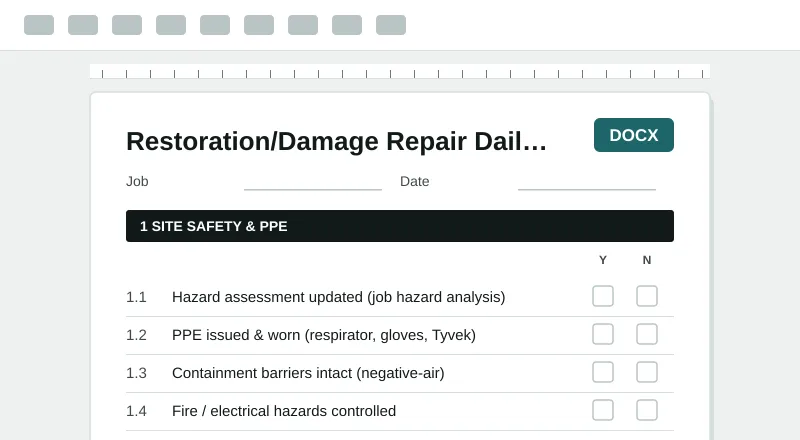
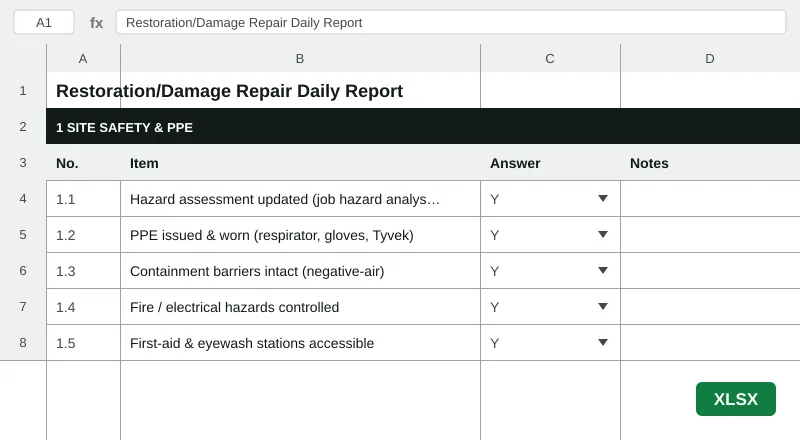
Restoration/Damage Repair Daily Report template: PDF, Word and Excel

Print the form as it is, or download a template you can edit. Every format is free, with no email and no sign-up.

How to use it

How to fill in the Restoration/Damage Repair Daily Report

  1. 01

    Fill it in as the day goes

    Start it at clock-in and add to it through the day. Memory at the end of the day leaves things out.

  2. 02

    Record who, what and how much

    Log crew, hours, equipment and materials against the job, plus the weather and any delays.

  3. 03

    Photos beat descriptions

    Photograph the progress, the problem and the delivery. A dated photo settles arguments a sentence can’t.

  4. 04

    Sign and send it the same day

    The foreman signs and sends it before leaving site, so the office sees today’s job today.

Why we built this

If it isn’t in the daily report, it didn’t happen

Delays, extra work and weather days get argued about months later. The report written on the day is what settles it.

  • Built for the field. Every check is written the way crews talk, with room for notes, photos and a signature.
  • Free, with no catch. No email, no account. Print it and hand it out.
  • On paper or on the phone. The same form runs on the Workyard app, filed to the job when it’s sent.

3,000+contractors run their crews on Workyard

Meet Workyard

Who we are

Workyard is the construction operations platform for specialty contractors and self-performing general contractors determined to grow without sacrificing job control or margins.

Forms like this one are what our customers’ crews fill in on Workyard every day, on the same app they clock in with.

workers on Workyard every day
100,000+
free templates, none of them gated
182

Forms & Workflows

Get every form back from every crew, every day

  • It shows up on its own. Attach it to a task, a job or clock-out, and it’s on the crew’s phone when it’s due.
  • It can’t be skipped. Make it required and the day can’t close until it’s in.
  • You see it the same day. Filed, flagged or missing, every job on one board, before anyone has to call.

$123,000cut from insurance costs at TR3 Group

More daily reporting templates

Free templates for the rest of the job

Browse all templates

Questions

Restoration/Damage Repair Daily Report FAQs

How often should the report be completed?

Log data at least once per shift and after any substantial change—equipment moves, new demolition, or moisture milestone. This frequency satisfies OSHA documentation expectations and gives insurers a verifiable day-by-day narrative of mitigation progress.

Which hazards does the form address?

The checklist covers structural, electrical, microbial, and chemical hazards commonly seen in fire, flood, or mold jobs. PPE prompts align with OSHA PPE and respiratory protection rules (1910.132 and 1910.134) and EPA mold guidance, ensuring technicians document respirators, gloves, and containment before work begins.

Can I track multiple jobs simultaneously?

Yes. Each project has its own dashboard showing drying progress, labor hours, and equipment utilization. Push alerts highlight sites falling behind target moisture levels, letting managers reassign resources before deadlines slip.

Does the form help with insurance billing accuracy?

Absolutely. Labor, equipment run hours, and material usage feed cost codes in real time. Supporting photos and readings form a defensible record that speeds carrier approval and reduces supplement negotiations.

Do I need a Workyard account to use it?

No. Print the paper form, save it as a PDF, or download the Word or Excel file, free, with no email and no sign-up. You only need an account to put the digital form on your crew’s phones.

Can I edit the template?

Yes. Download the Word or Excel version to add your logo, add checks from your project spec or remove sections you don’t need. They open in Google Docs and Google Sheets too.

How do I get my crew to fill it in on their phones?

Add the digital form to Workyard and attach it to the job or the task it belongs to. It shows up in the app your crew already clocks in with, and every form comes back signed, with its photos, filed to the job.

Trigger the form at the right moment

A job's Forms tab in Workyard: each form, the clock-in or clock-out that triggers it, and how many have been submitted
A van check filled in on the Workyard app: the damage photo, a description and the tech's signature, ready to submit

Book a demo with a Workyard specialist

Your local Workyard specialist

Works with 50 contractors across the US

Your details

30 min · Video call